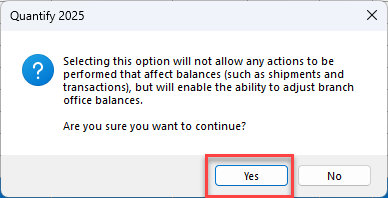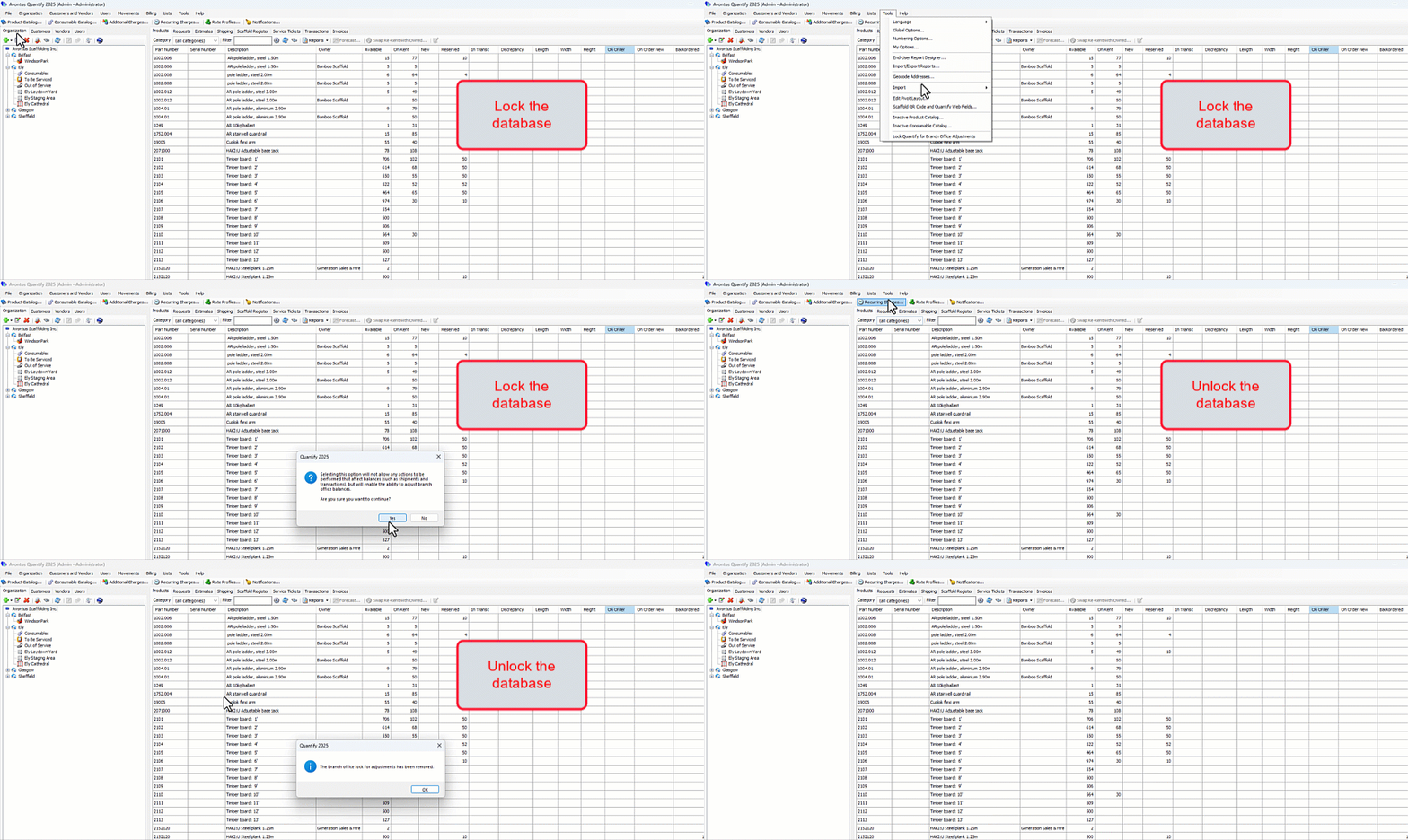
Before Quantify allows you to make Branch Office adjustments (Adjusting Inventory Balances), you must lock the database. This prevents any end user activity in the database that might affect inventory levels. Once you have made Branch Office adjustments, you must unlock the database. This enables all activities in the database.
In this section, you can see how to perform these tasks in text and video format.
Locking the Database
You lock the database with a simple menu selection.
To lock the database:
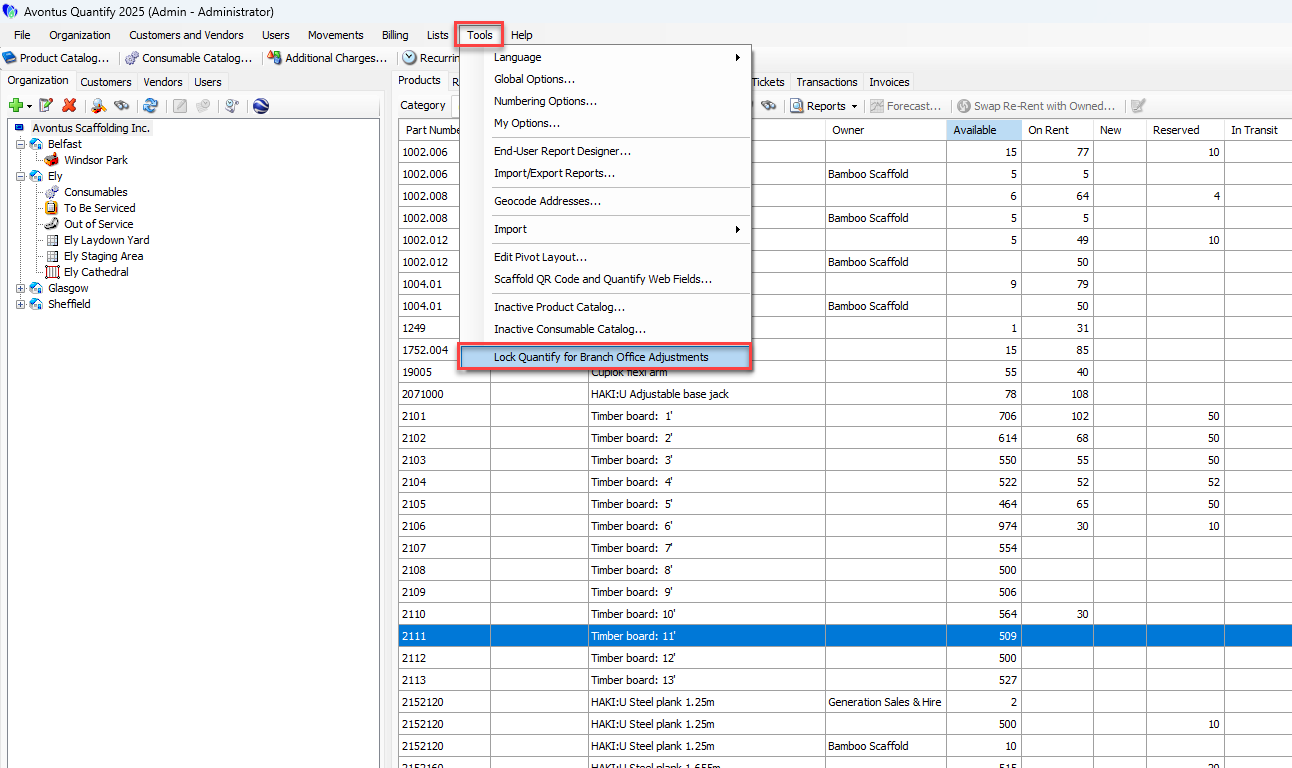
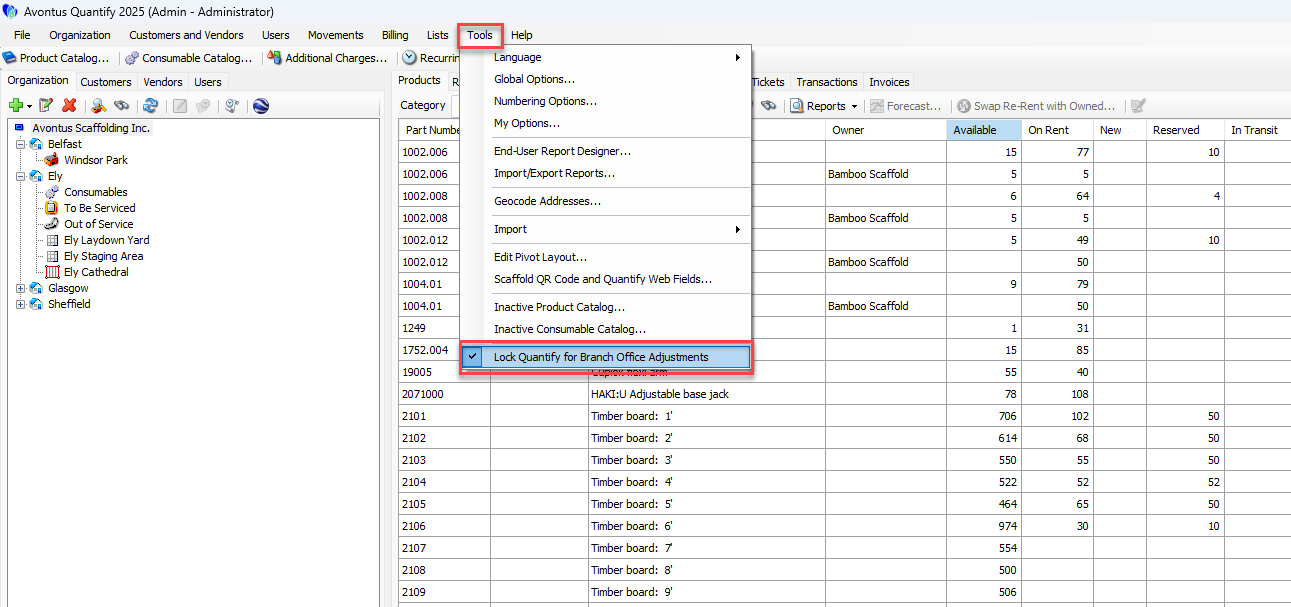
Click the Tools menu and select Lock Quantify for Branch Office Adjustments.
A confirmation dialog appears.
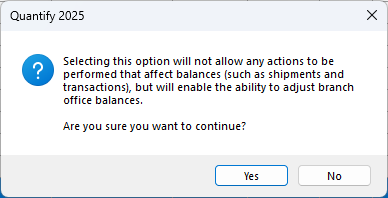
Click Yes.
Unlocking the Database
Like locking the database, you unlock it with a simple menu selection.
To unlock the database:
Click the Tools menu and select Lock Quantify for Branch Office Adjustments.
A confirmation dialog appears.Click OK.