Should there ever be a situation where a scaffold cannot be used (for example the boiler is active), a scaffold should be marked as Do Not Use.
- On the Map screen, viewing Scaffolds, tap a Standing scaffold thats to be set as Do not use
- Tap the status
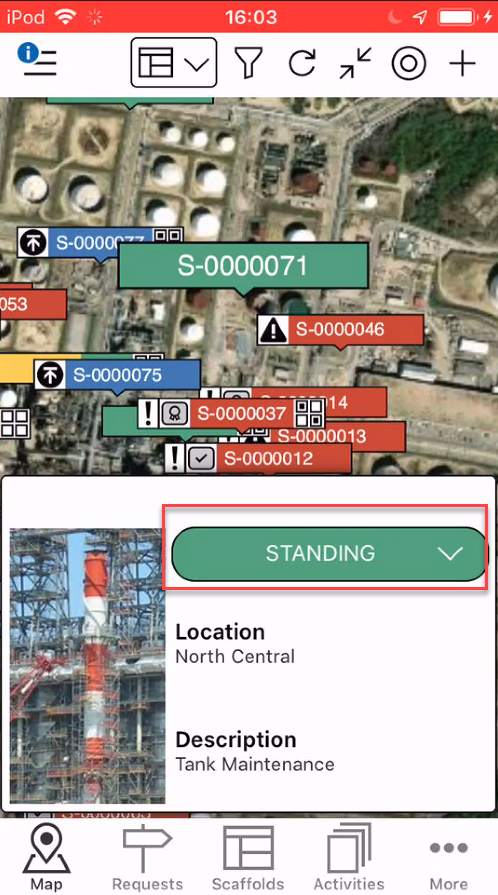
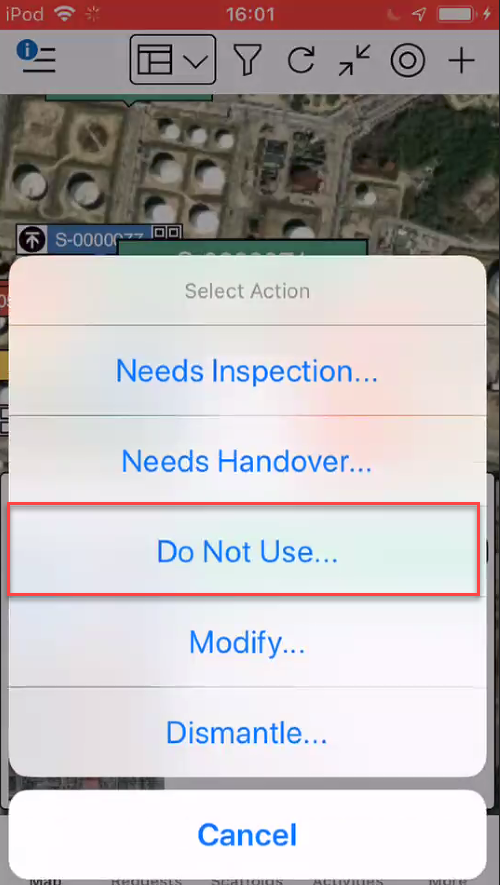
Note: You can also mark as Scaffold as Do Not Use from the Scaffold Details screen - Tap Do Not Use
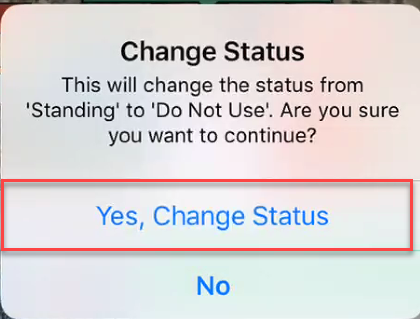
- Tap Yes, Change Status
- Provide a comment and tap the tick icon
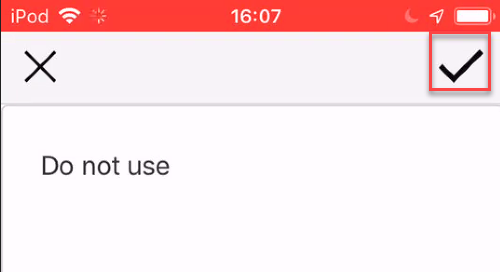
The scaffold status will change to Do Not Use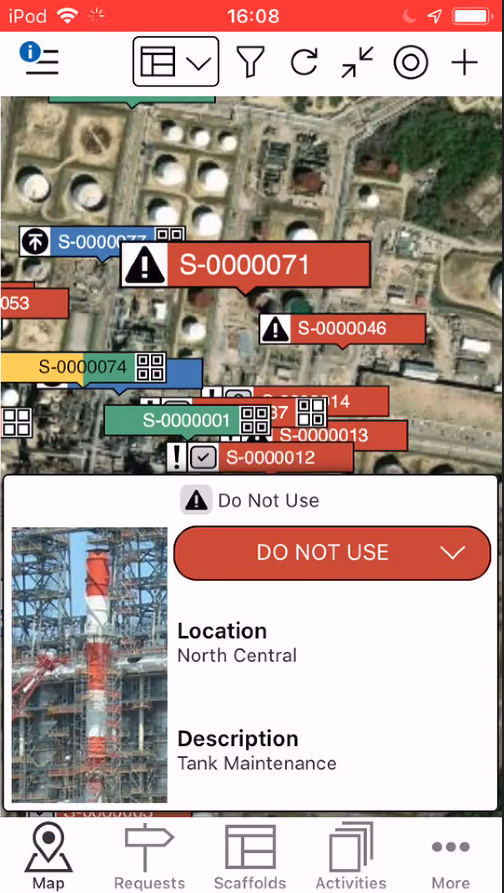
The scaffold will be marked as safe to use when appropriate. This could be done by changing a scaffold to Standing or performing an Inspection or Handover.