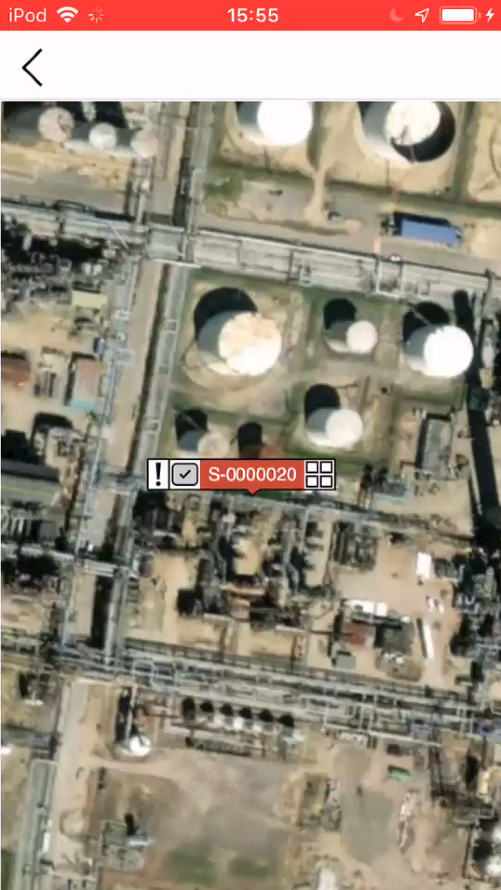
To locate a specific scaffold or request on the map it will help to know some details about the scaffold (such as the ID of the scaffold). You can enter this information on the Scaffolds screen to find the Scaffold, and then locate it on the map.
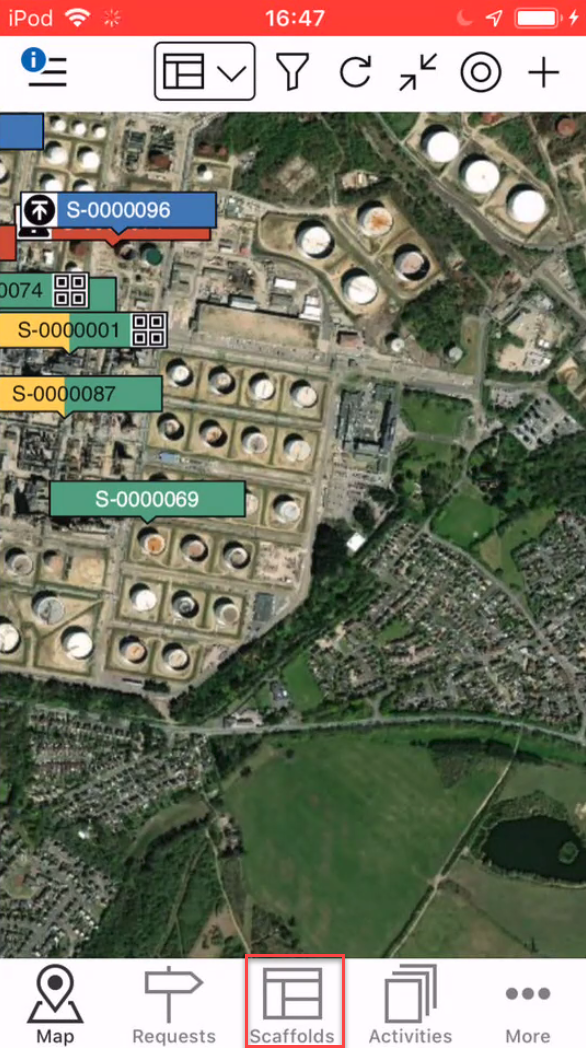
- Go to the Scaffolds screen.
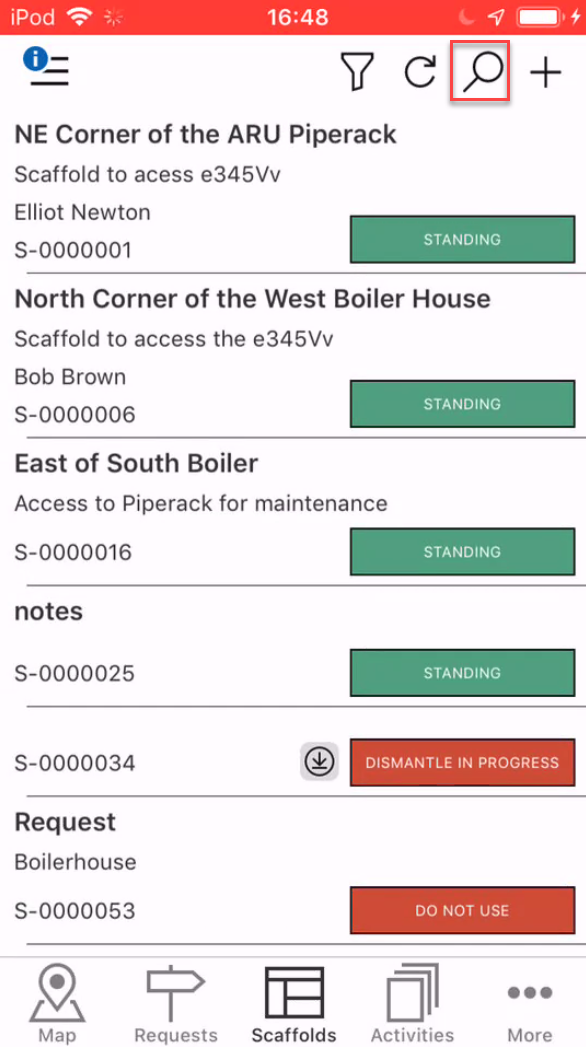
- Tap the search icon.
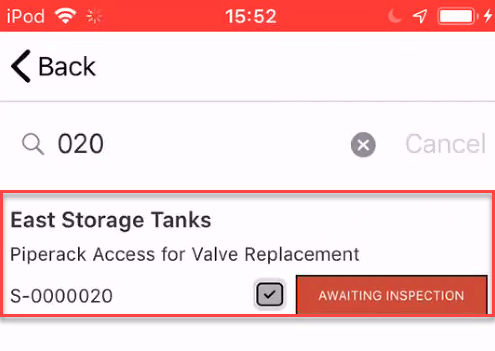
- Specify the search terms and tap the Scaffold to open its details.
- Scroll down to the Location section and tap the Location section.
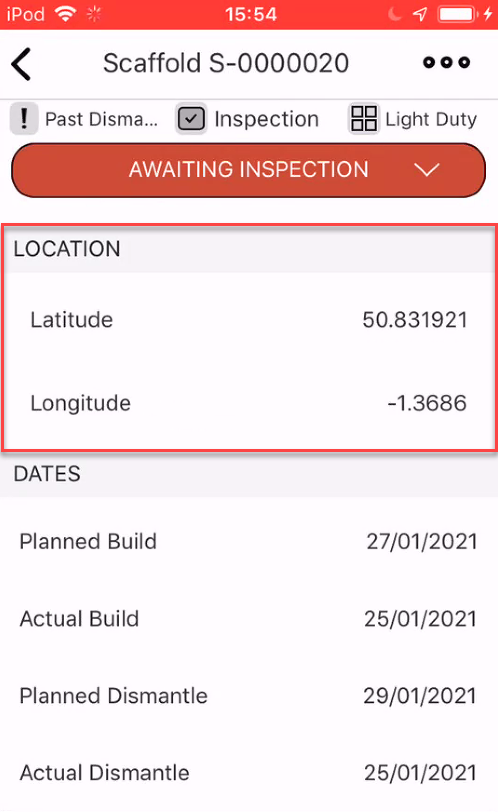
You will be taken directly to the scaffold's location on the map.