Avontus Viewer enables you to use your mobile device to move through your models in virtual reality (VR). To Do this, you must first have a Avontus Viewer cardboard.
To navigate through a Avontus Viewer model in VR:
- Log in to Avontus Viewer.
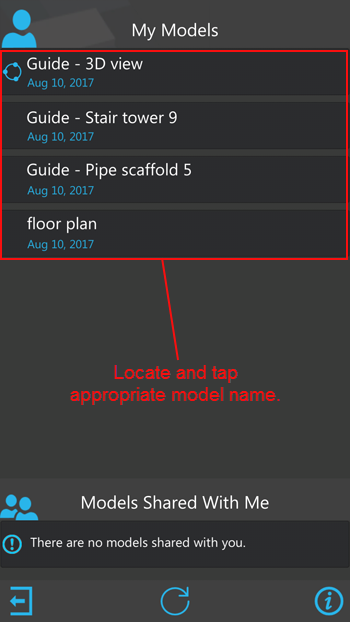
Avontus Viewer displays the list of models available to you. - Locate and tap the drawing you want to view.
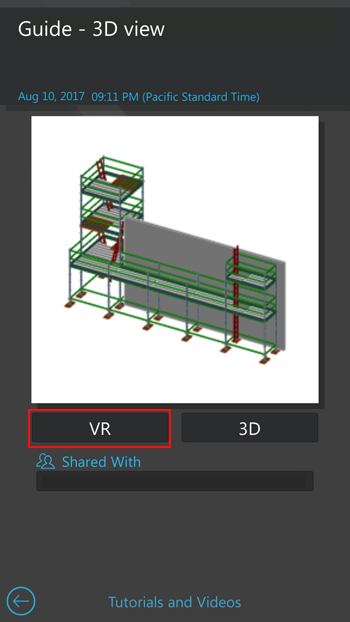
Avontus Viewer displays the 3D View screen. - Tap VR.
Avontus Viewer displays the model in virtual reality.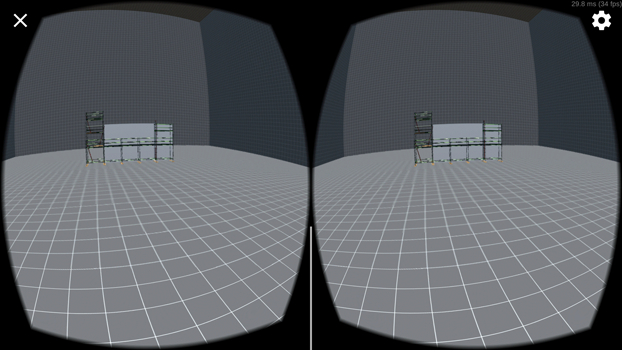
- Place your device into the Avontus Viewer cardboard, so that the screen faces the lenses in the cardboard.
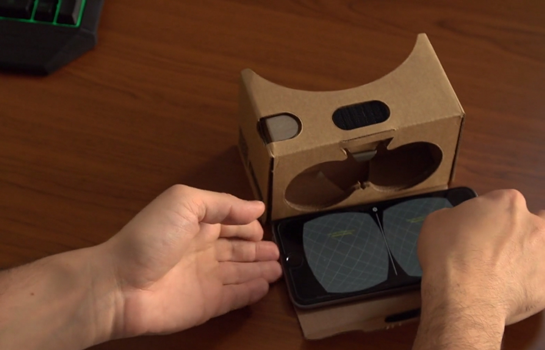
- Close the cover over the back of your device.
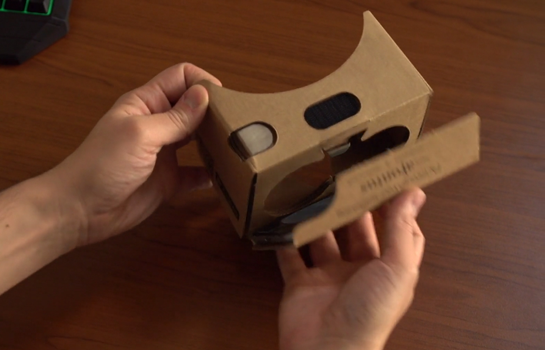
- Secure the device by pressing the Velcro closure.
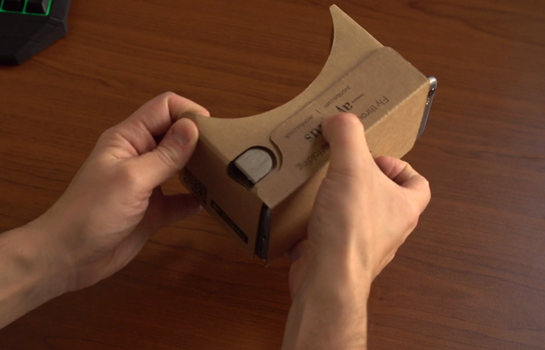
- Hold the cardboard up to your eyes, so that the cutout tab is on top.
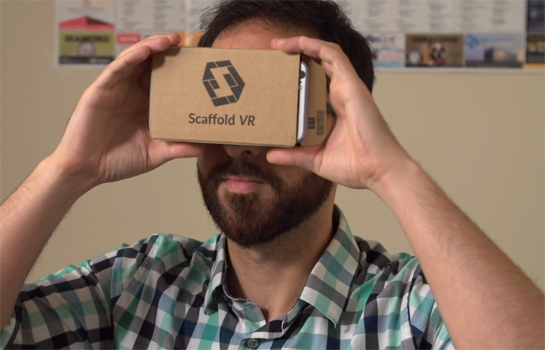
- Look around the virtual reality in the same way you would actual reality: move your head to the right and left, up and down.
- To move into the model press the tab in the top left corner of the cardboard.\
- To move out, tilt your head 45 degrees, and press the tab.
Tilting your head changes the direction of the move, in or out.