If you have enabled offline working on the Desktop app, you have the ability to work offline using your mobile device.
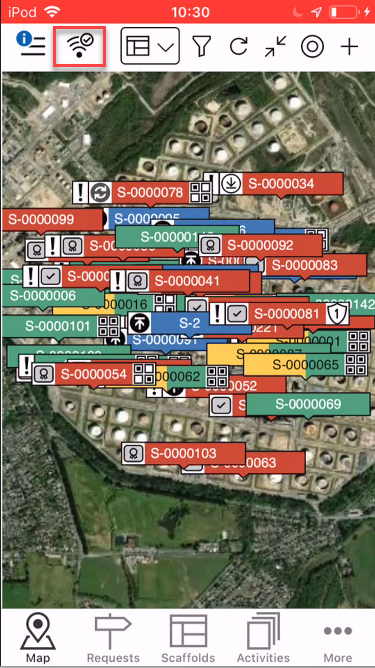
- Tap the Wifi icon in the top-left
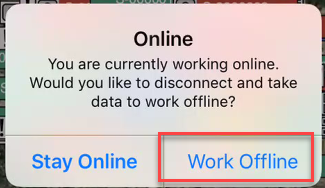
- Tap Work Offline.
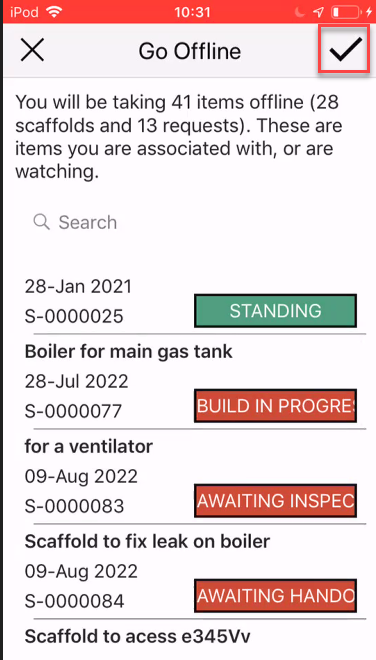
- Tap the tick icon to take these Requests and Scaffolds offline.
The offline synchronisation will begin.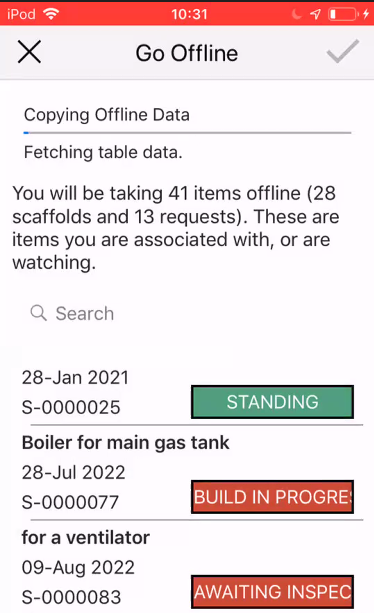
When complete, you will be asked to sign in.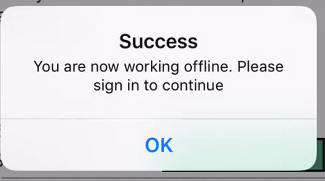
- Sign in to ScaffoldIQ.
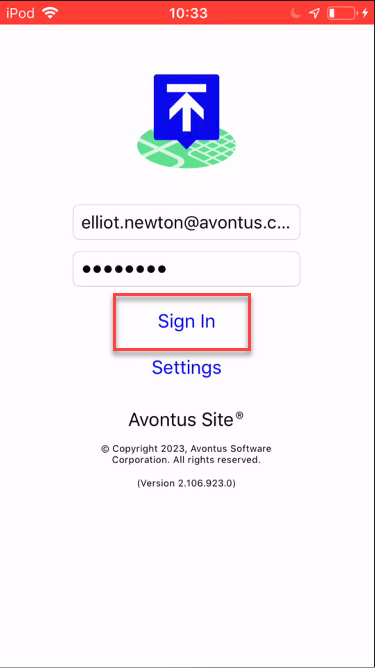
You will now be working offline. The wifi icon will change to indicate you are working offline.