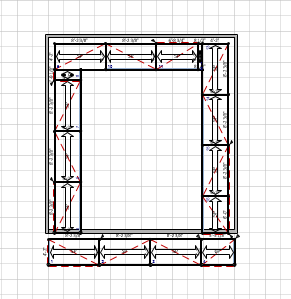
The Wall Scaffold button in the Structures tab makes adding Scaffolds to Walls very quick and easy.
To place Scaffolds around Walls:
Place and configure the Walls.
Select the Walls around which you want to add Scaffolds.
Click the Structures tab and click Wall Scaffolding.
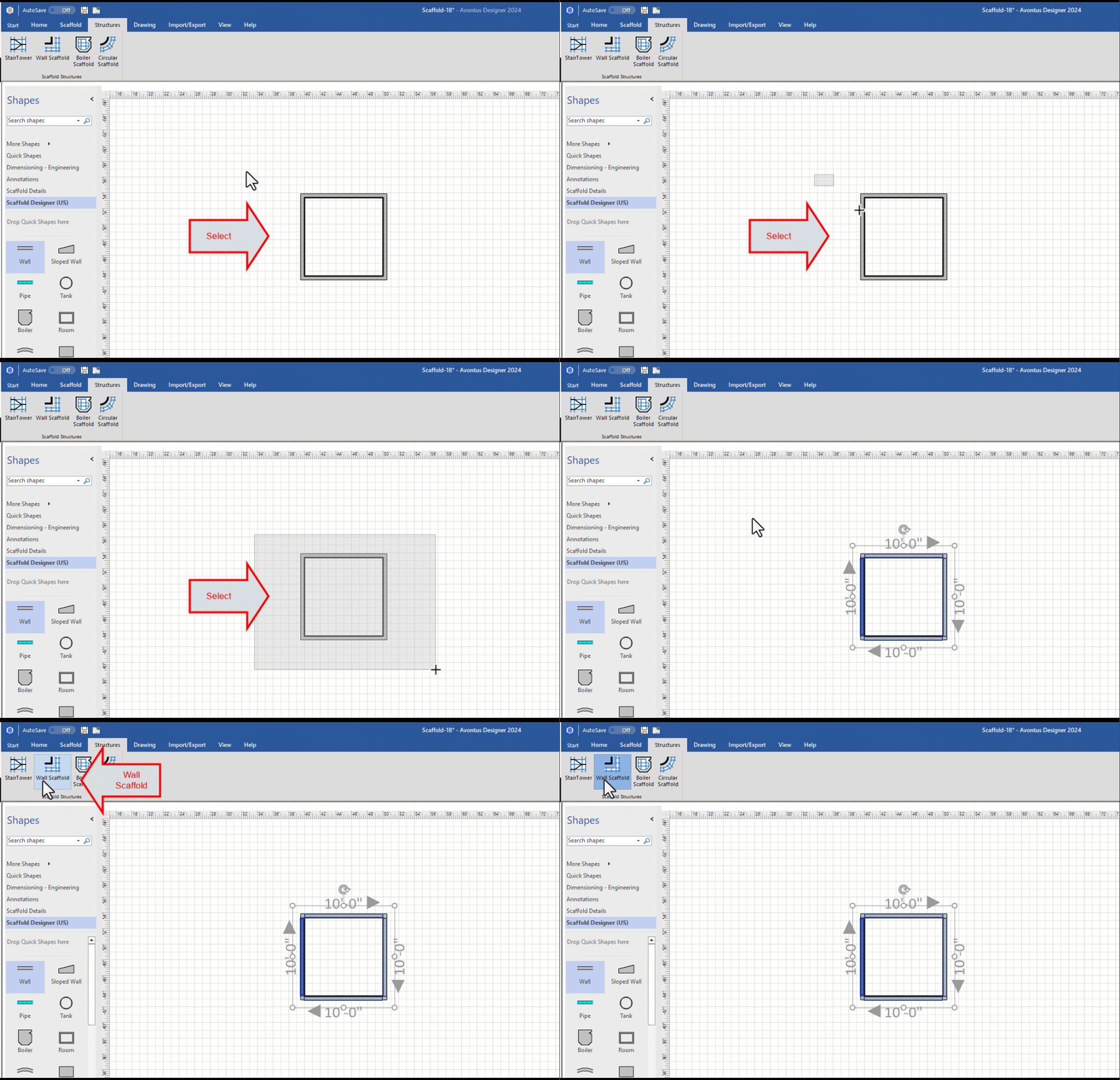
The Wall Scaffold dialog appears.
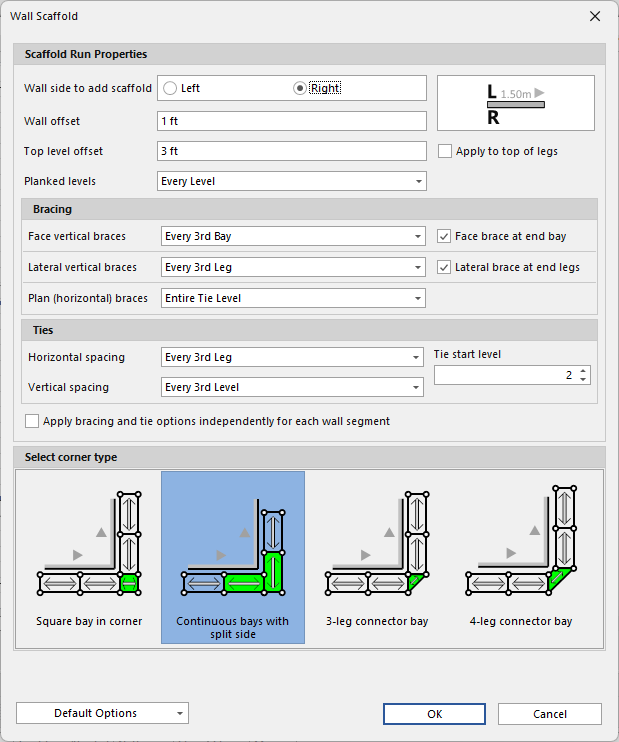
Configure the Scaffolds as appropriate. For more information about the features in this dialog, refer to Working with Wall Scaffolds.
Click OK.
Avontus Designer adds the Scaffolds to the room.