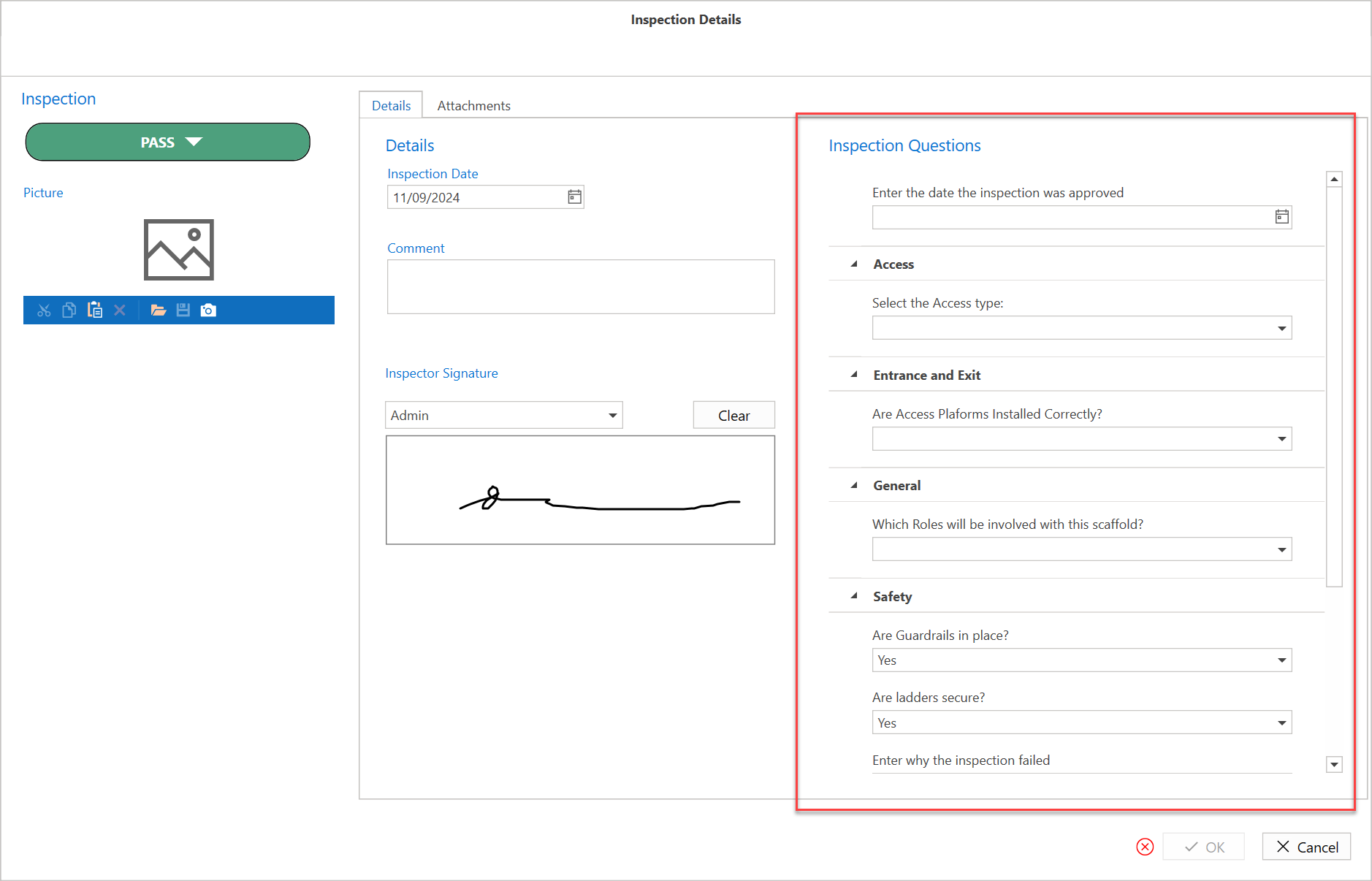
In the Questions dialog, you can create questions, which will then appear on Inspections and Handovers. Users can answer these questions when completing an inspection or handover.
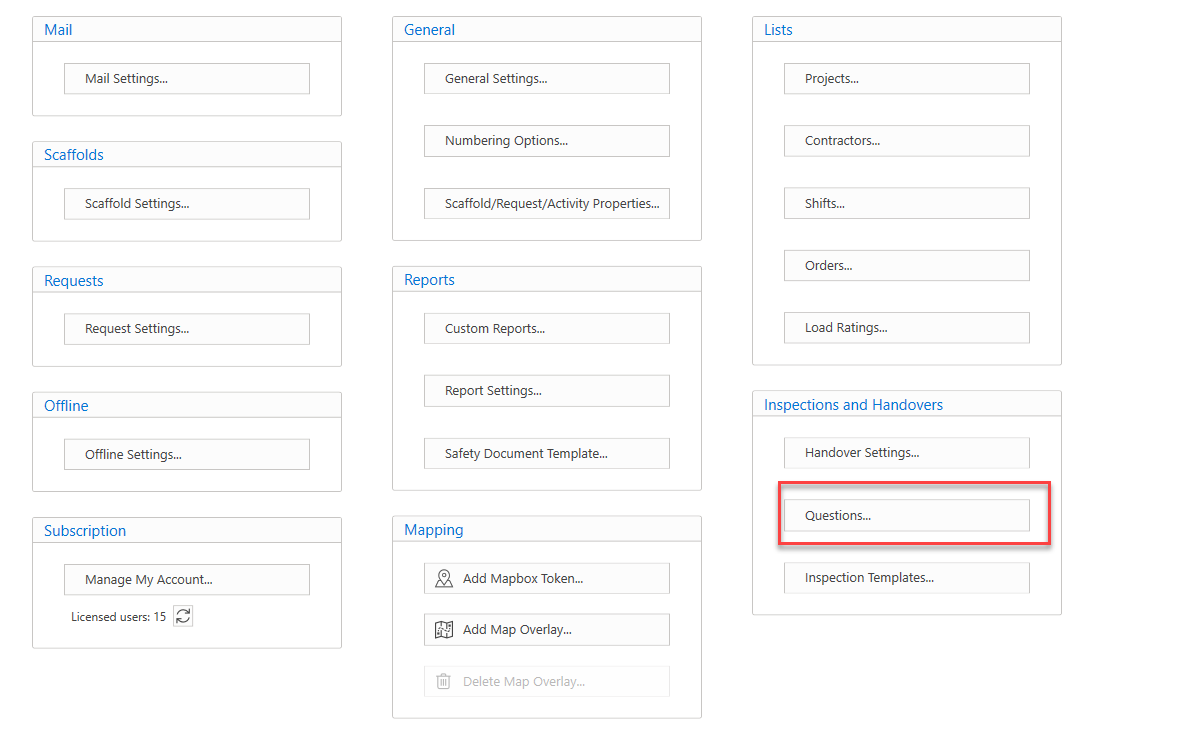
You can access the Questions screen from the Global Settings.
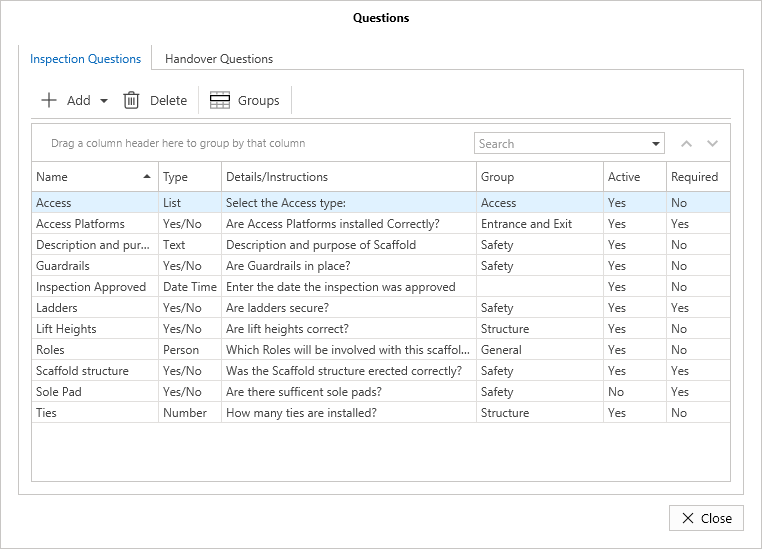
In the Questions screen, you can create questions that can be added to Inspections and Handovers. You will see these when you are inspecting or handing over a Scaffold.
These questions can be set as mandatory which means they must be answered by the user completing the Handover or Inspection form.
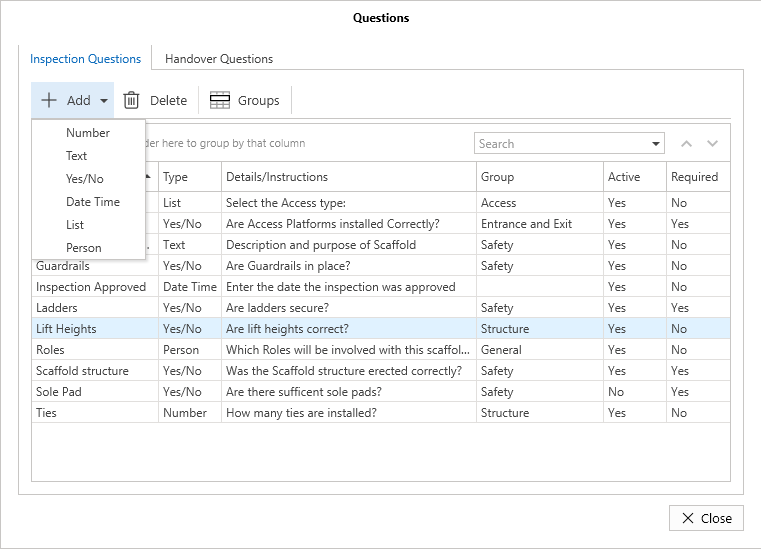
You can ask different types of questions that require different type of responses. For example, you can ask a question that requires a Yes or No answer or a question that requires the answer to be a date or time. The options are:
Number
Text
Yes/No
Date Time
List
Person
You can find these questions by clicking the Add button and then select the question type you require.
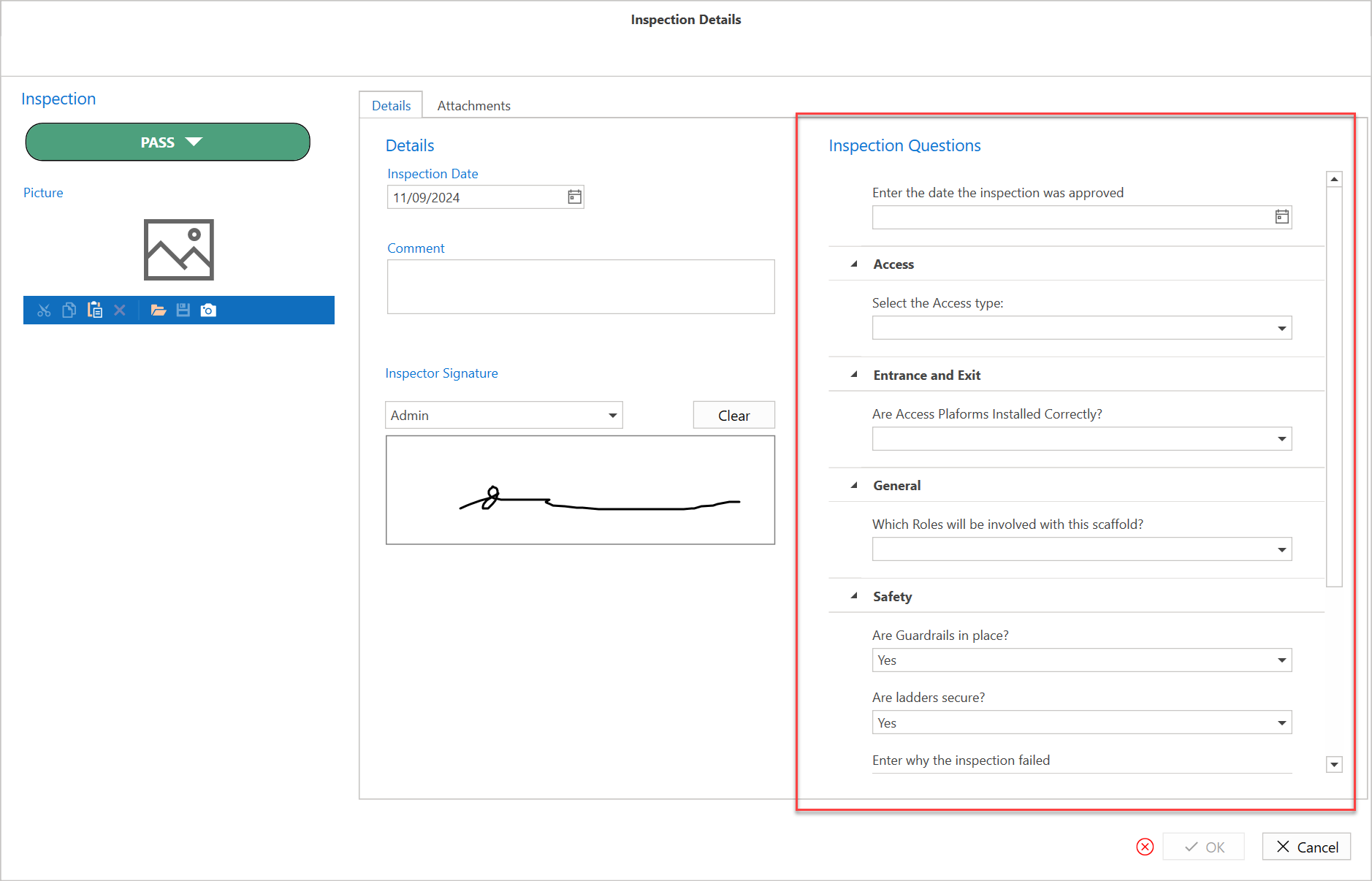
The Inspection or Handover form will contain the created questions and place them in Groups.
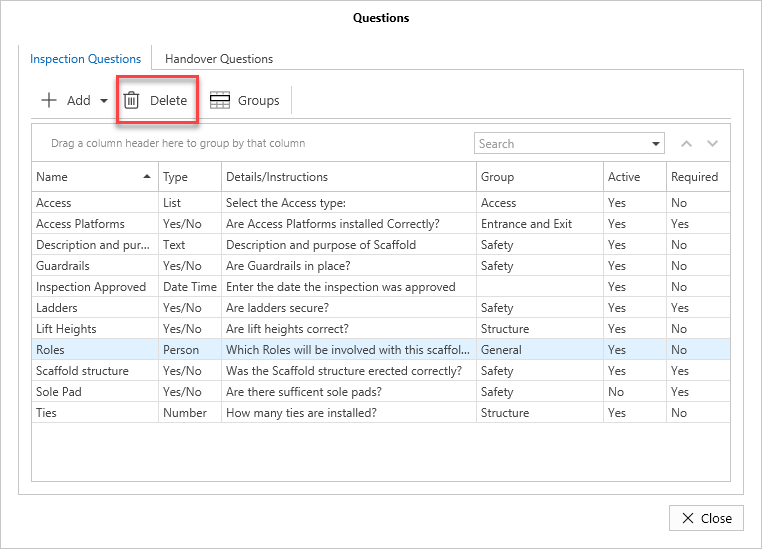
You can delete a question. To do this, select the question to delete and click Delete.
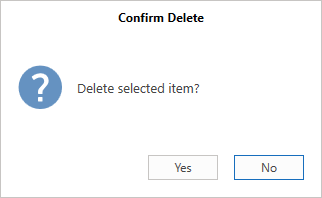
Confirm you wish to delete the question by clicking Yes.
Note that you cannot delete a Question that’s in use. (You must first delete all inspections or handovers that the question appears on.) We recommend that you edit the question instead of replacing it with a new one.