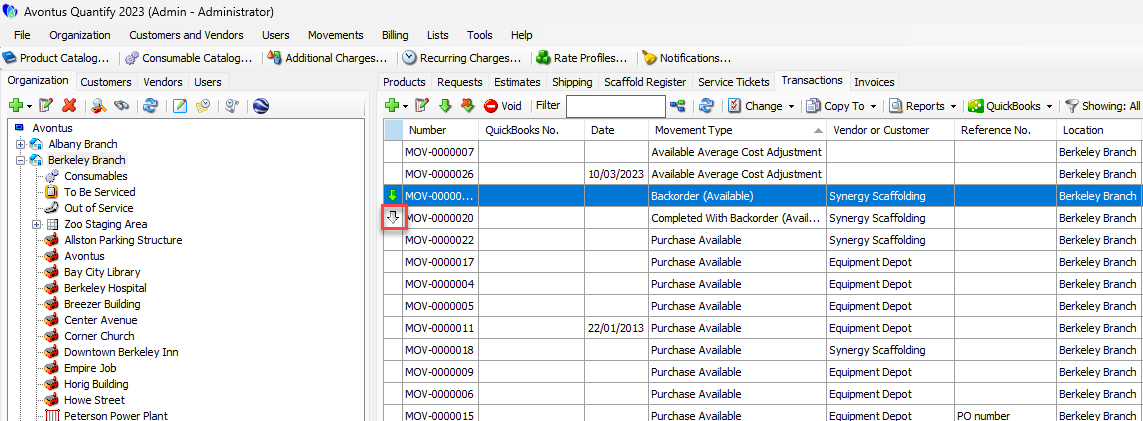
Transactions that are on order have a green arrow next to them, indicating they must be received before the materials can be rented or shipped.
To receive an on-order Transaction:
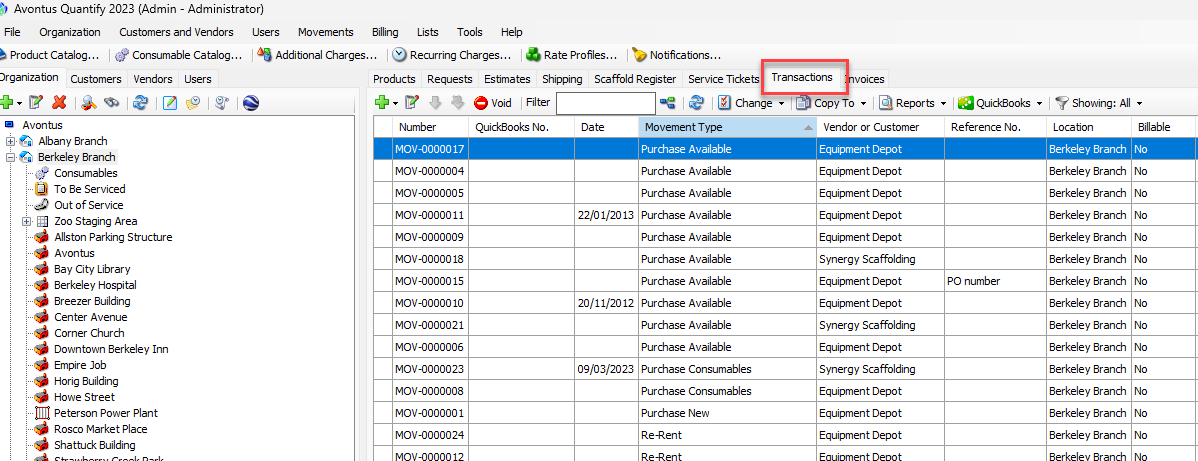
Click the Transaction tab.
Locate and click the Transaction, to select it.
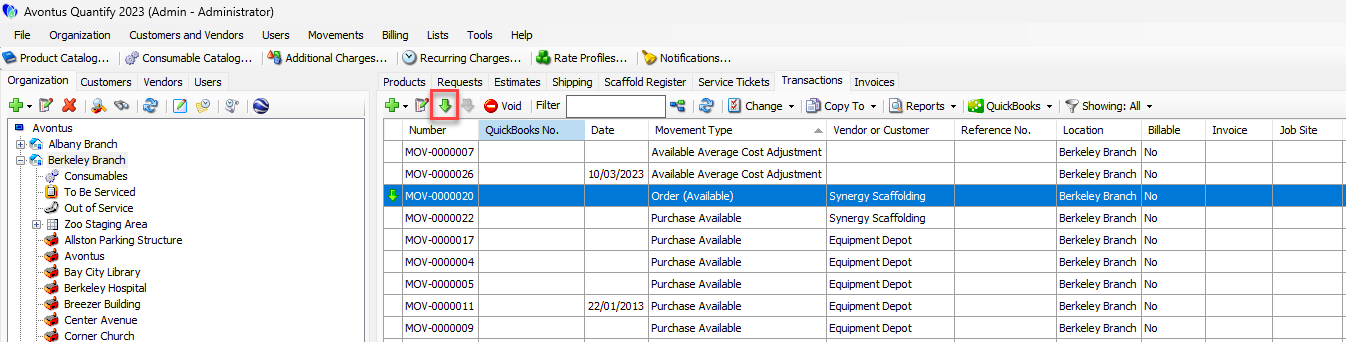
To receive the order, click the green arrow (
 ) above the grid.
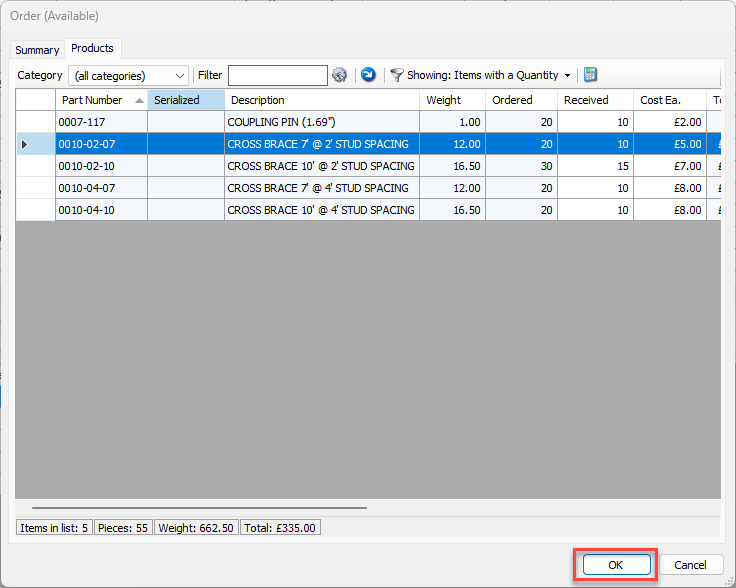
The Order (Available) or Backorder (Available) dialog appearsClick in the appropriate cell in the Received column and enter the number of items received.
Note: To receive the entire order, click the blue arrow above the grid.
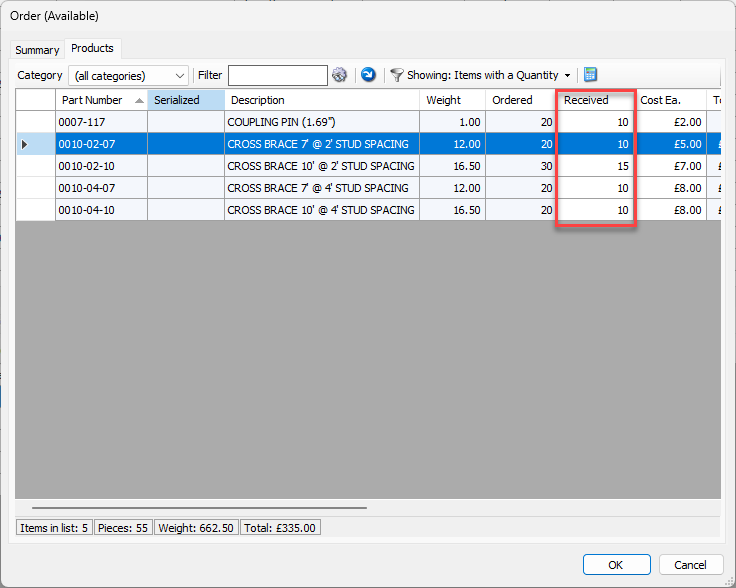
Repeat the receiving steps as many times as necessary.
When all quantities are received, click OK.
Orders that have been received have a gray arrow next to them to indicate that it is completed. The order type will also indicate that it is completed.