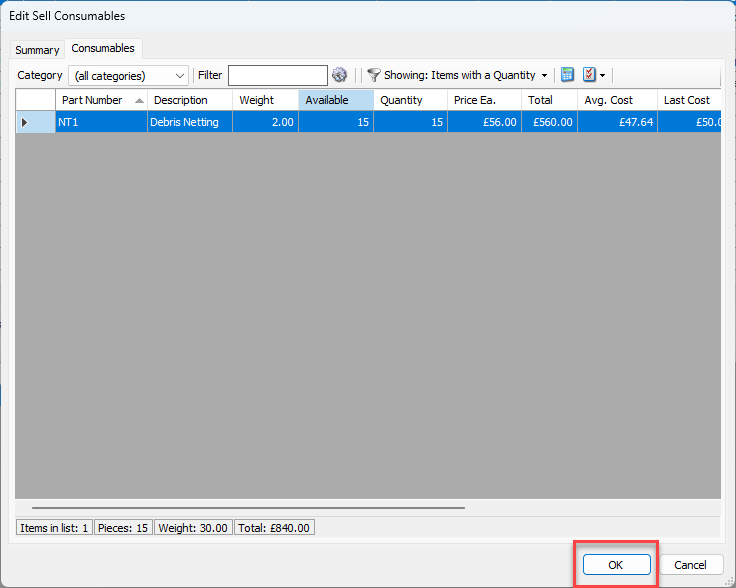
You can edit Transactions (MOV's). If edits affect inventory, Quantify will adjust balances at the Branch Office or Sub-Branch.
To edit a Transaction:
Click the Transaction tab.
Locate and click the Transaction, to select it.
To edit the Transaction, click the edit icon (
 ) above the grid.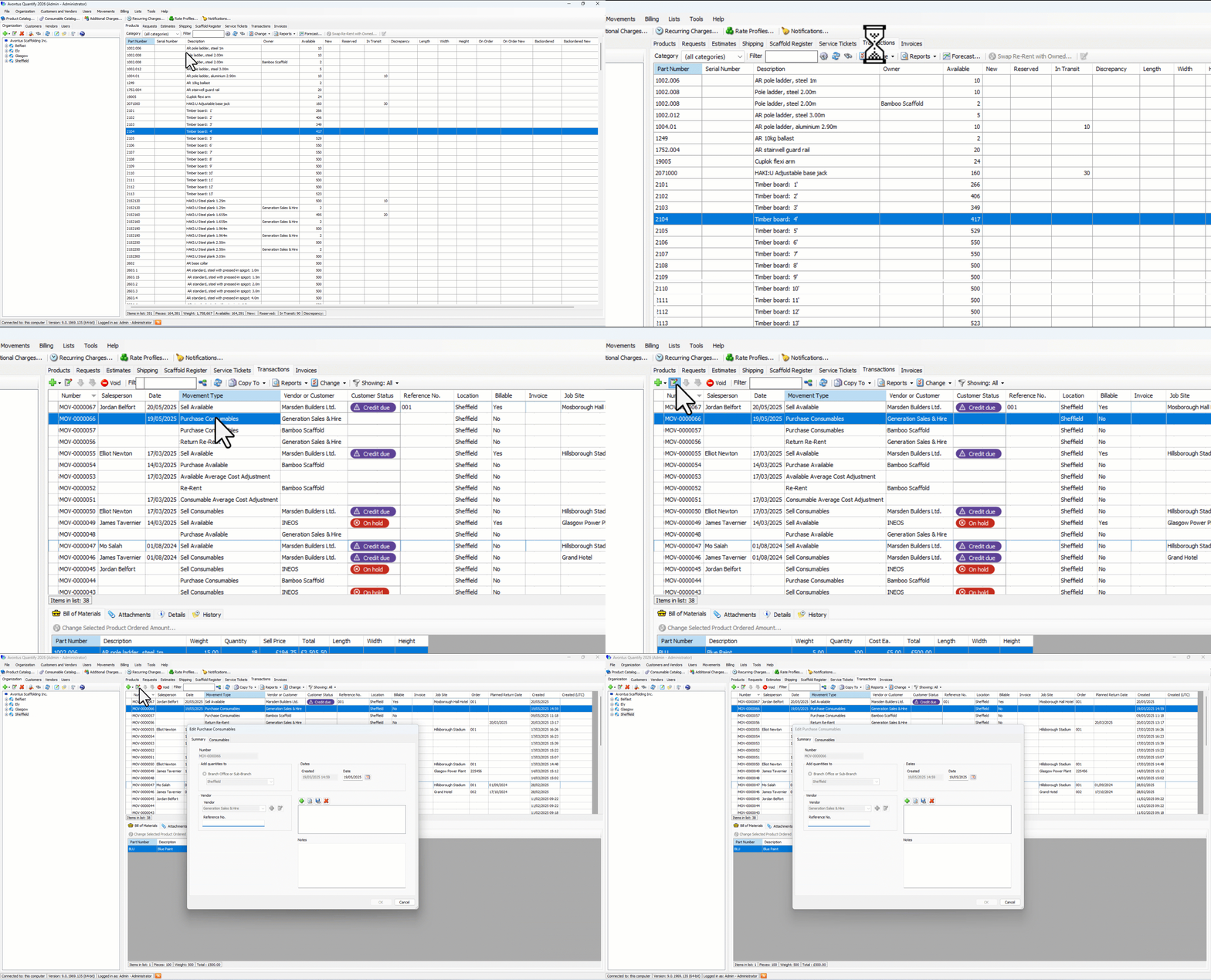
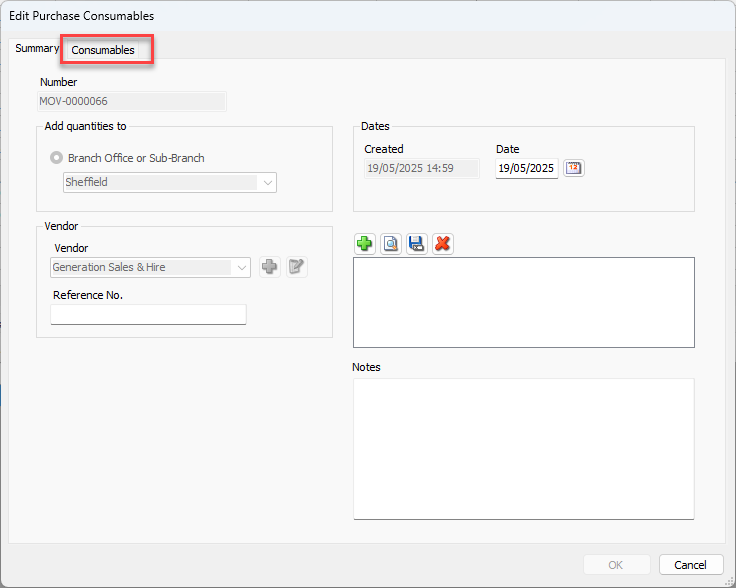
The Edit Transaction dialog appears.Make any changes as required on the Summary tab.
Click the Products/Consumables tab.
To change quantities, click the appropriate cell in the Quantity column and enter the new number of items received.
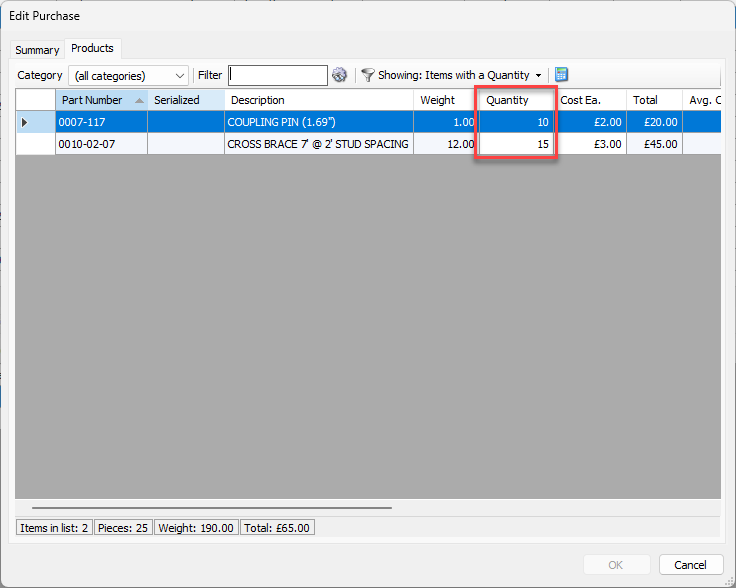
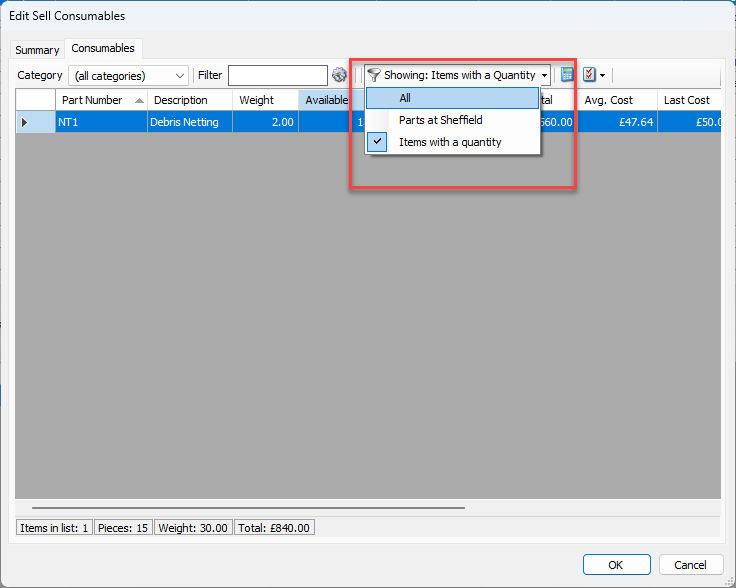
To add parts to the Transaction, change the view filter to Showing All, then click in the appropriate cell and enter the quantity.
Repeat the above step as many times as necessary.
Click OK.