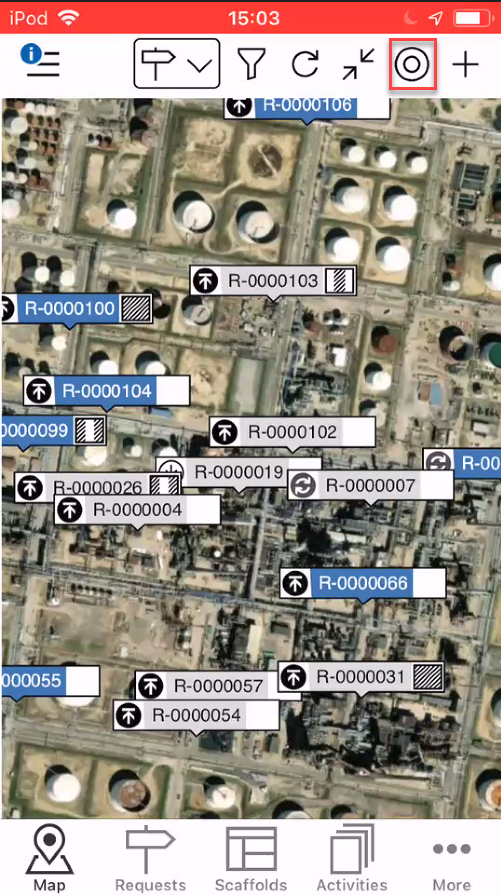
In addition to the Add and Scaffolds/Requests Filter buttons, further options include Refresh, Fit, and My Location. This article will explain their purposes.
Refresh
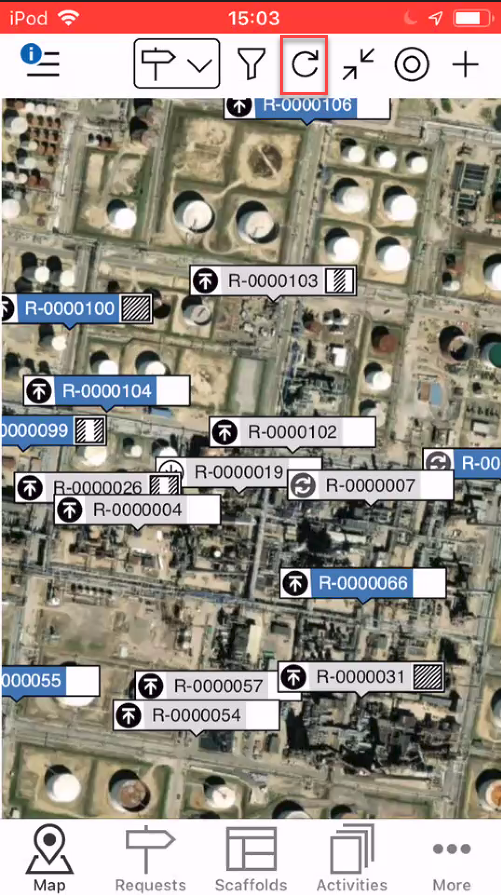
Tap refresh to reload the map.
Fit
Fit displays all requests or scaffolds that are shown on the map, dependent on the filter, in a single frame
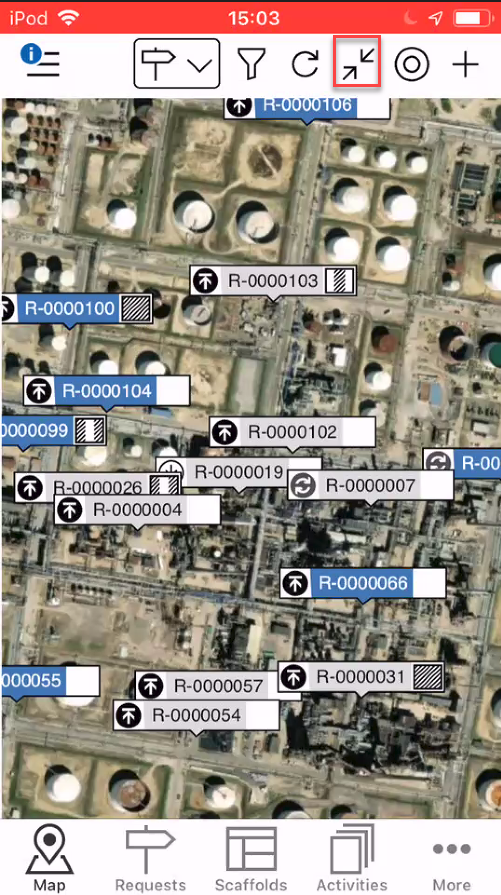
Note: If you do not have any Scaffold/Requests pins displayed, selecting Fit will zoom to the map overlay you have uploaded.
My Location
Tap My Location to go straight to your current location. Your location is marked by a blue circle.
Note: Please ensure your GPS is enabled on your mobile device.