You can remove any layer at any time. The procedures below show you how to do that.
To remove a layer:
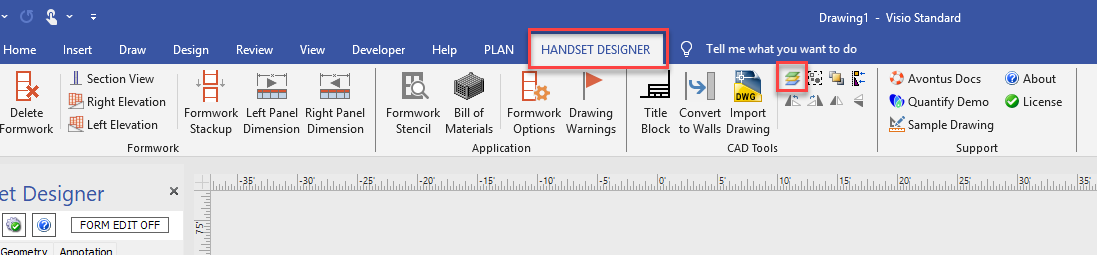
Click the Handset Designer tab, then click the Layers Table button in CAD Tools group.
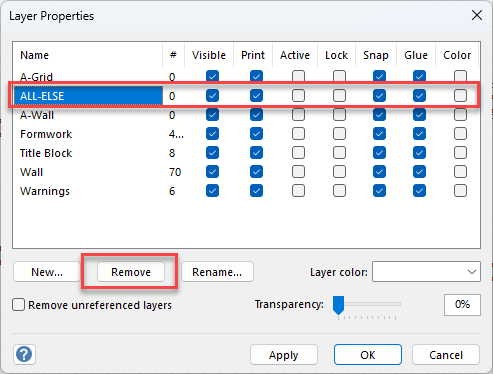
The Layer Properties dialog appears.Click the appropriate layer to select it, then click Remove.
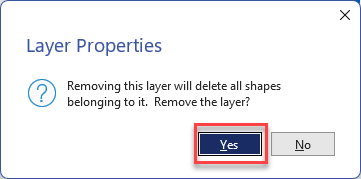
Click Yes
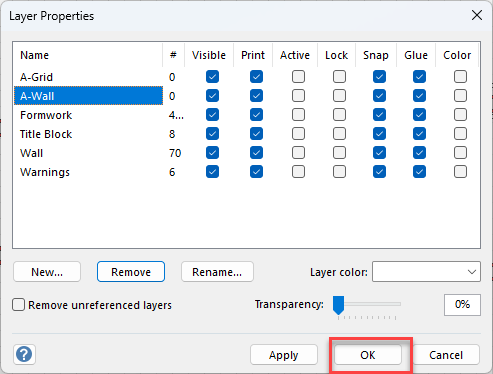
Click OK.