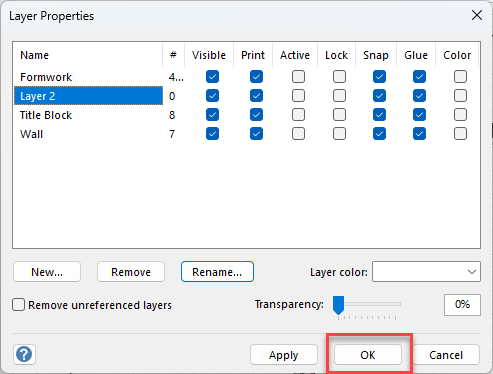
You can rename a layer at any time to suit your needs.
To rename a layer:
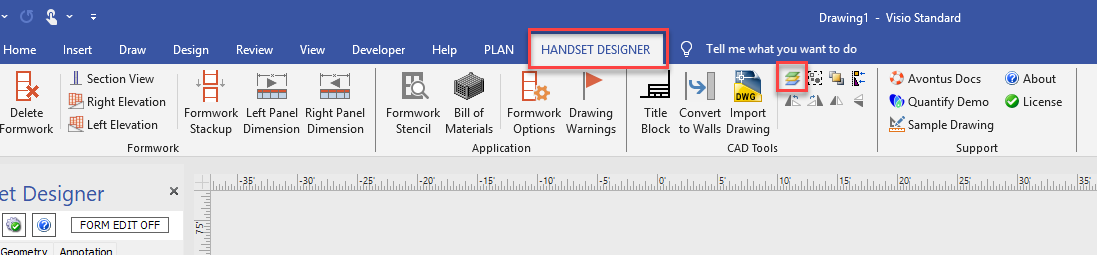
Click the Handset Designer tab, then click the Layers Table button in CAD Tools group.
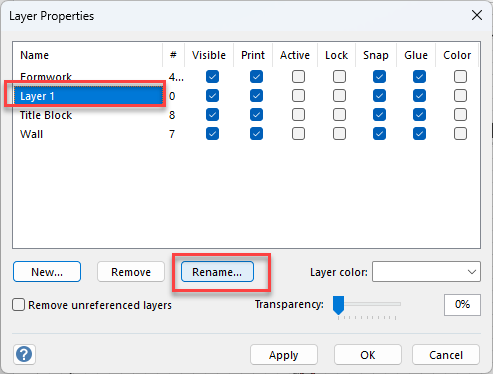
The Layer Properties dialog appears.Click the appropriate layer to select it, then click Rename.
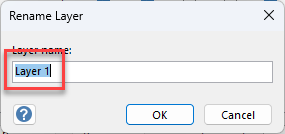
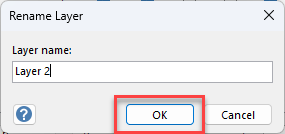
The Rename Layer dialog appears.Click in the text field and enter the name of the new layer.
Click OK.
The Layer Properties dialog returns with the layer updated.
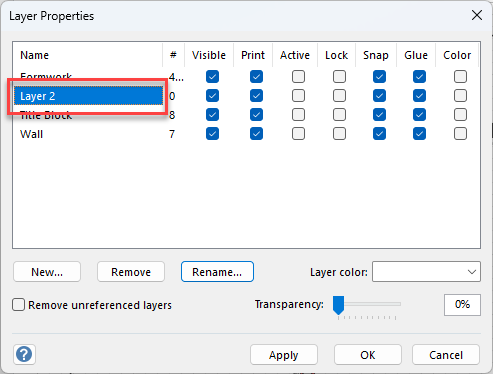
Click OK.