Quantify will add any associated QuickBooks number created on a bill in QuickBooks to a Quantify Transaction during the import. You can remove this number from the Transaction, if necessary.
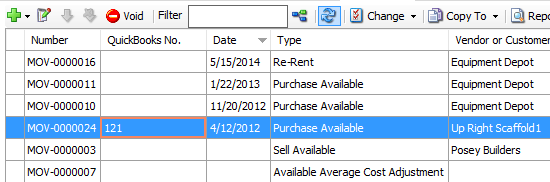
To remove a QuickBooks number from a Transaction:
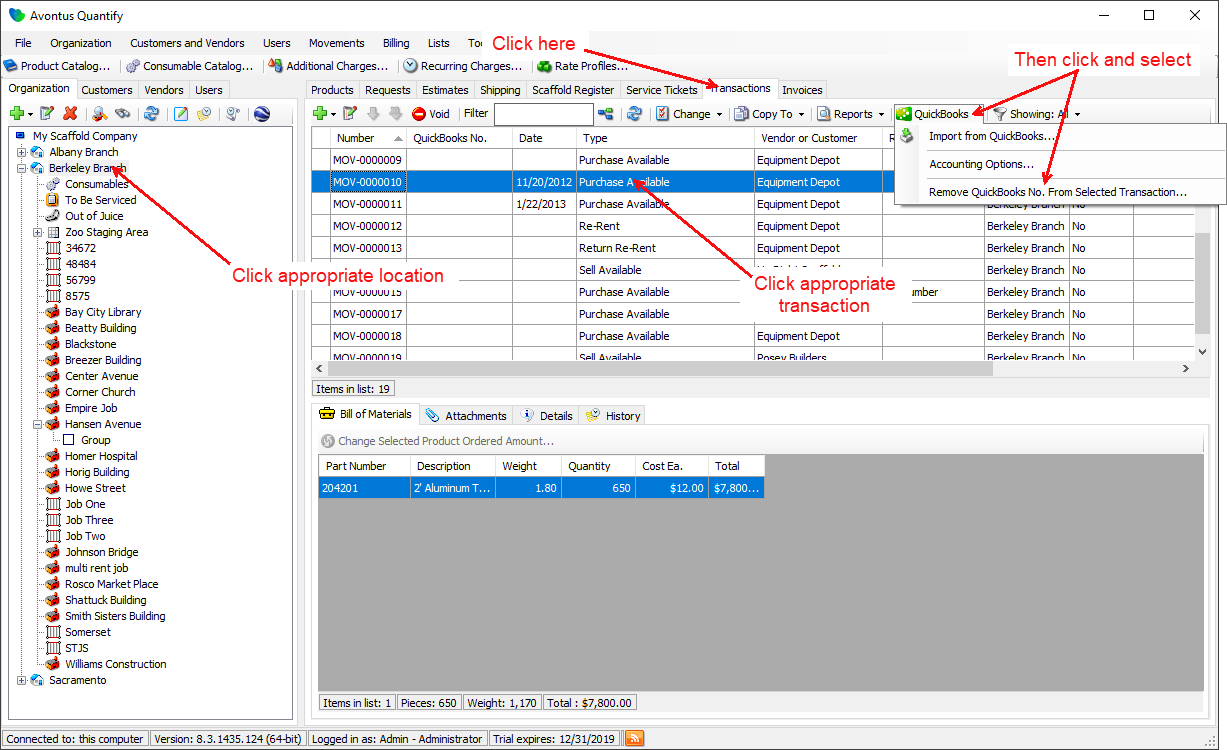
- Click appropriate location, then click the Transactions tab.
- Click the Transaction you want to remove, then click the Quickbooks menu and select Remove QuickBooks No. From Selected Transaction.
A confirmation dialog appears.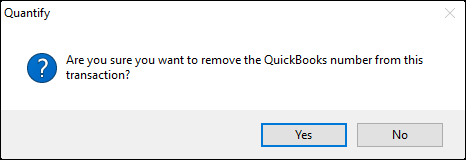
- Click Yes.
A confirmation message appears.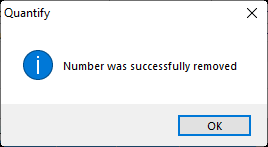
- Click OK.
Quantify removes the QuickBooks number from the Quantify Transaction.