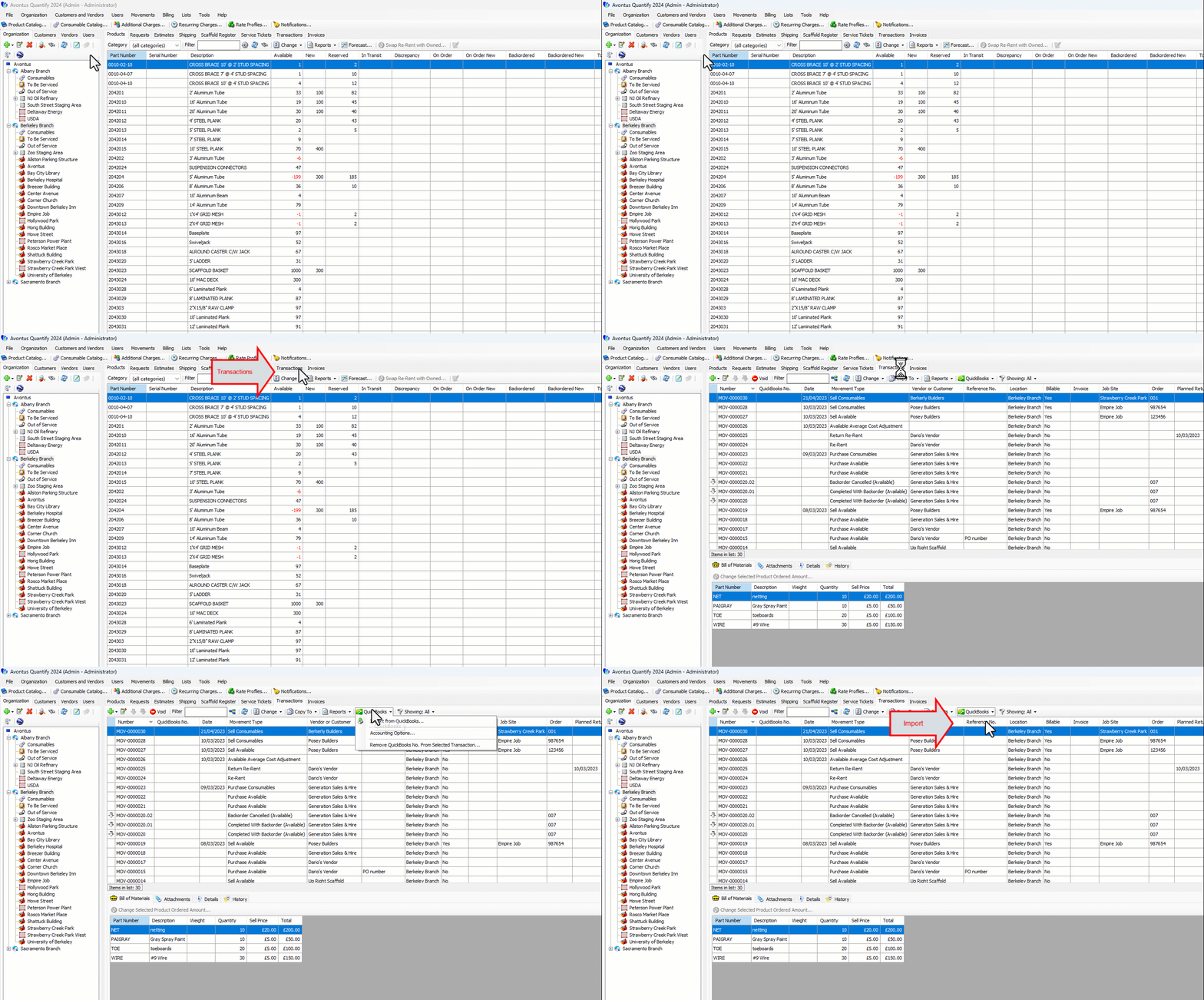
After Vendor bills are created in QuickBooks they can be imported into Quantify. This import will create a Transaction in Quantify and update inventory counts and average cost information. When Quantify is integrated with QuickBooks, Quantify adds a QuickBooks dropdown to the Transactions tab. You use this tab to import the bill.
To import a bill from QuickBooks:
Click the Transactions tab, then click the Quickbooks menu and select Import from Quickbooks.
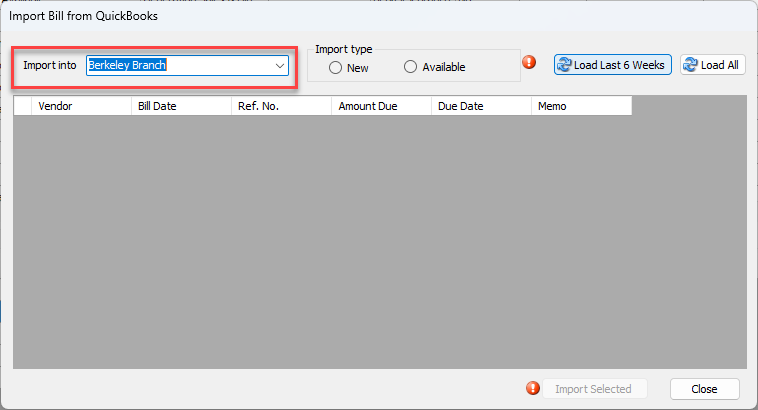
The Import Bill from QuickBooks dialog appears.
The Import into field defaults to the Branch Office selected in the Organization Tree.
As necessary:Click the Import into dropdown and select a new Branch Office.
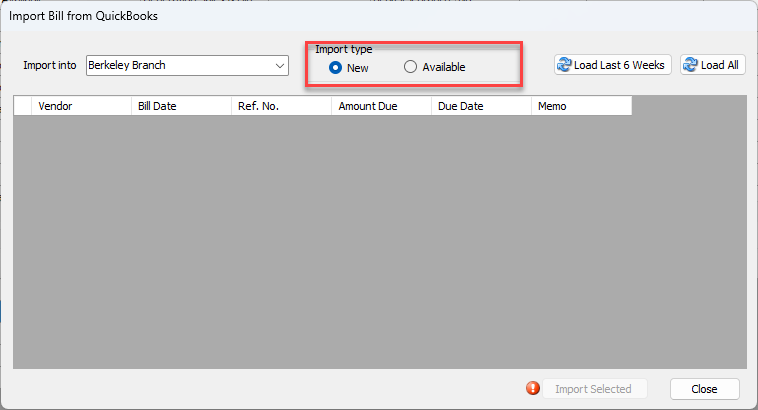
Click the appropriate Import type radio button: New or Available.
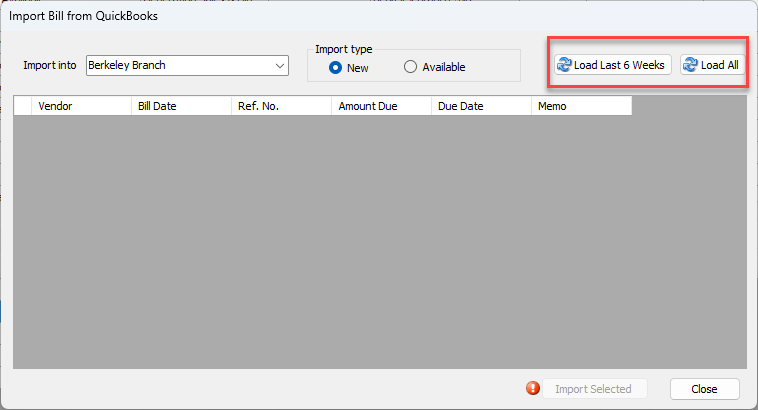
Click Load Last 6 Weeks to load the grid with Vendor bills created in QuickBooks over the last 6 weeks or click Load All to load the grid with all bills created in QuickBooks
Click the checkbox for the Vendor bill you want to import into Quantify, which puts a check in it.
Click Import Selected.
Note: Only one bill may be imported at a time.
When the import completes, a confirmation message appears.
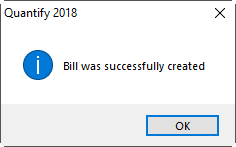
Click OK.