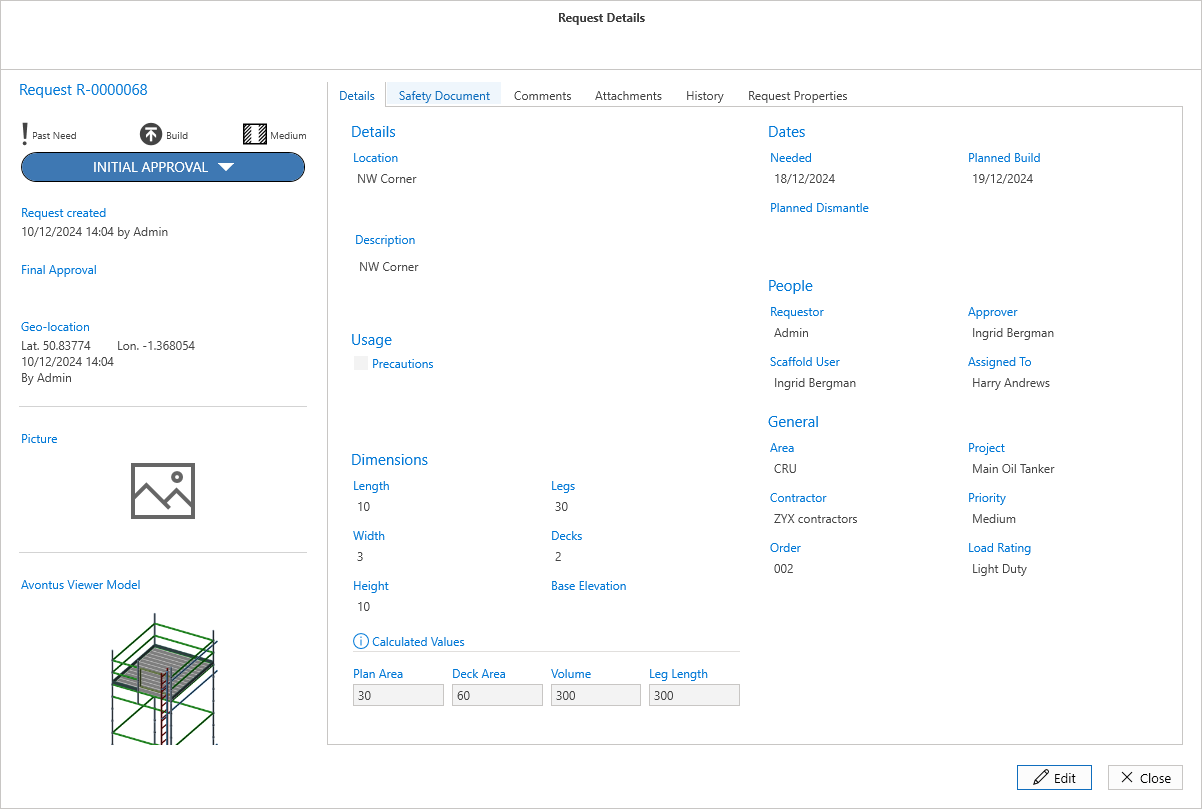
There are two ways to get to the Request Details screen. The Request Details will display information on the selected Request.
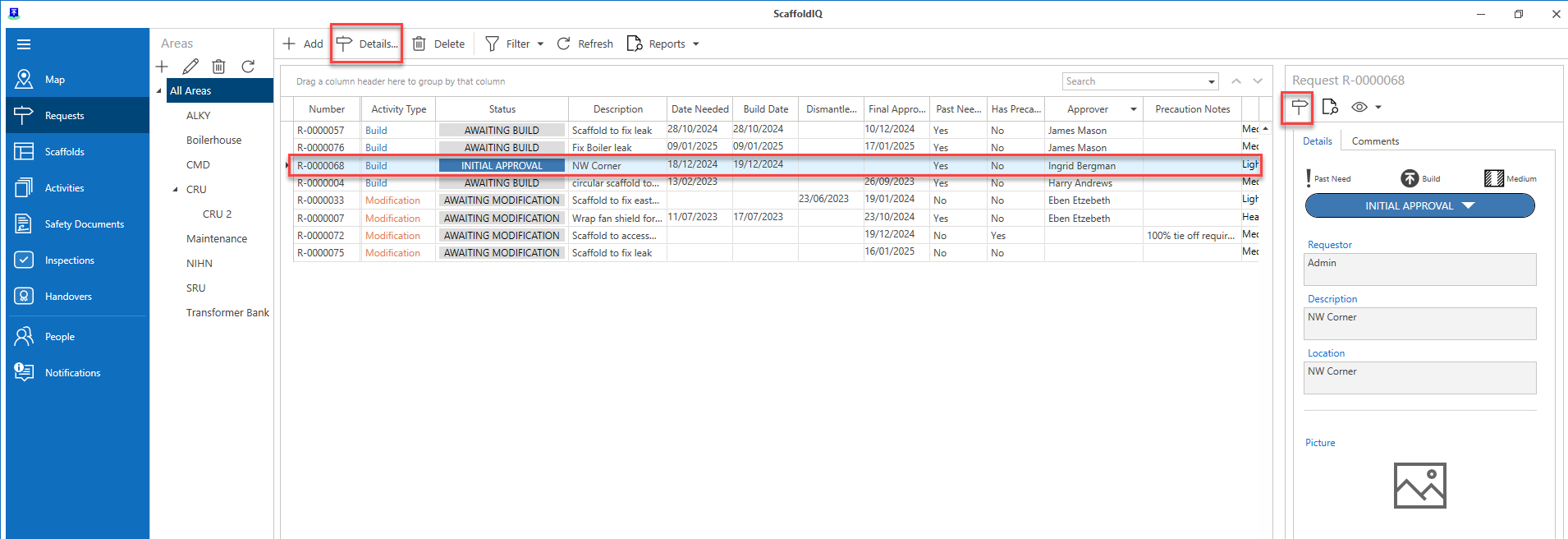
On the Requests screen, select the Request, and then Details or click Request Details icon on the right-hand side of the screen.
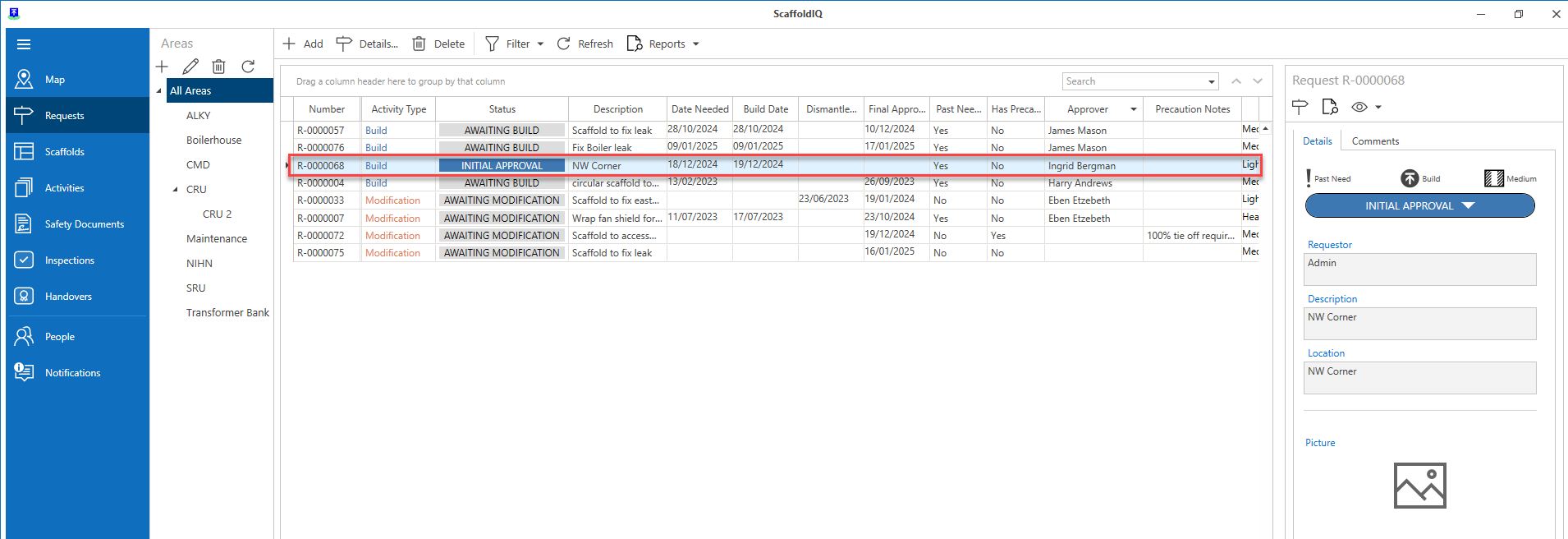
2. Double-click the request on the Request screen.
The Request Screen provides an overview of the selected request including information on the dimensions of the to be erected scaffold and the persons assigned to the request. You can also edit the content should a change be required by clicking the Edit button.