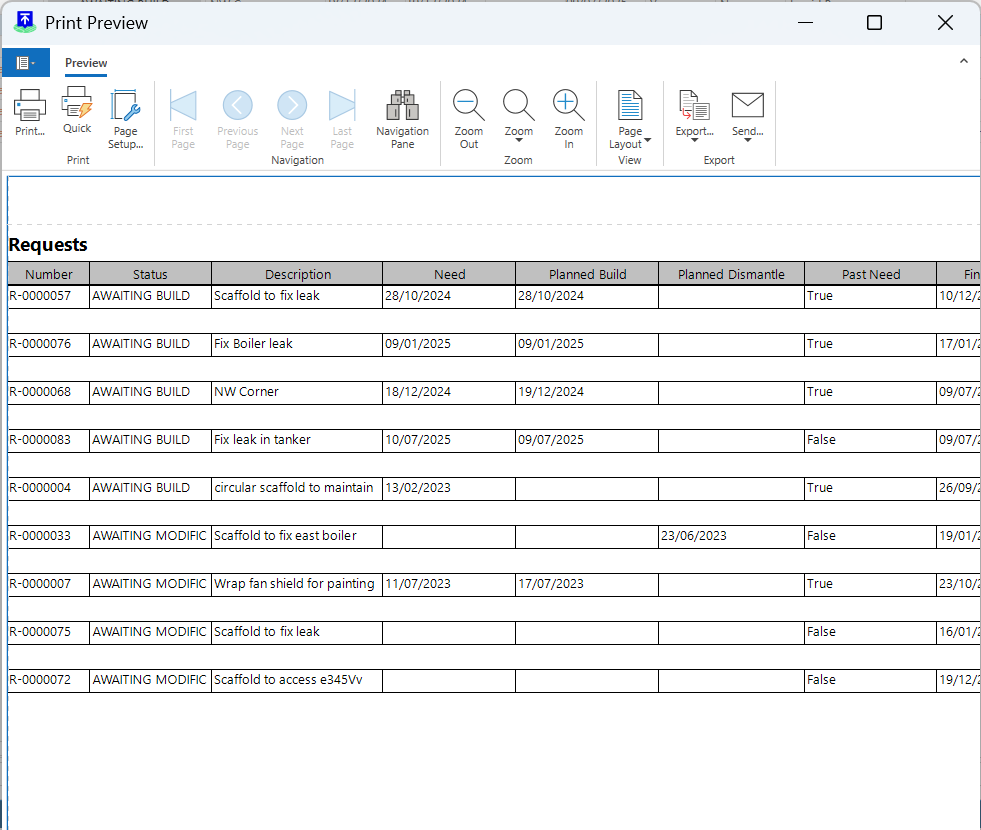
You can launch a report that will contain data on a specific request or details of all your requests on your job site.
To view a Report of a Request
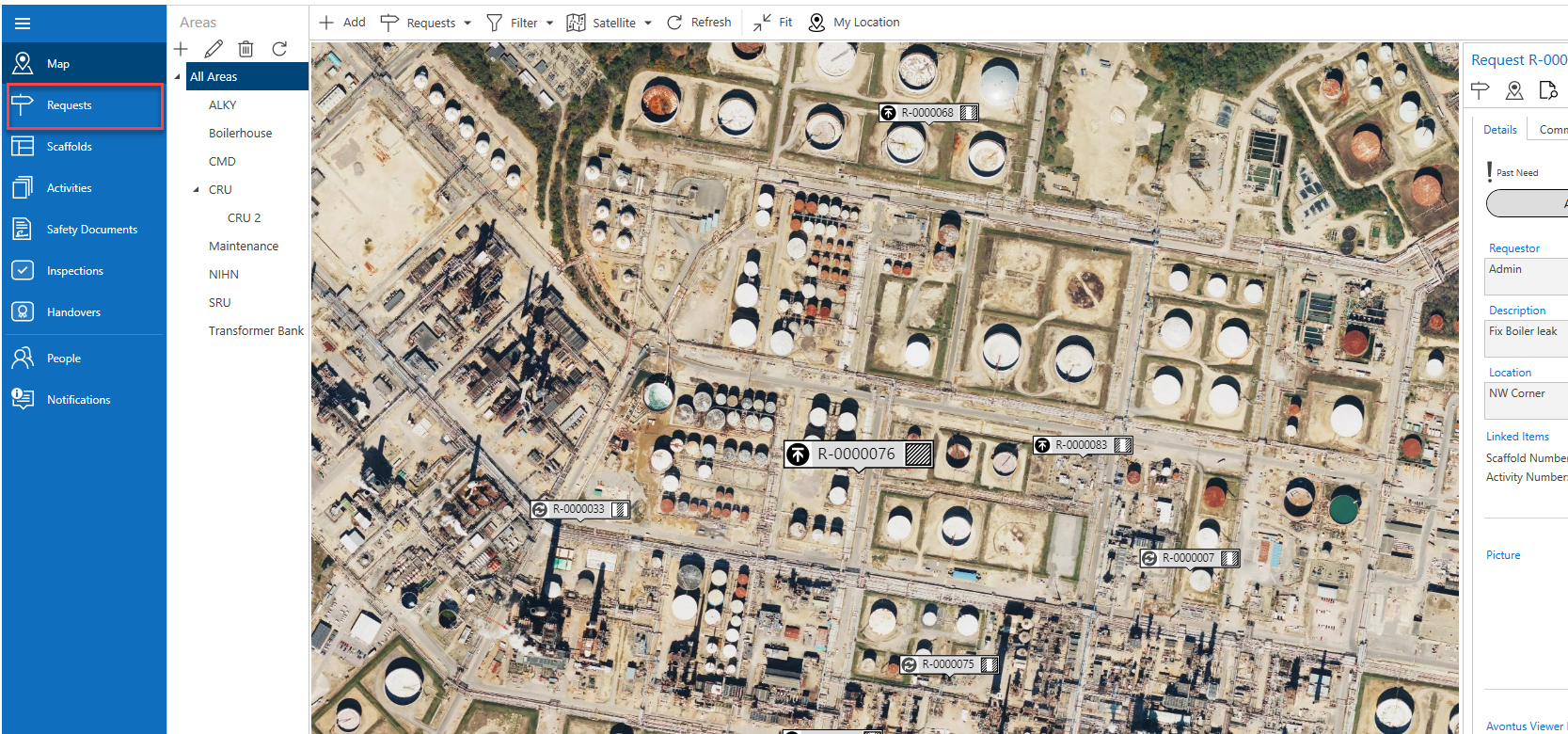
From any screen, select Requests
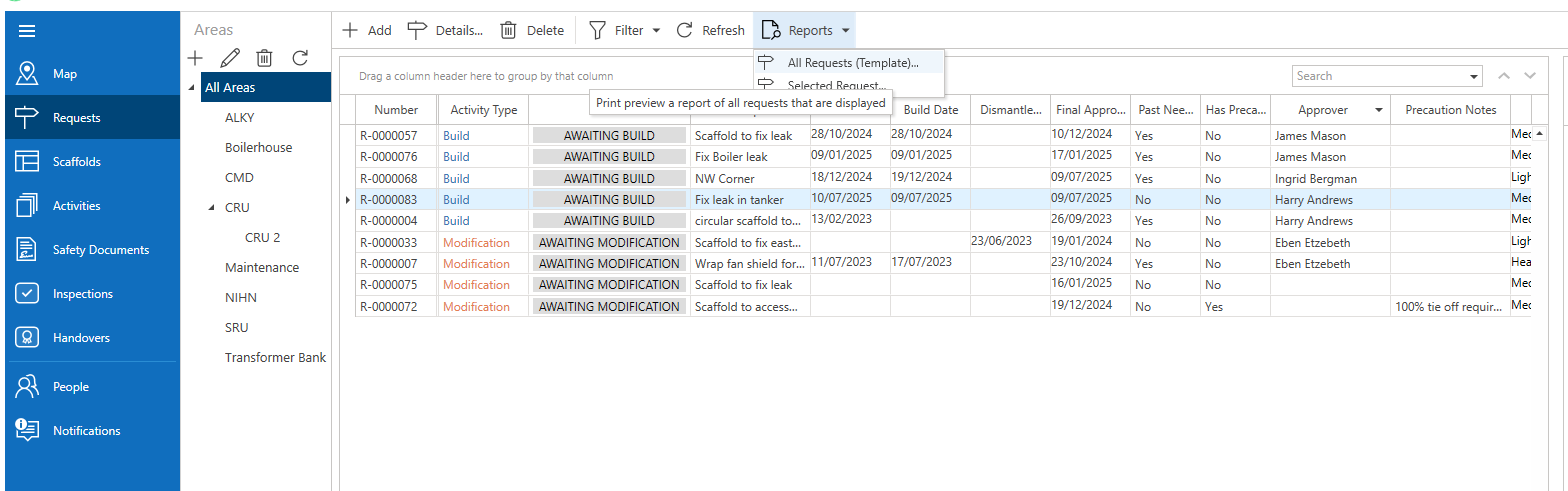
In the Requests screen, either select a Request, click Reports and selected Selected Reports or select Reports and click All Requests
A report will be launched.