If the Rate Profile assigned to a billable Job Site is changed, or the rates within the Rate Profile were updated, you can update appropriate Invoices to use the current Rate Profile information.
To reset the rent rates and job costs of selected invoice(s) from the assigned rate profile:
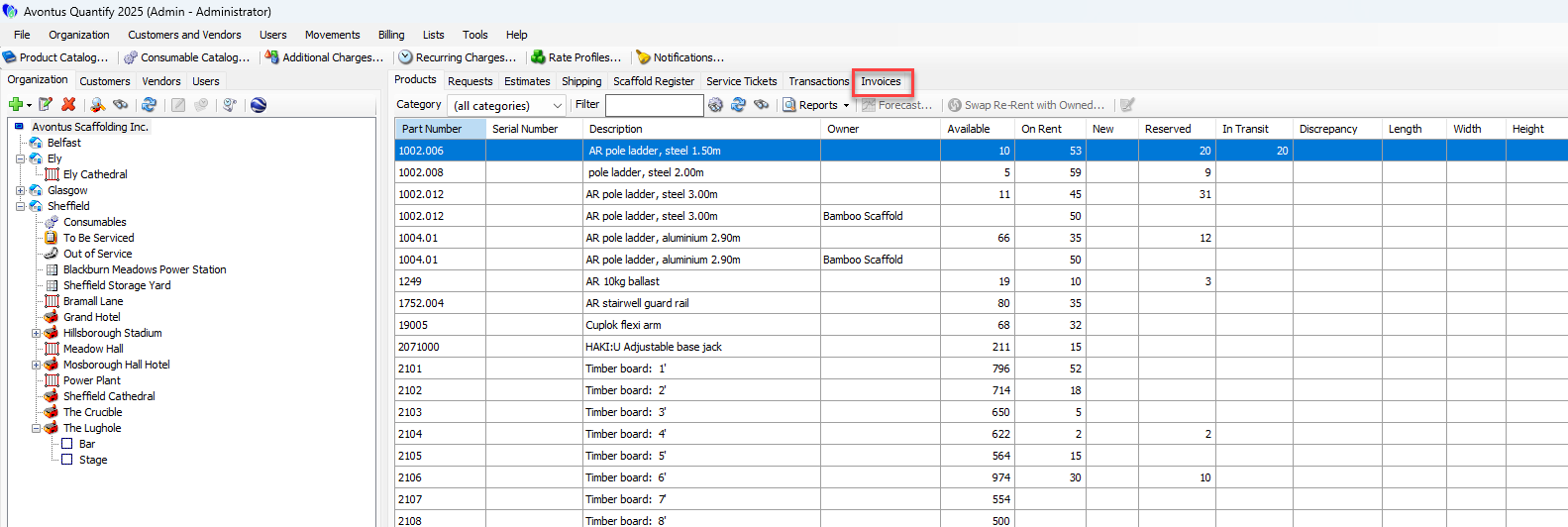
Click the Invoices tab.
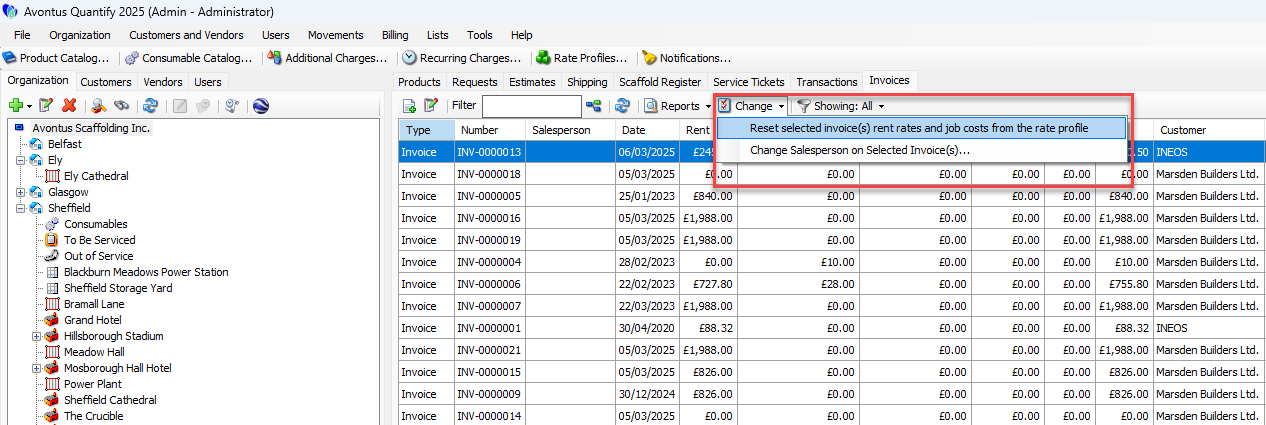
Select the appropriate Invoice, then click the Change dropdown and select Reset Selected Invoice(s) Rent Rates and Job Costs from the Rate Profile.
A confirmation dialog appears.
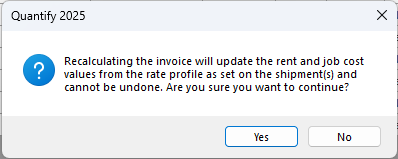
Click Yes.
Quantify updates the selected invoices to reflect new Rate Profile amounts.