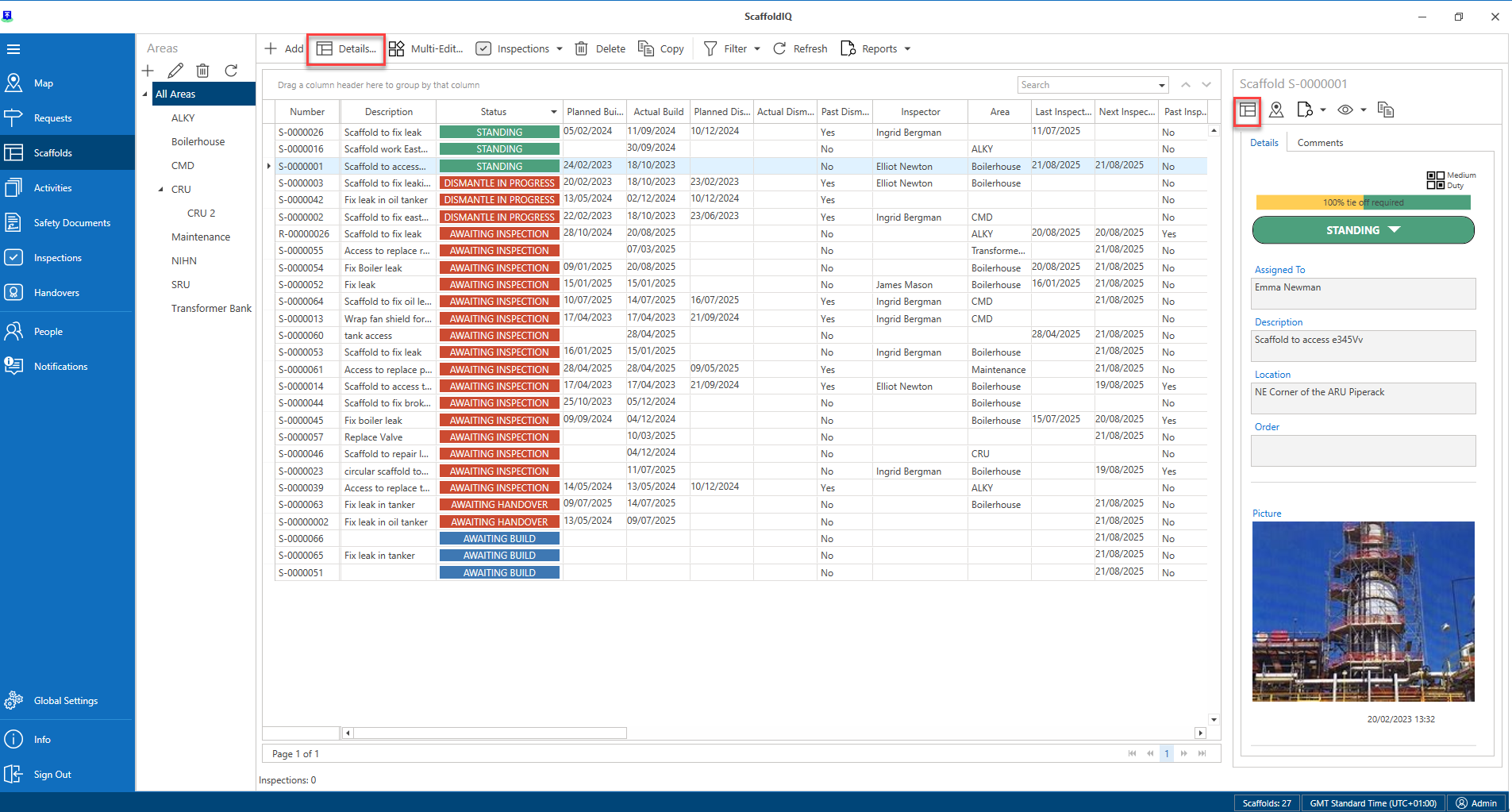
The Scaffold Details screen displays the information on the Scaffold. This screen will contain details regarding the location, related dates, and any people assigned to this scaffold.
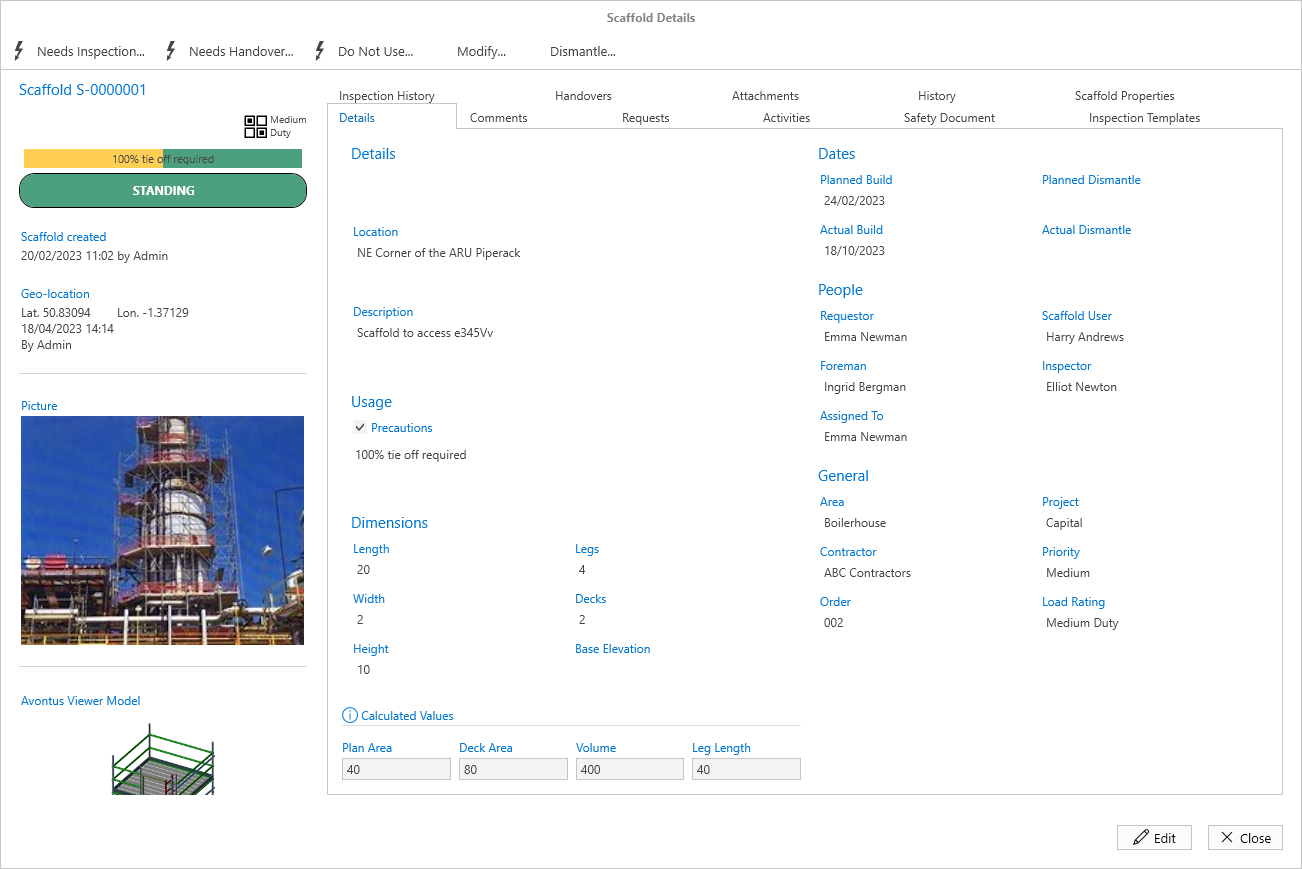
You can access the Scaffold Details screen by
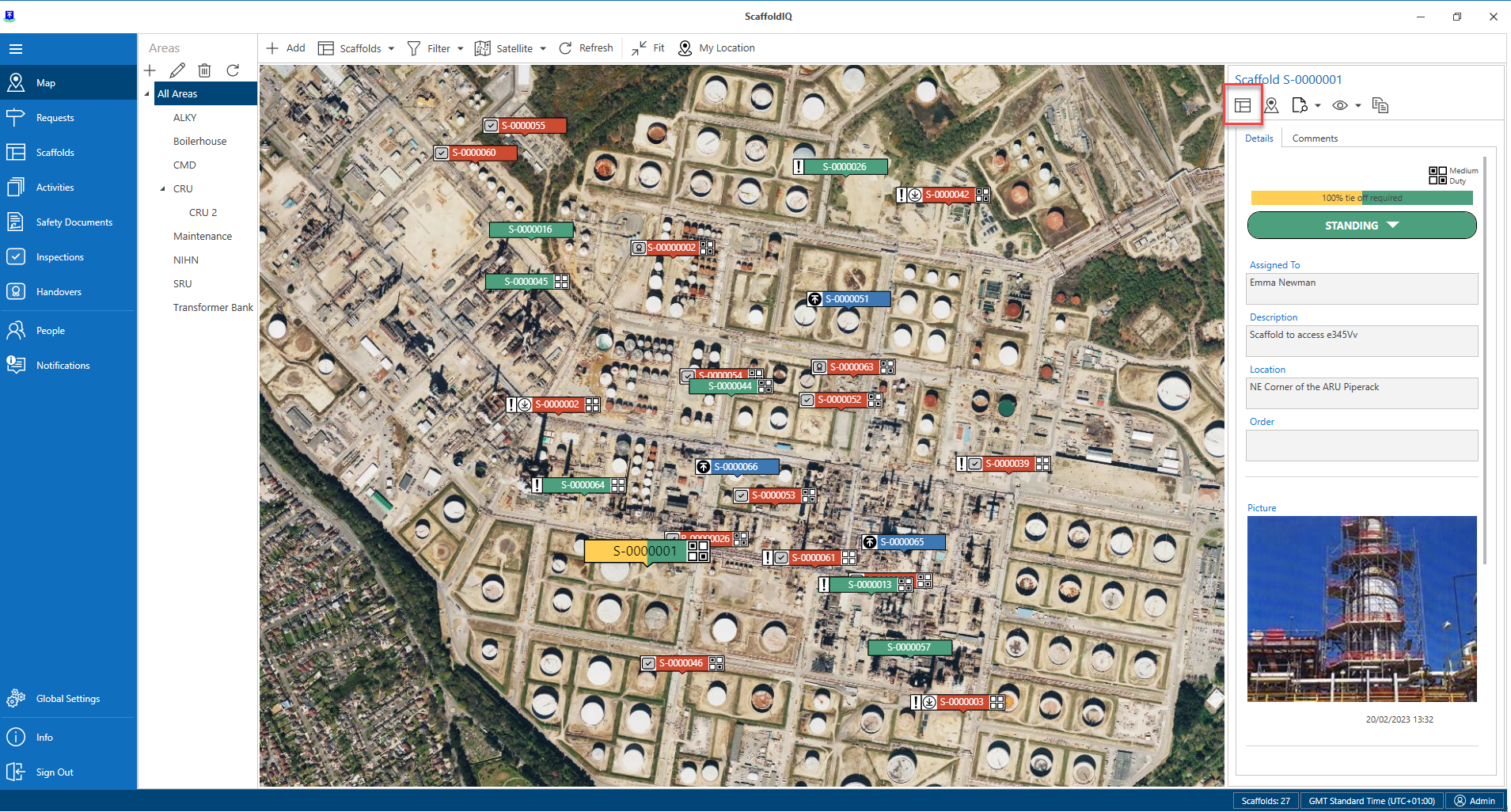
Clicking Details on the Map screen
Double click the Scaffold in the Scaffolds screen
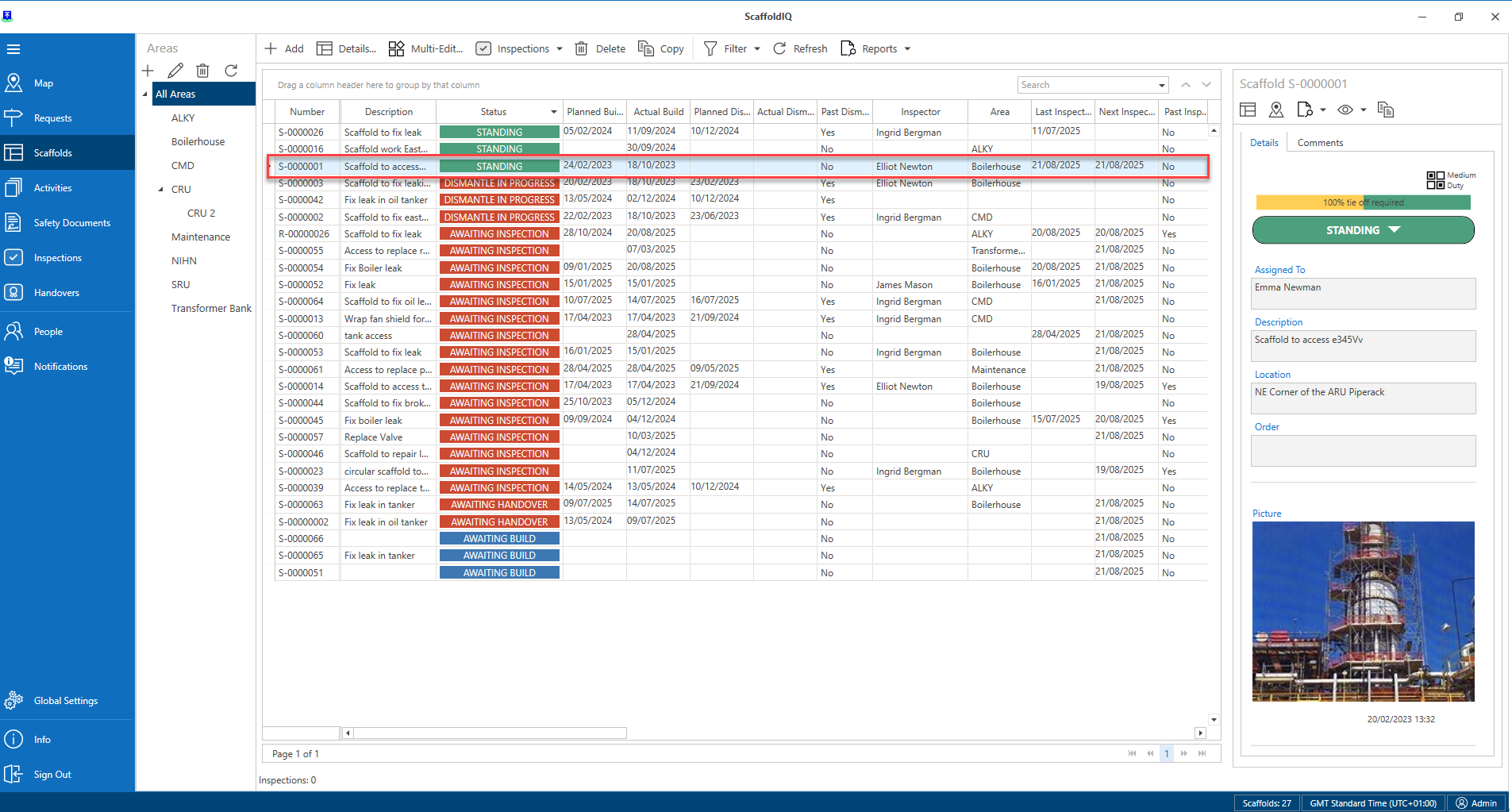
Click the Scaffold and then select the Details button