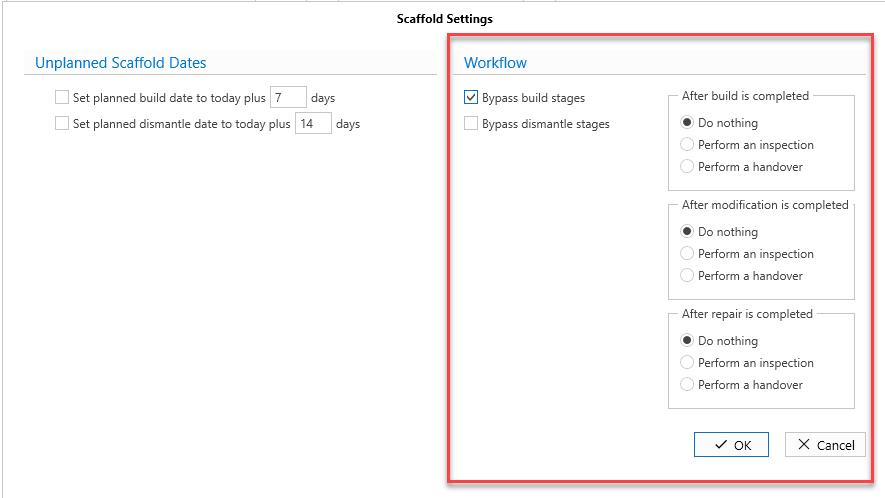
You can access the Scaffold Settings from the Global Settings screen.
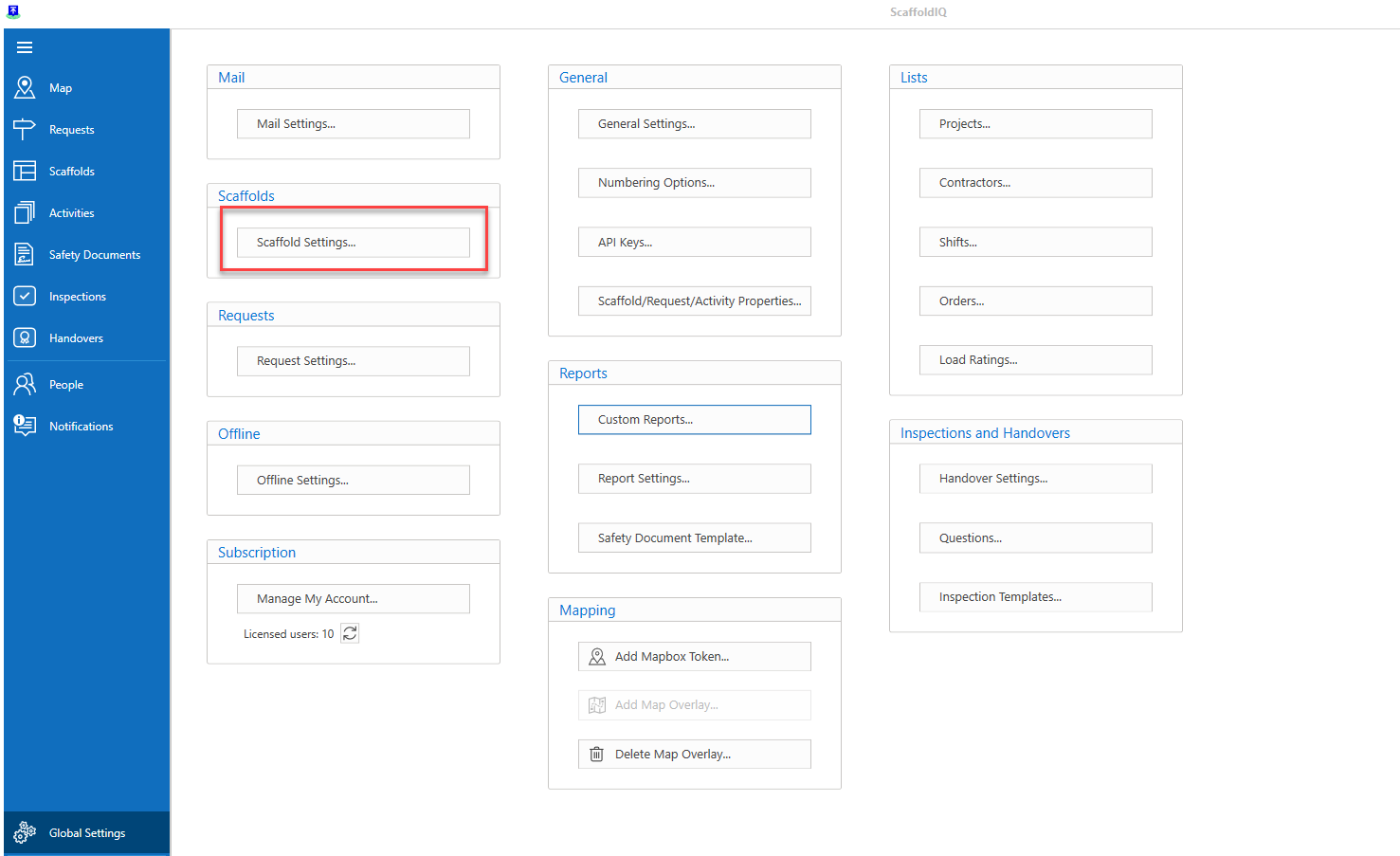
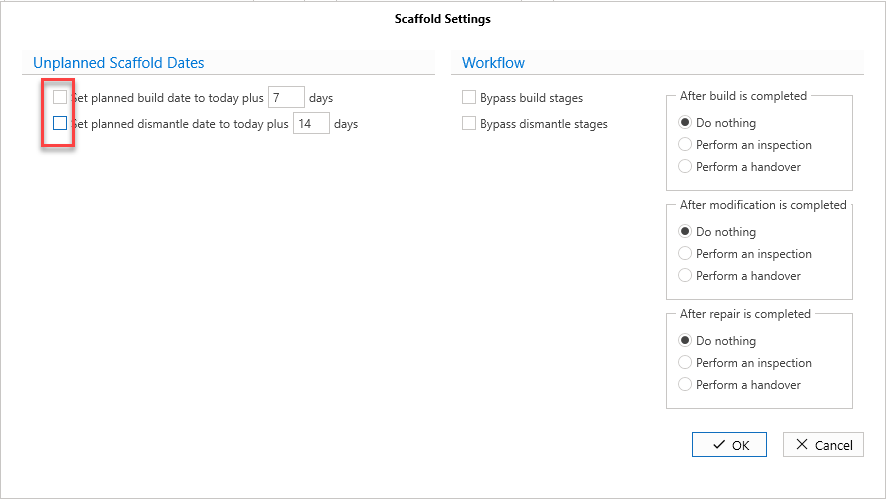
The Scaffold Settings screen where you can modify how scaffolds are created and managed within ScaffoldIQ.
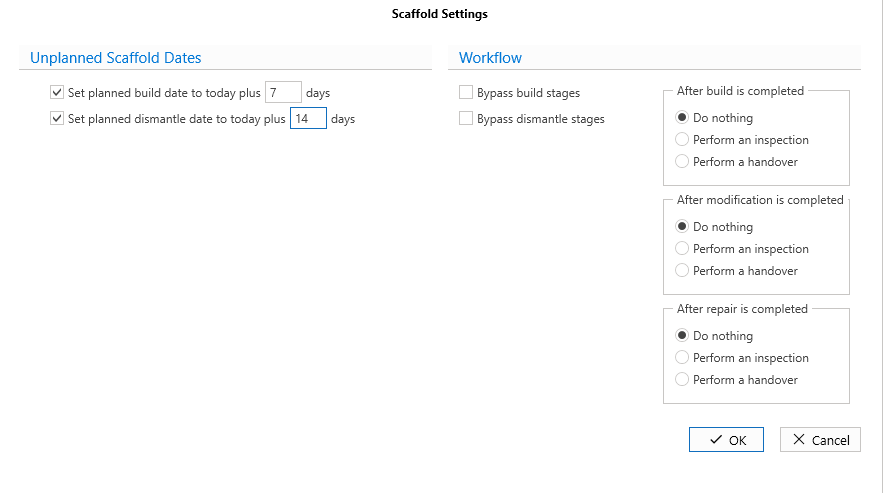
Unplanned Scaffold Dates
The Unplanned Scaffold Dates section allows you to specify how many days the build date and the dismantle date will be after the scaffold is added to the ScaffoldIQ application.
For example, when a Scaffold is created on 14/05/2024, then the Planned Build date, and Planned Dismantle will be the number of days specified (in this case 7 and 14) following the creation date.
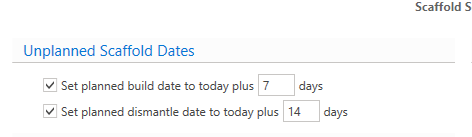
In this example, the Planned Build date will be 21/05/2024, and the Planned Dismantle Date will be 28/05/2024.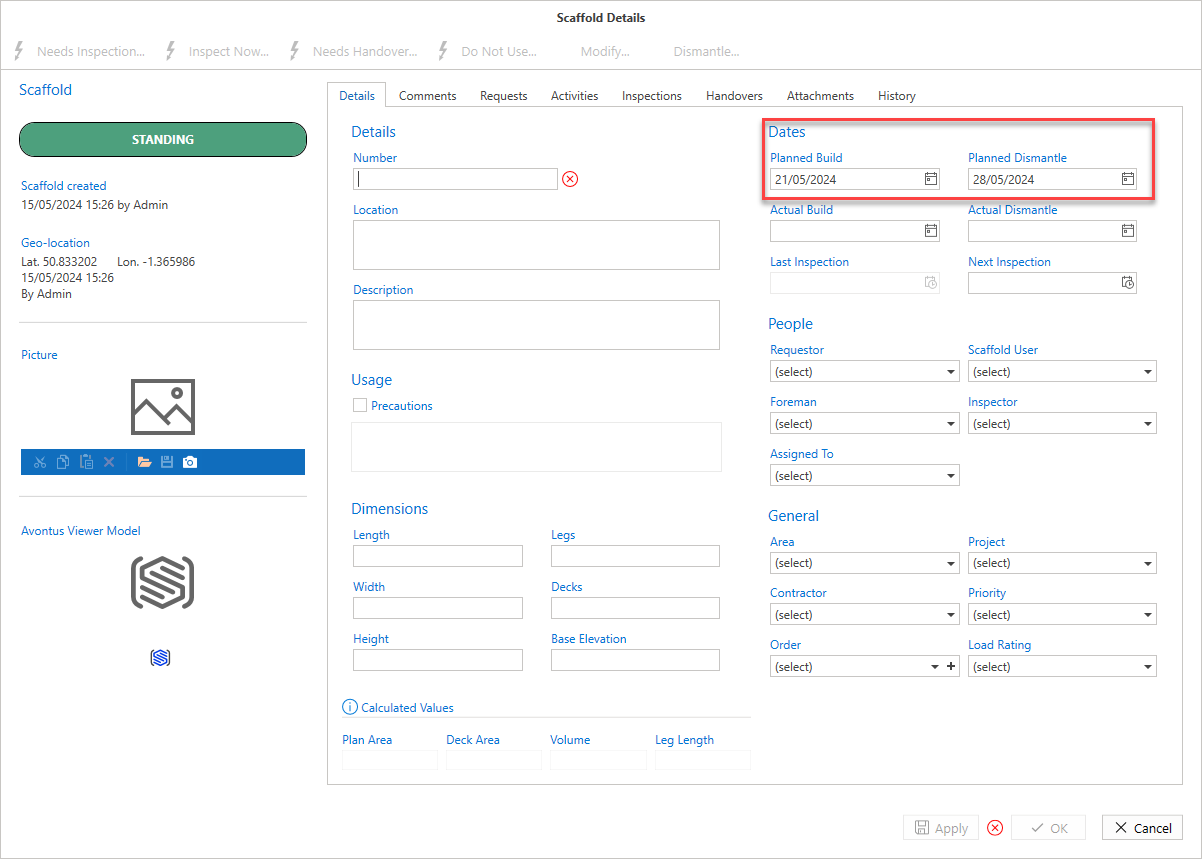 If you to disable this, meaning the date fields are always blank, disable the two checkboxes.
Workflow
The workflow section allows you to bypass certain approval stages such as the Awaiting Build status. This means that this stage does not need to be approved by the relevant user.
Bypass Awaiting Build stage - Bypass the Awaiting build stage.
Bypass Awaiting dismantle stage - Bypass the Awaiting Dismantle stage.
After build/modification/repair is completed
Do nothing - After a Build/Modification/Repair is completed the Scaffold will go to the Standing Status
Perform an Inspection - After a Build/Modification/Repair the scaffold will go to the Awaiting Inspection status
Perform a Handover - After a Build/Modification/Repair the Scaffold will go to the Awaiting Handover status