You can access the Request Settings via the Global Settings.
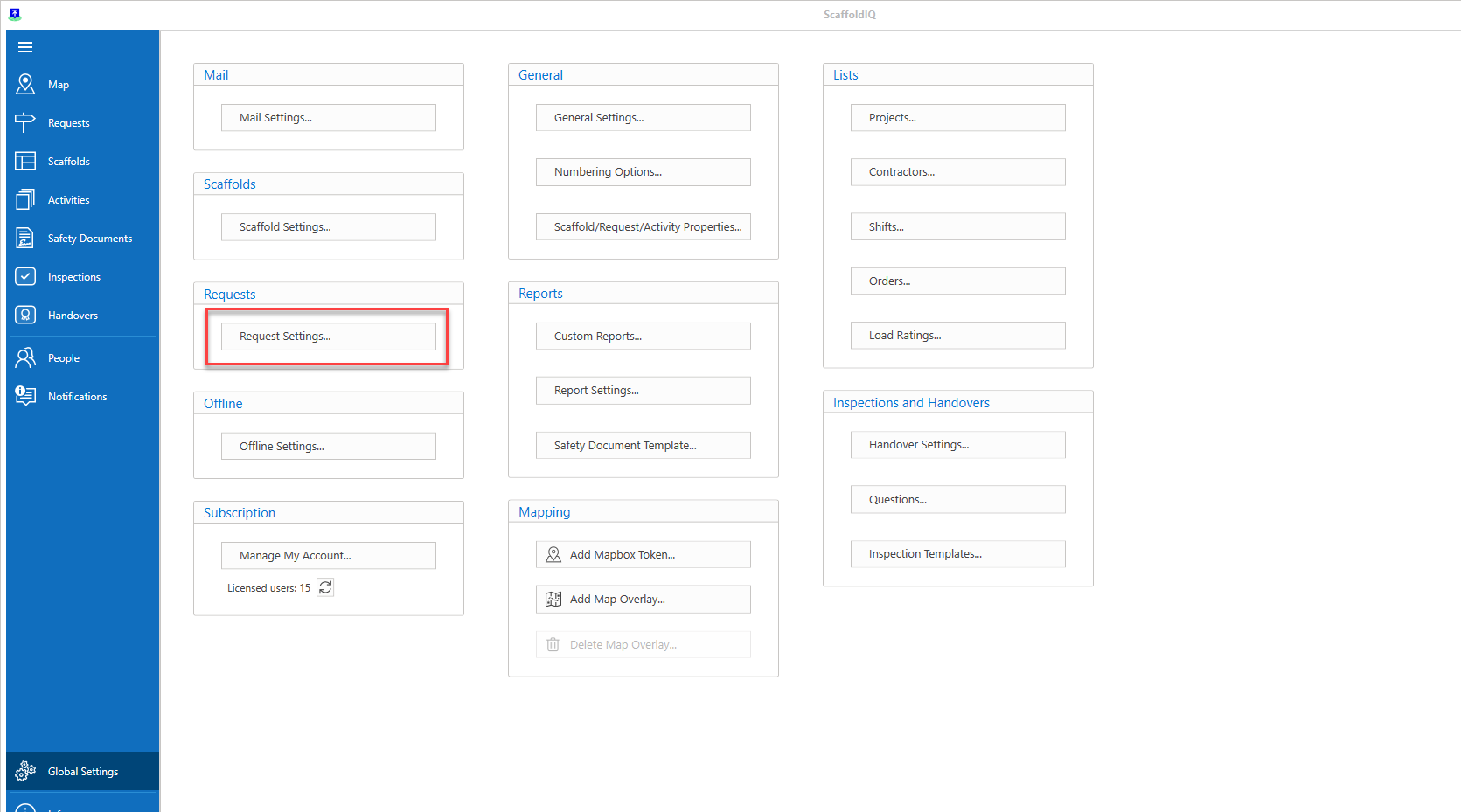
The Request Settings screen allows a user to manage the request workflow, allowing for the bypassing of certain stages on the Request workflow.
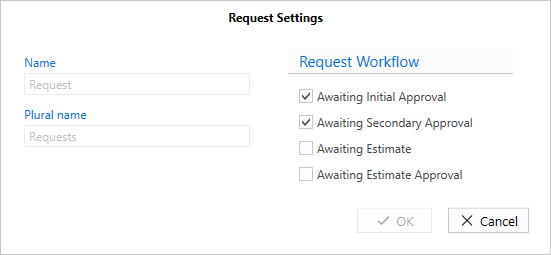
Request Workflow
The workflow section allows the user to bypass certain approval stages such as the Awaiting Secondary Approval stage. This means that this stage does not need to be approved by the relevant user.
Awaiting Initial Approval - Tick this box to enable the Initial Awaiting Approval stage.
Awaiting Secondary Approval - Tick this box to enable the Initial Awaiting Approval stage.
Awaiting Estimate - Tick this box to enable the Awaiting Estimate stage.
Awaiting Estimate Approval - Tick this box to enable the Estimate Approval stage.