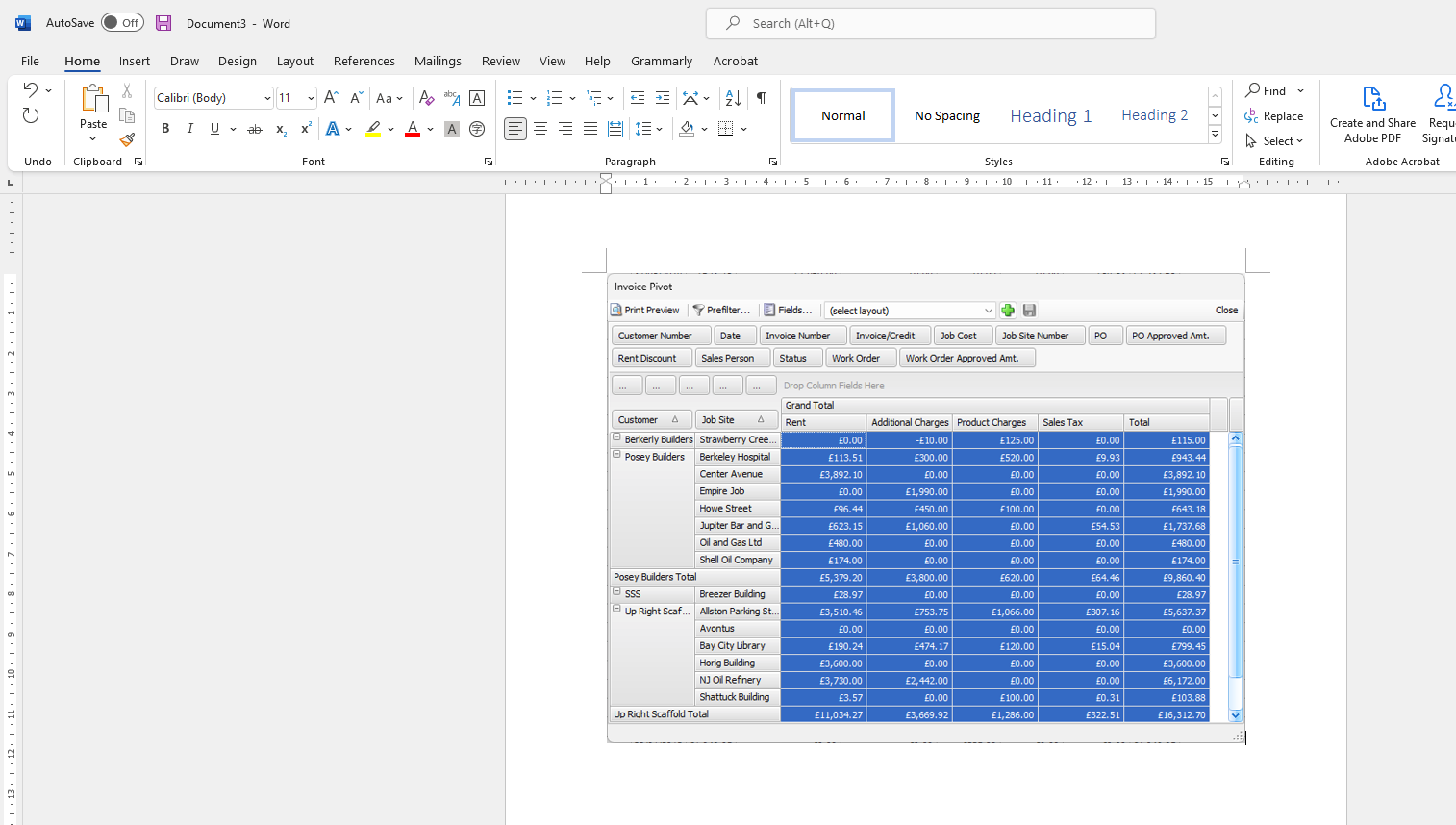
In addition to exporting a pivot report, you can select, copy and paste data from the pivot grid into other programs, including Excel and Word.
Selecting Cells
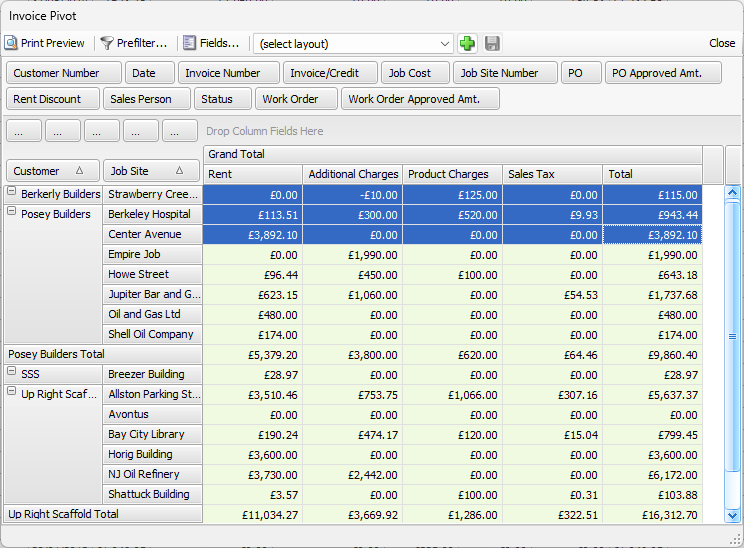
You can select a continuous range of cells, multiple cells that are not within a continuous range and all cells in the data area of any pivot eport.
Continuous Range
To select a continuous range of cells, do one of the following:
- Click the initial cell, hold the SHIFT key and use the arrow keys to select the range of cells.
- Click the initial cell, hold the SHIFT key and click the last cell in the range.
- Click the initial cell, hold the left mouse key drag and the cursor over the appropriate cells to select the range of cell
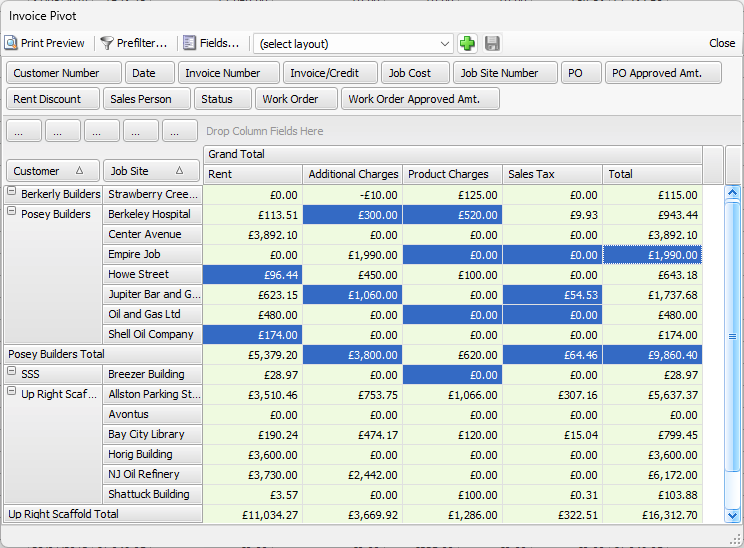
Non-Continuous Cells
To select multiple cells that are not within a continuous range, hold the CTRL key and click the cells, one by one.
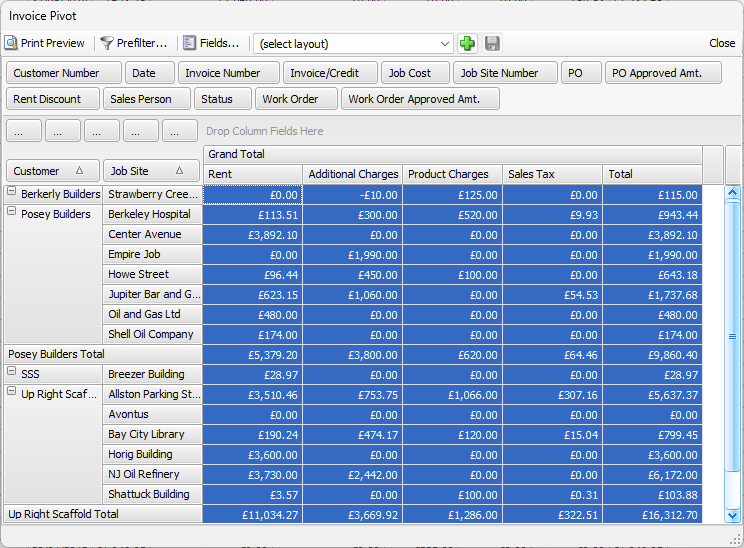
All Cells
To select all the cells in the data area, click CTRL+A.
Copying Cell Values to the Clipboard
Copy cell values by selecting the required cells and pressing CTRL+C or CTRL+INS. Then, access the program of your choice (Excel, Word, Notepad, etc.) and use CTRL+V to paste the copied data (You can also right-click your mouse and select Paste from the menu that appears).