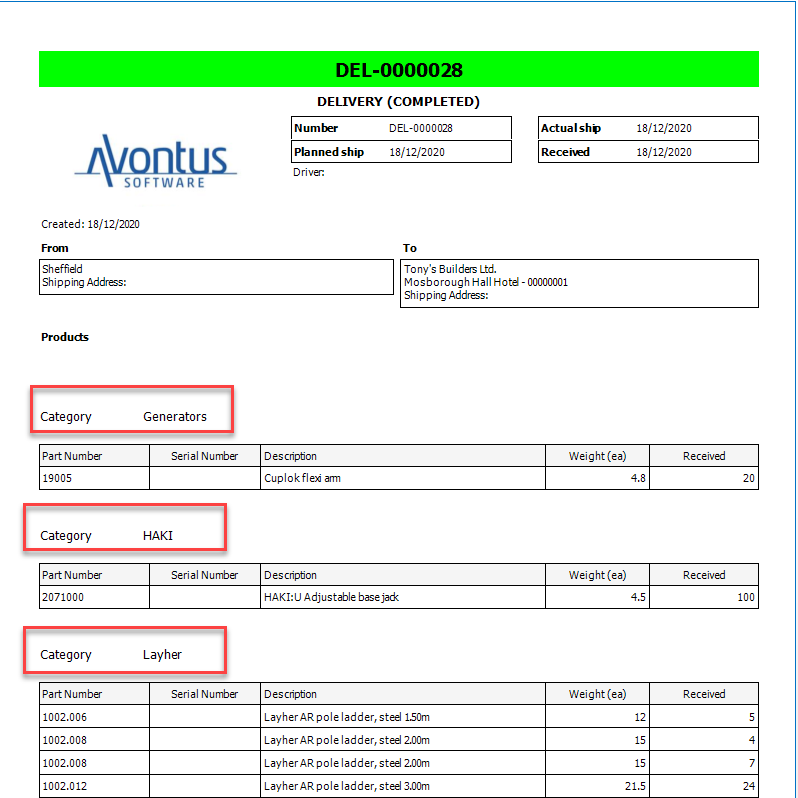
You can list products, separated by category, on the Shipments Reports.
To do this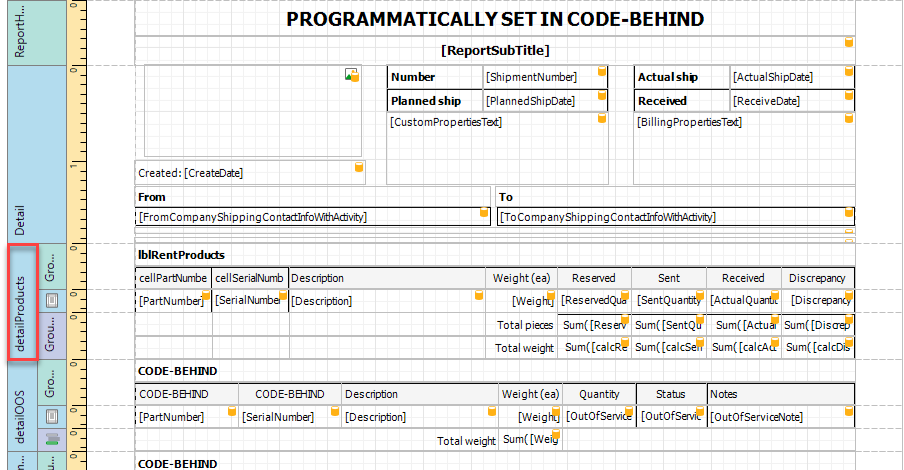
On the main window of the Report Designer, select DetailProducts
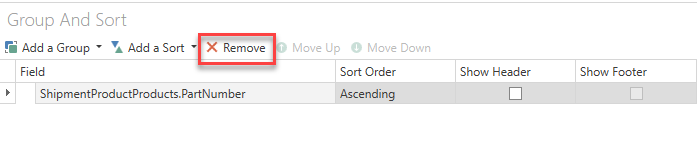
In the Group and Sort section, select remove to delete the current sorting.
Click Add a Group and navigate to ProductCategoryNameLazyLoaded
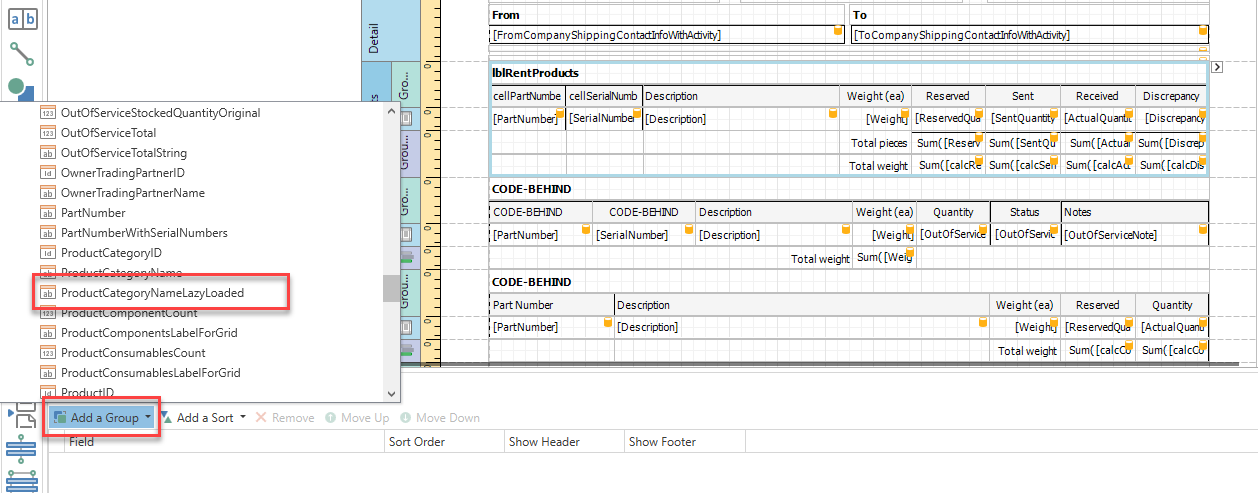
Click Add a Sort and navigate to ProductCategoryID
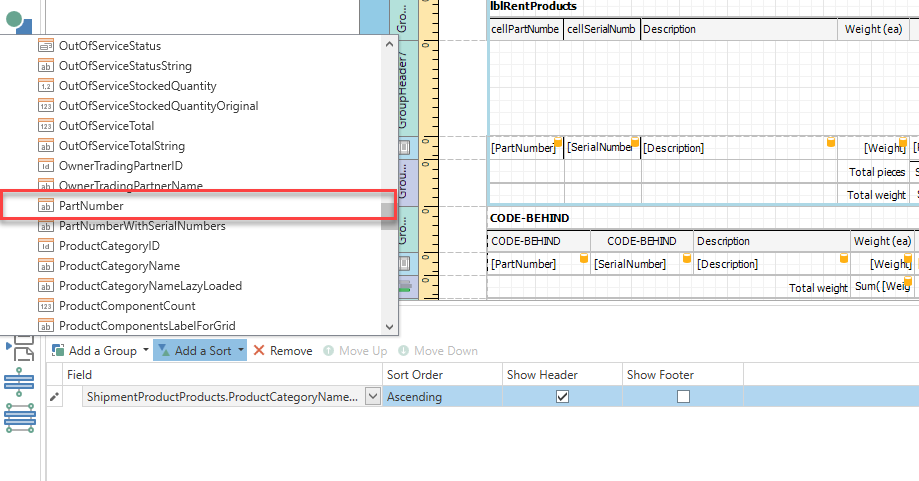
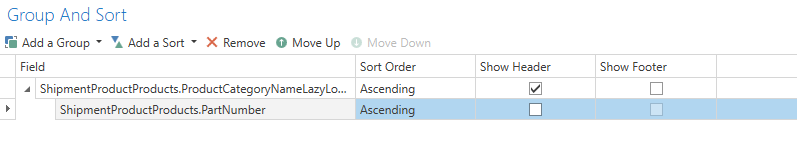
The Group and Sort section should look like this.
In the Field List, expand ShipmentProductProducts
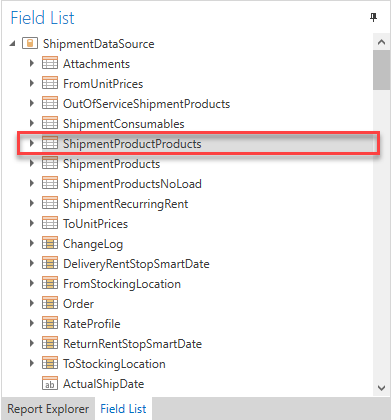
Find ProductCategoryNameLazyLoaded and drag it to the design page.
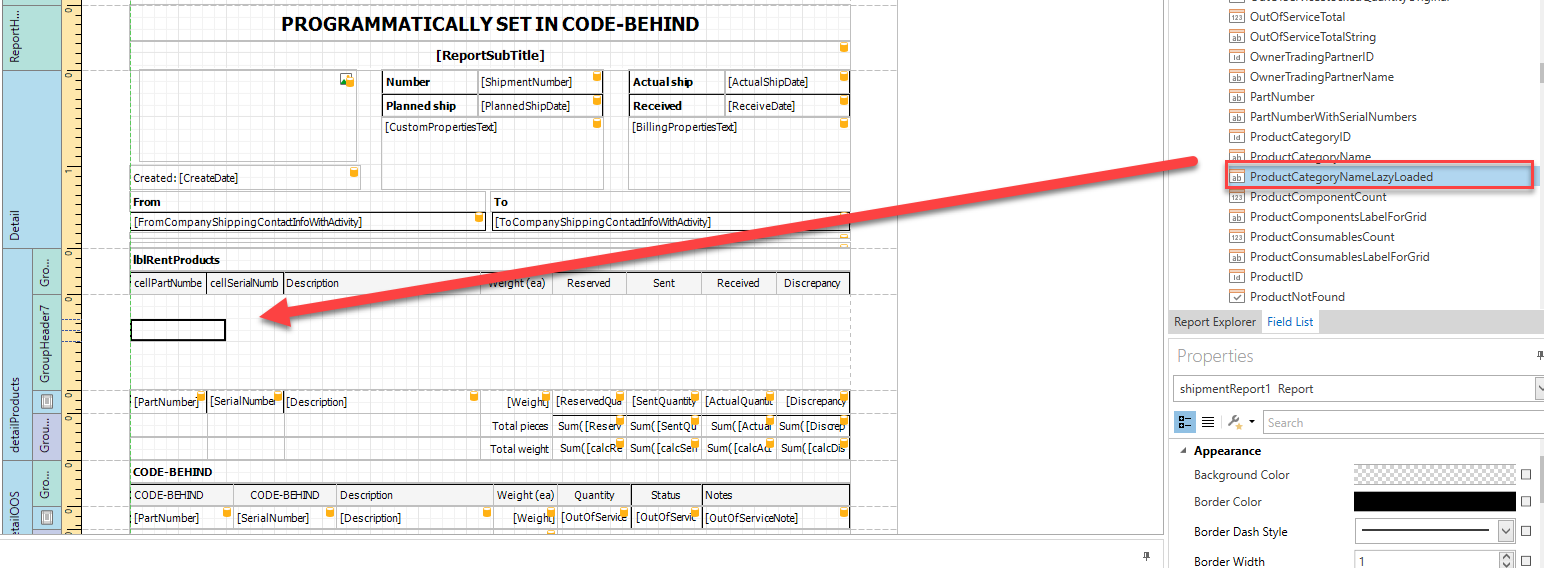
You can then align the report, for example we can move the heading row of the LblRentProducts
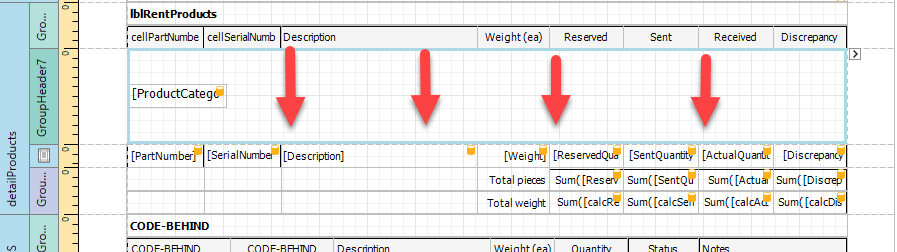
You can then drag in the Label field
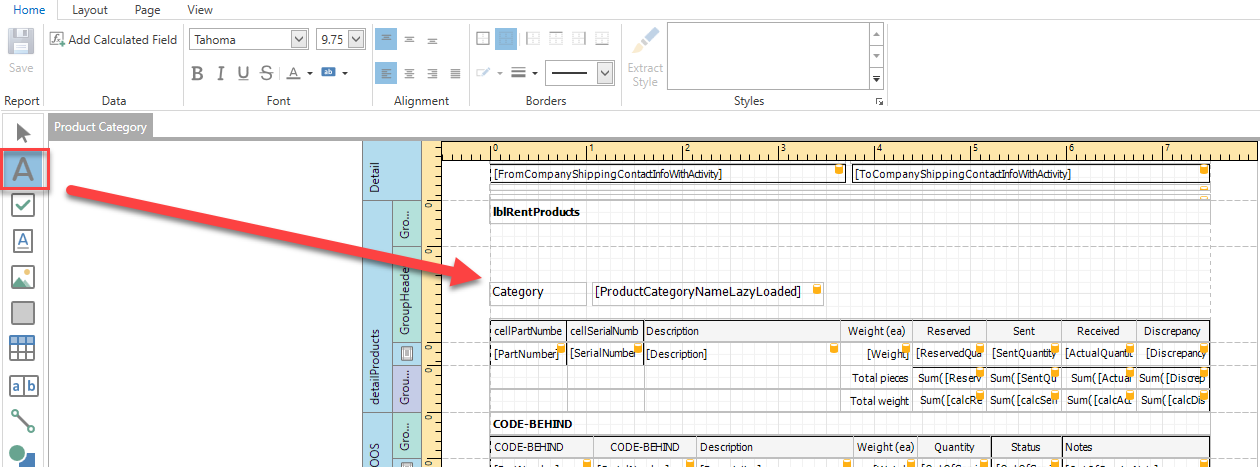
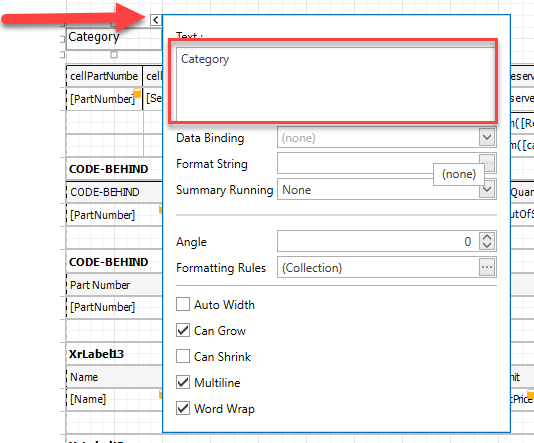
Change the Label text to "Category"
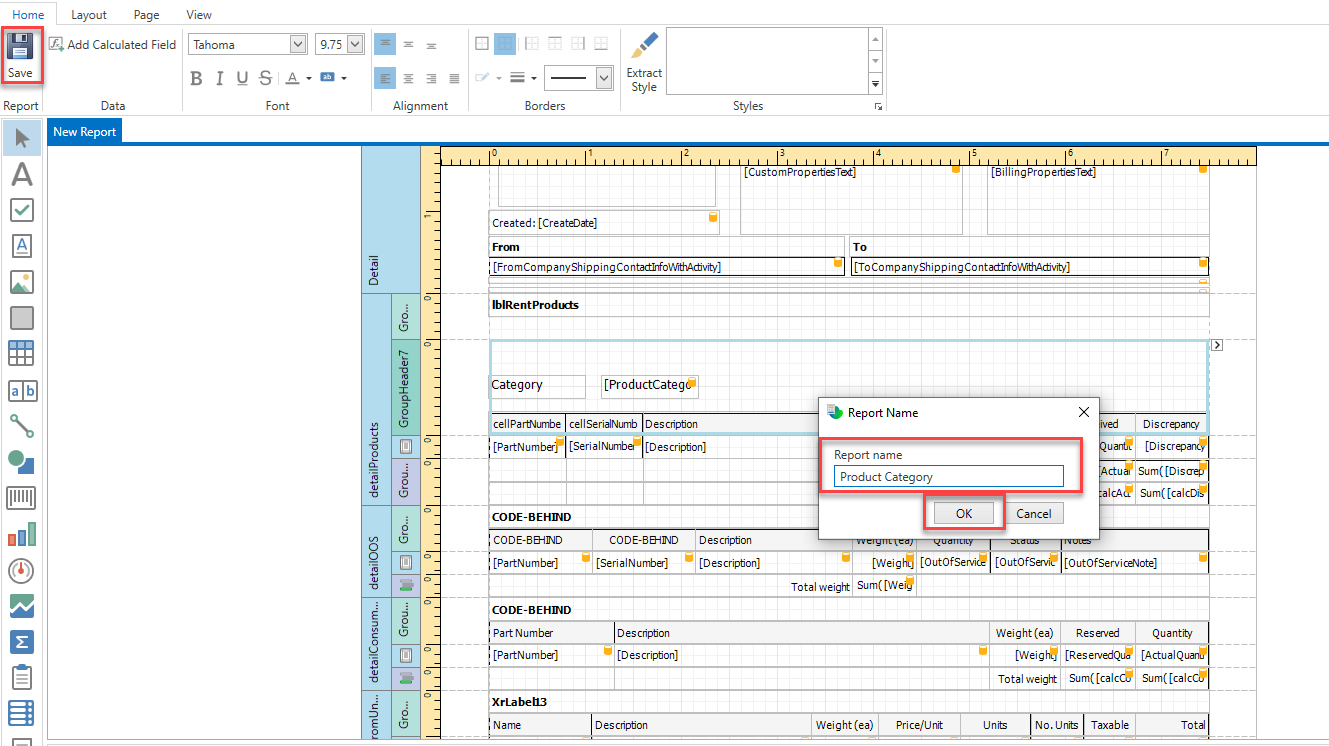
Click Save in the top-left
Enter a name and click OK
You can then preview the report in Quantify to see your changes.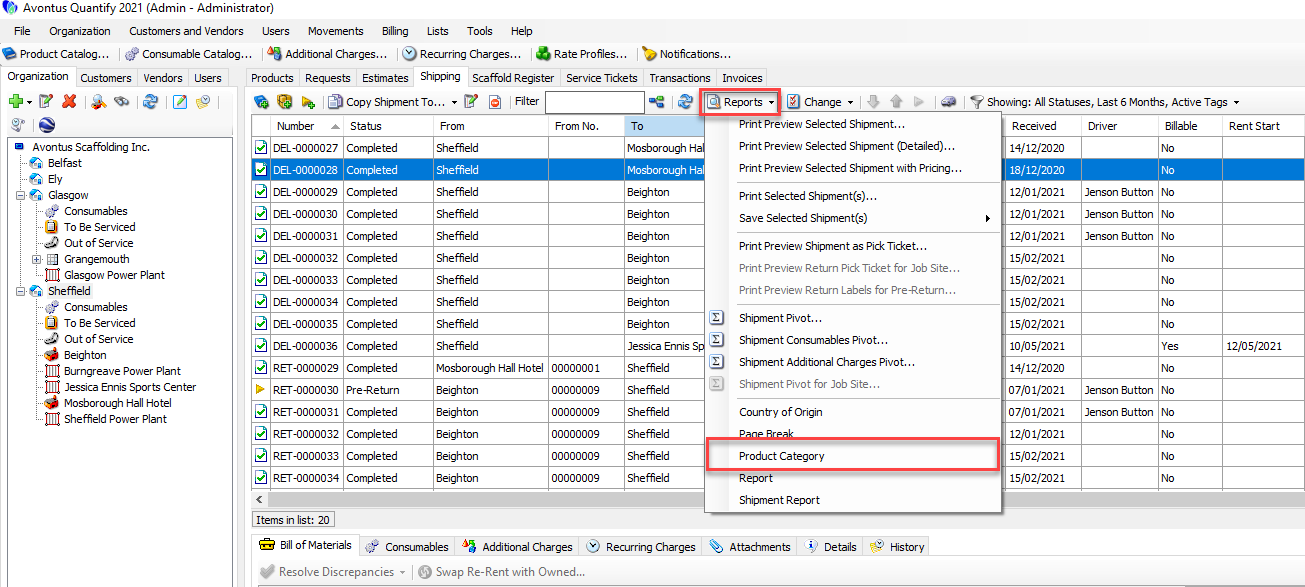
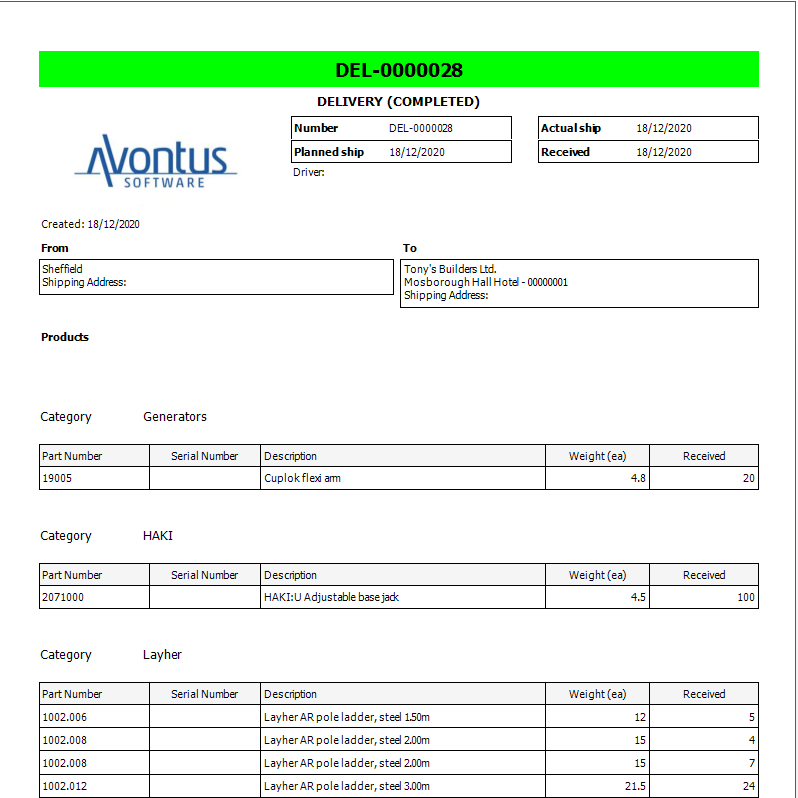
You can see this on the updated report.