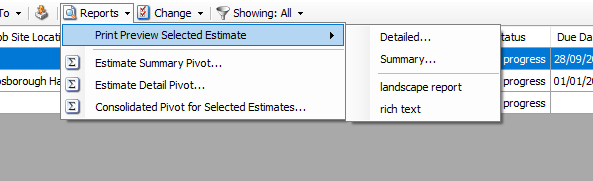
When you modify a report, you can save the report and select it in Quantify.
To do this
In Report Configurations screen, select the report and click Add
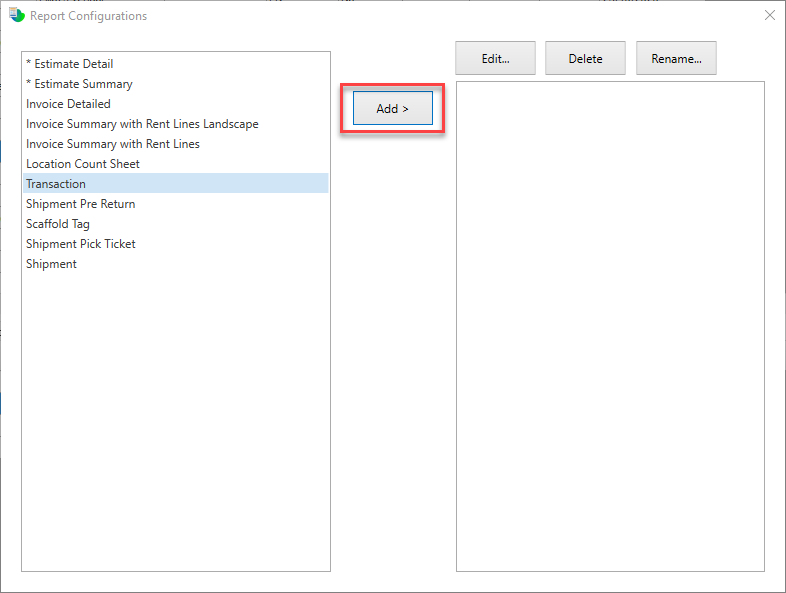
Note: The asterisk (*) indicates the Report has been modified. You can click Add to edit the original report and click Edit to edit the modified report.
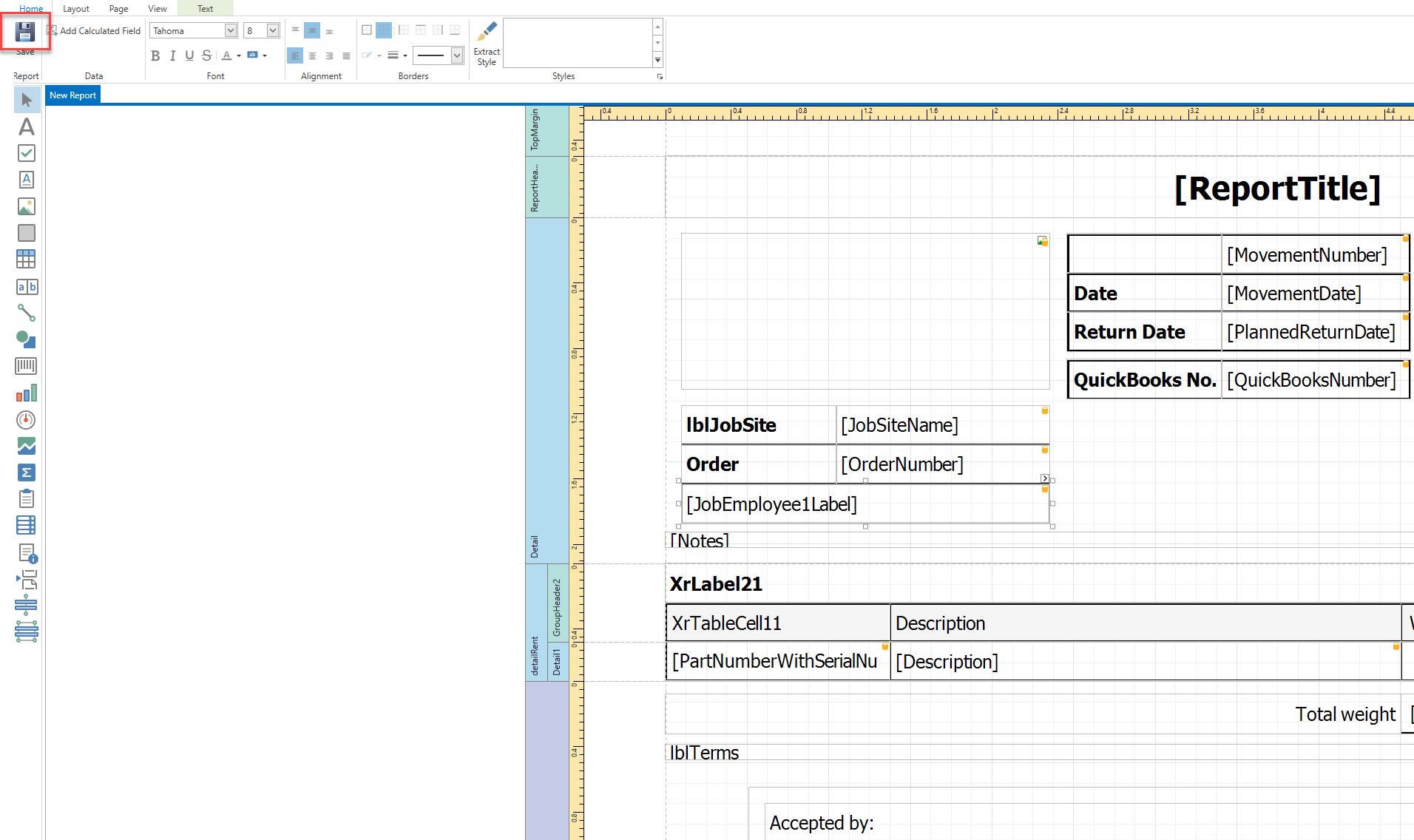
Make your required changes and click Save.
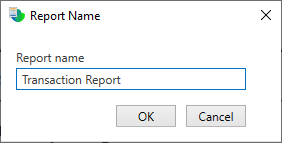
Enter the Report name and click OK.
In Quantify, select a company and click the appropriate tab, in this case the Transactions
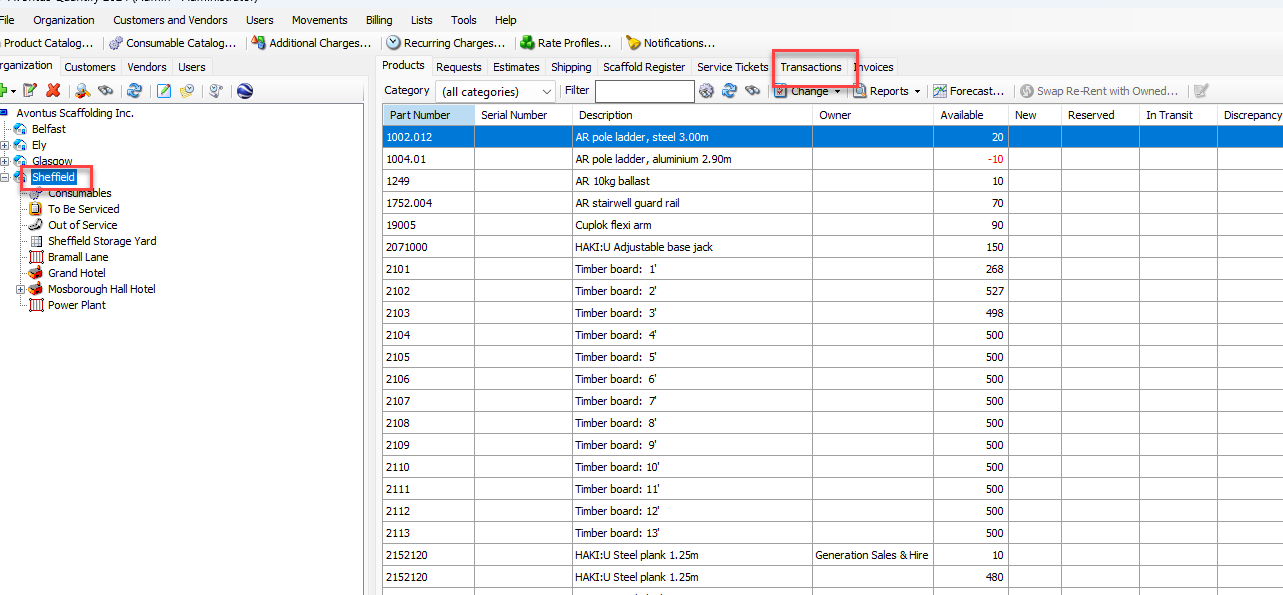
Note: You will need to restart Quantify if you have it open when the change was made
Select Reports and click the report you created.
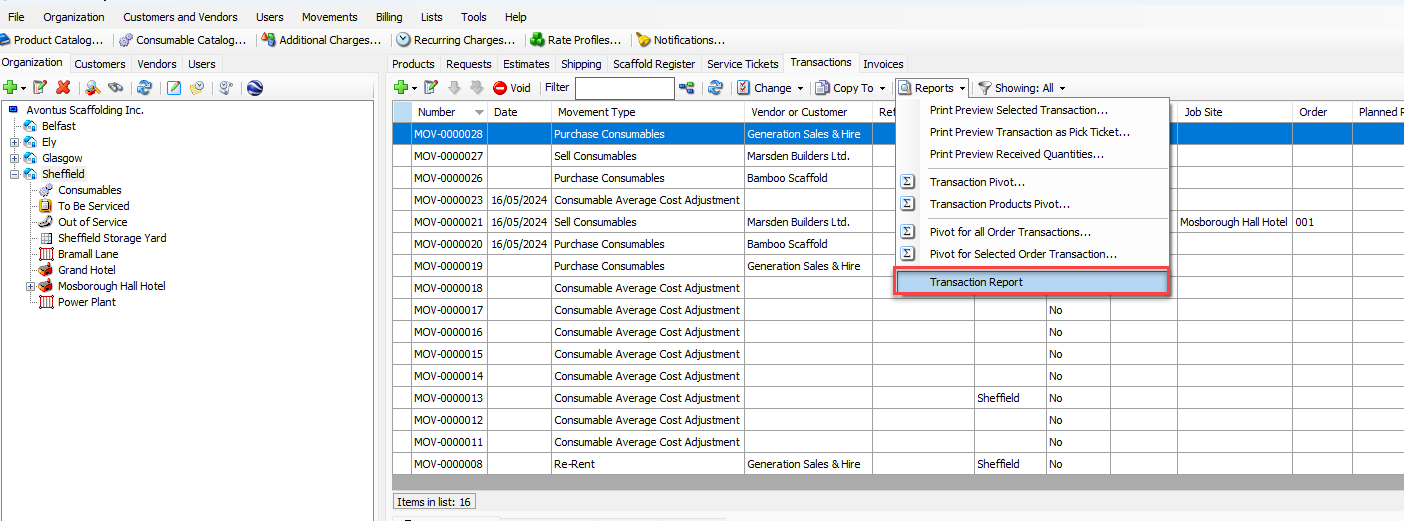
This will launch the report.
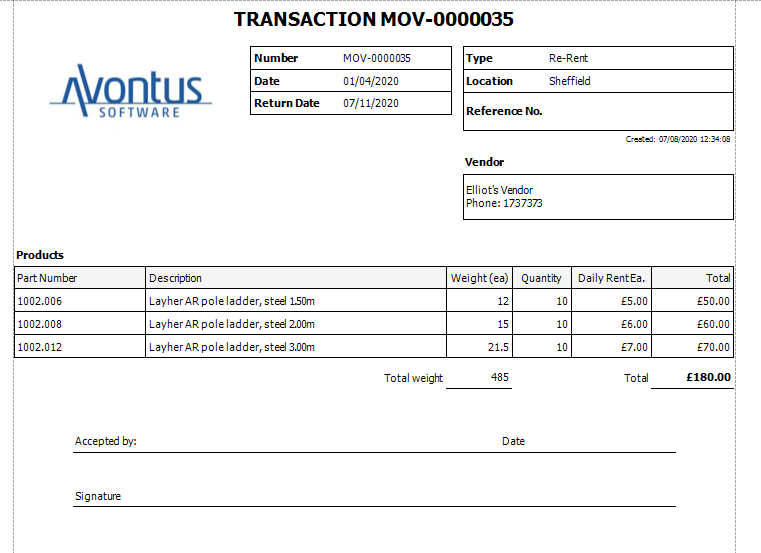
For some tabs, you can view the Report as a preview by hovering the cursor over the Preview options in the Reports drop-down.