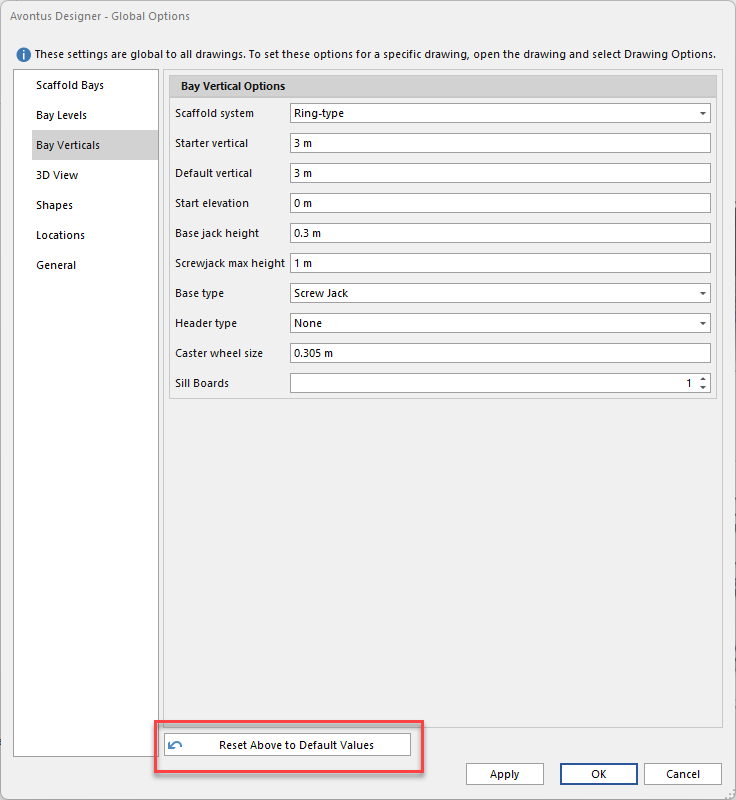
The Bay Verticals interface of the Global Options dialog enables you to determine the height characteristics Avontus Designer will use when you create new Bays.
To set default Bay verticals options:
As necessary, click the Bay Verticals tab in the Avontus Designer Options dialog.
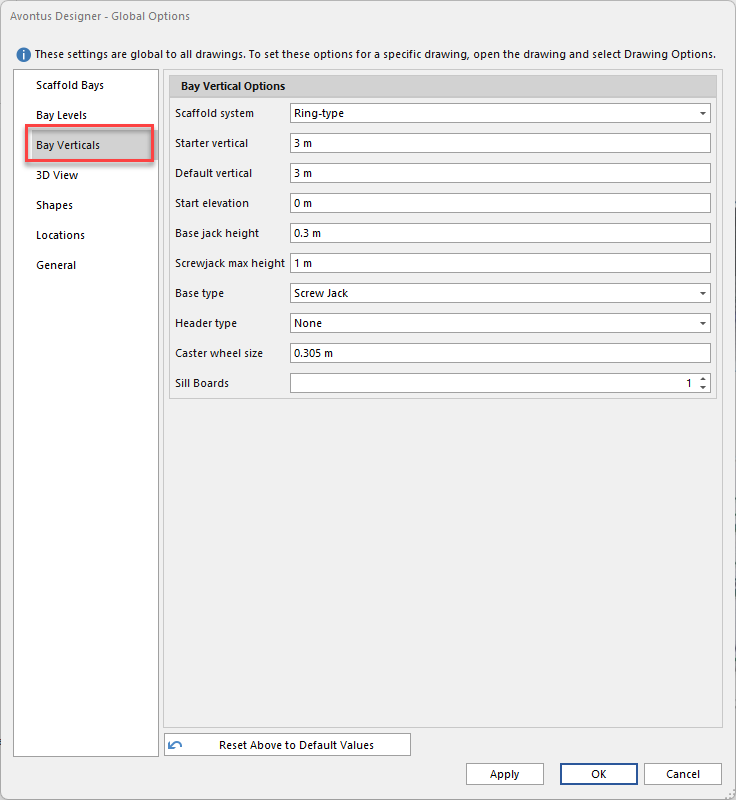
The Avontus Designer Options dialog refreshes, displaying the means for configuring default Bay Vertical Options.
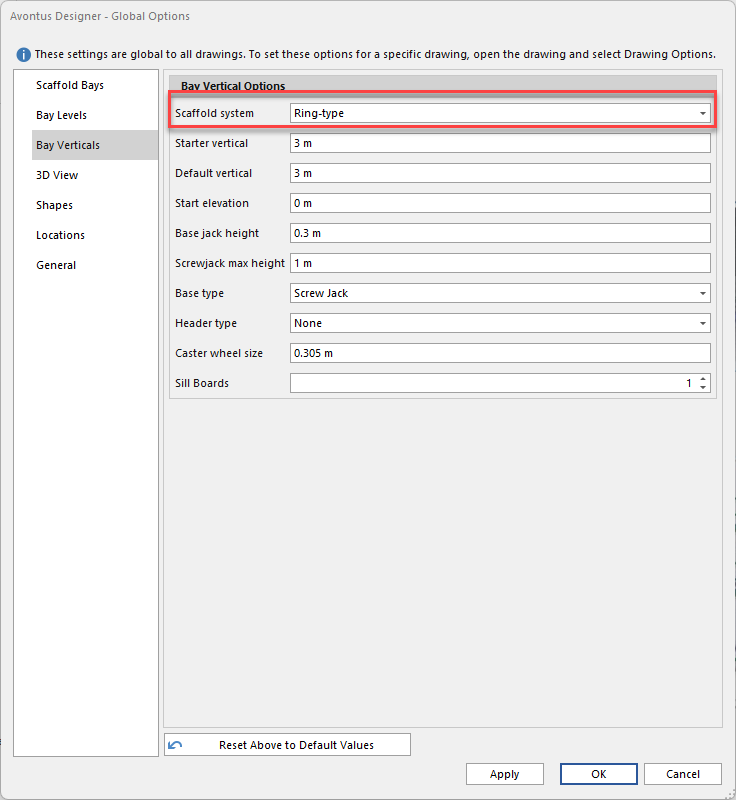
Select the Scaffold system. You can select from
Cup-type
Ring-type
Kwikstage
Selecting Cup-type, Ring-type or Kwikstage allows you to apply the global options to those drawing types separately. So, any changes made to Kwikstage will only apply to Kwikstage drawings.
Enabling the Default Settings checkbox applies settings to all systems. You can click Reset Above to Default Values to set individual scaffold systems to match the default settings
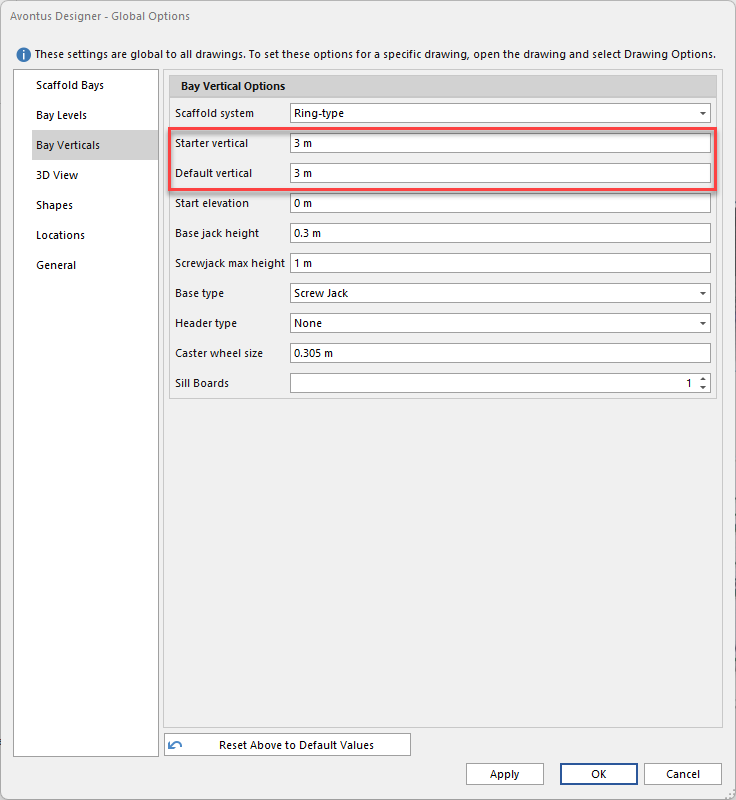
Click in the Starter Vertical text field and enter the default height for starter verticals for new Bays.
Click in the Default Vertical text field and enter the default vertical height for new Bays.
Default is the default size used after the Starter has been placed. Avontus Designer automatically uses the best-suited top vertical from your Material master
Set the Start Elevation of the Bay. This is the elevation height that the jack will be placed at
Click in the Base Jack Height text field and enter the default jack height for new Bays.
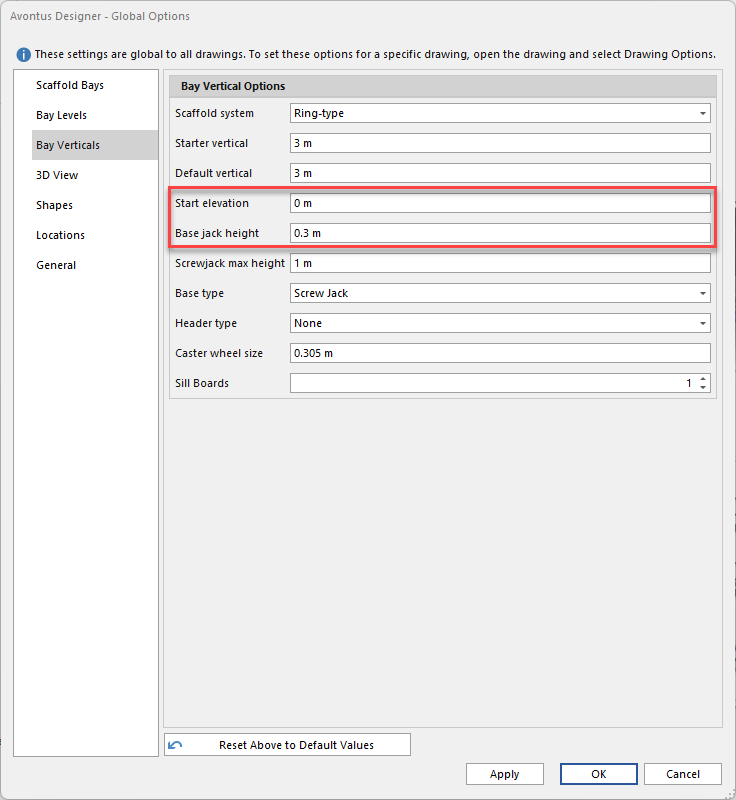
Select the screwback max height
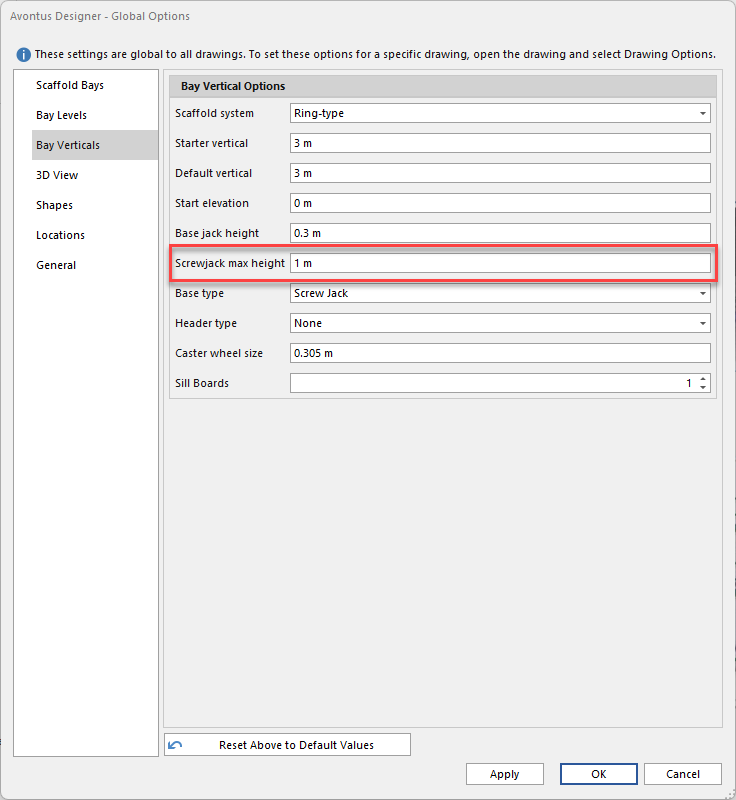
Select the default Base Type
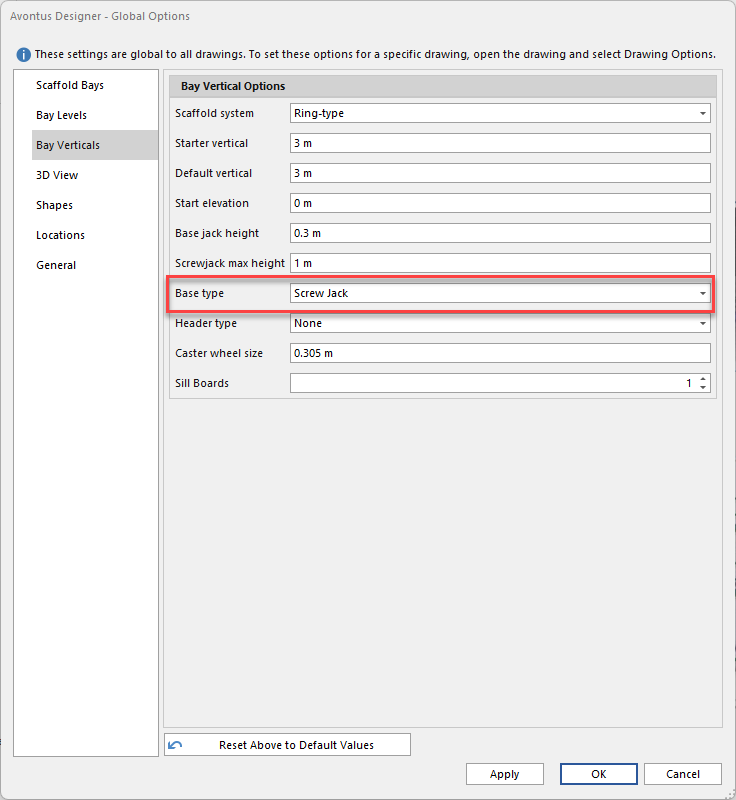
Set the Header type
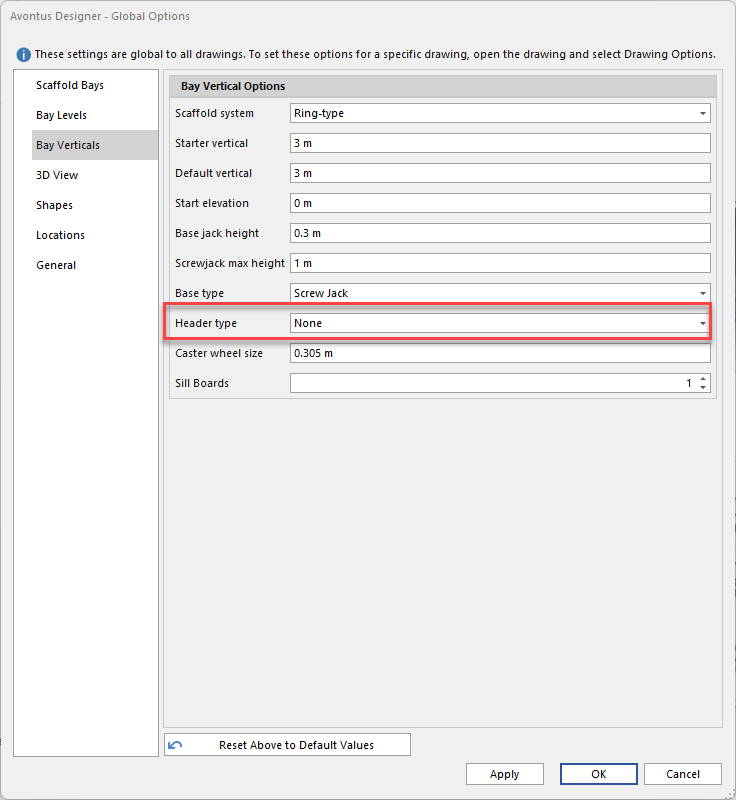
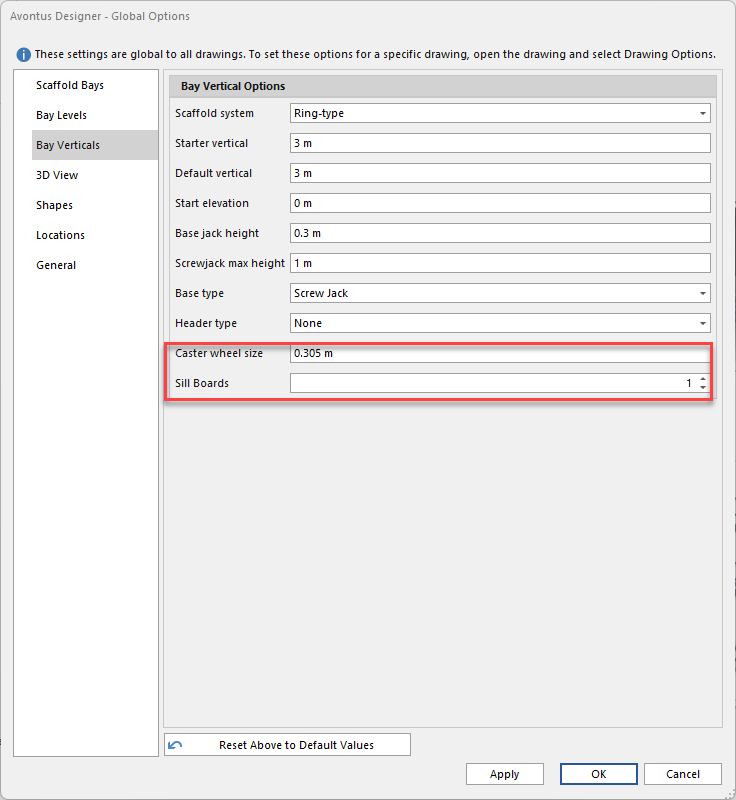
Click the Caster Wheel size textbox and enter the default Caster wheel size
Click the Sill Boards text field and enter the default number of sill boards for new Bays.
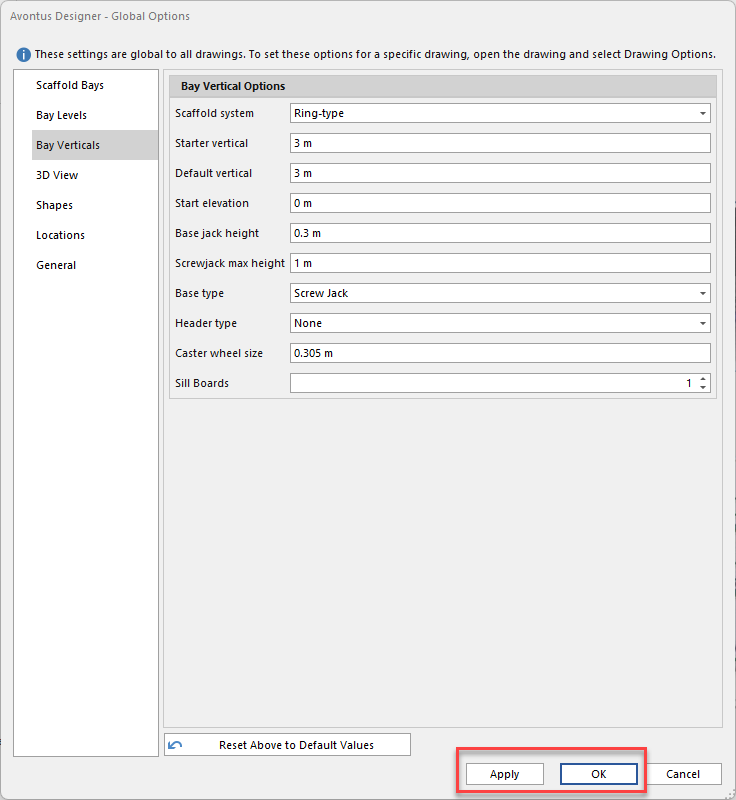
If you are done, click OK.
If not, click Apply and then the next appropriate tab.
Note: Click Default Values to restore Avontus Designer default values.