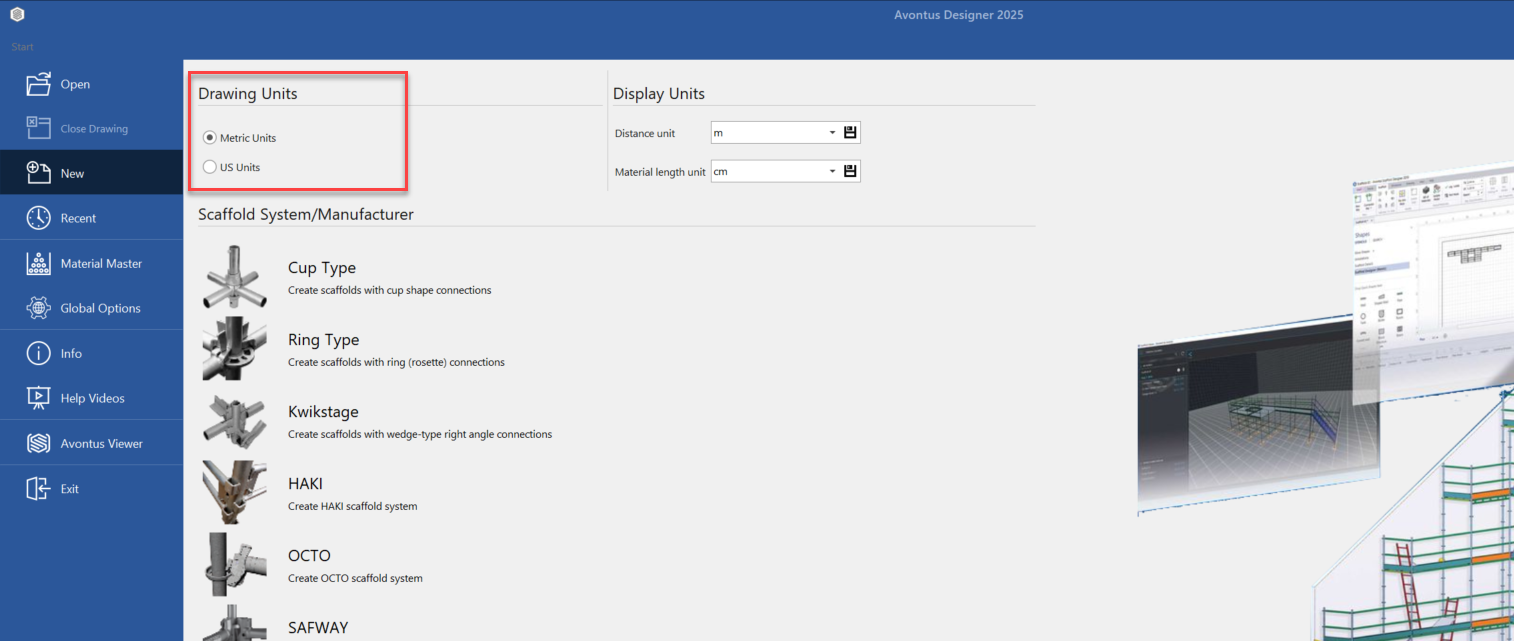
In the backstage, you can specify the drawing units for your drawing. This means your drawing will be measured in the specified units.
To set the drawing units
Go to the back stage by clicking Start
In the backstage, select the either Metric Units or US Units
Under Display Units, select the Distance unit and Material length unit from the drop-downs
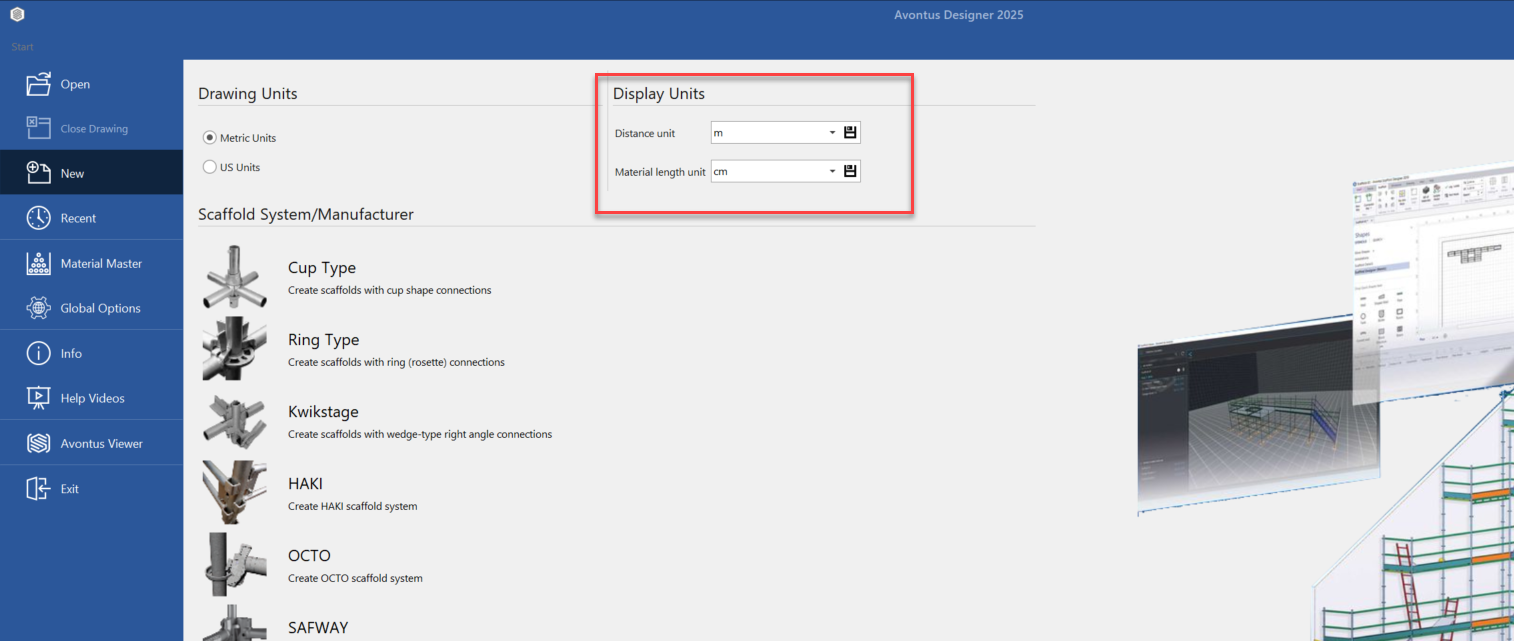
Click the save buttons for both units
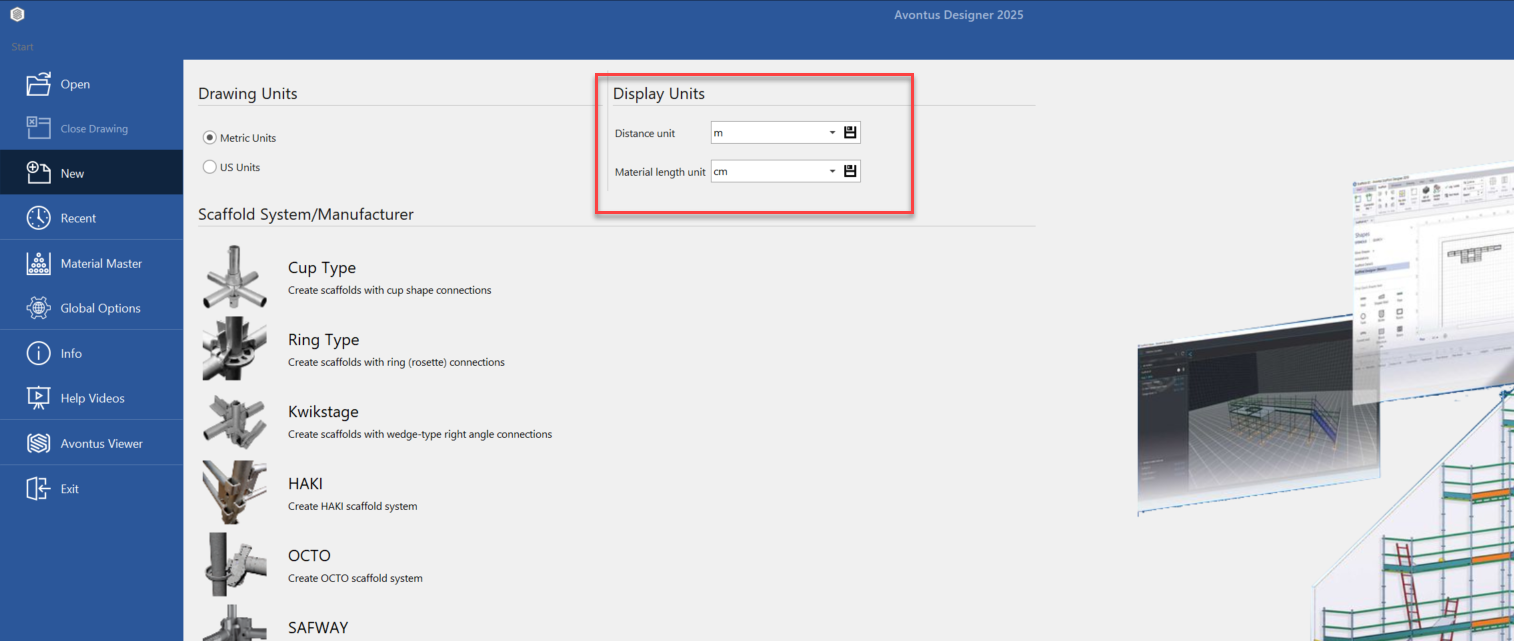
When you next open a drawing, the selected units will be applied.