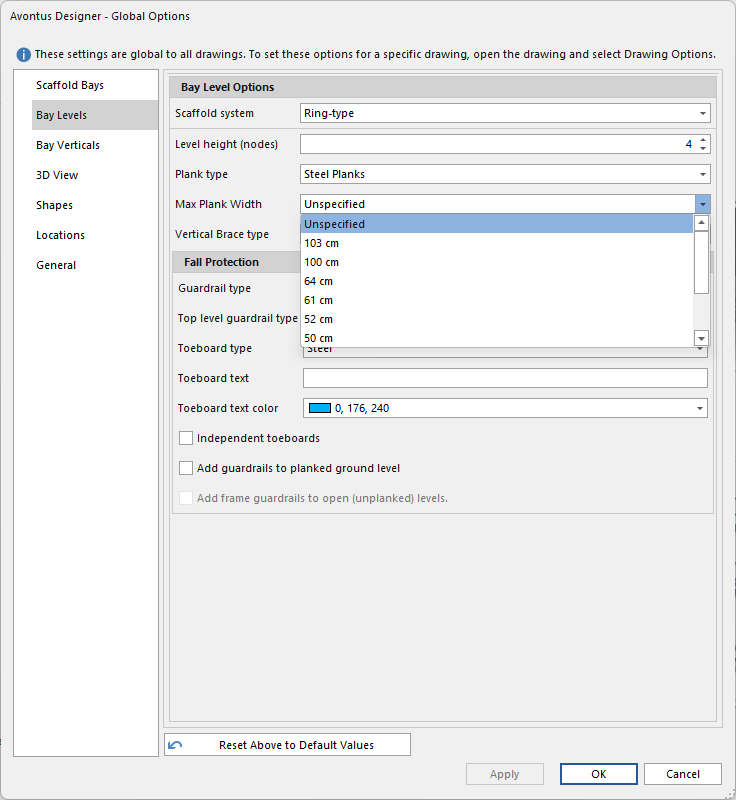
You can set the max plank width to limit the number of planks used on a bay.
To do this:
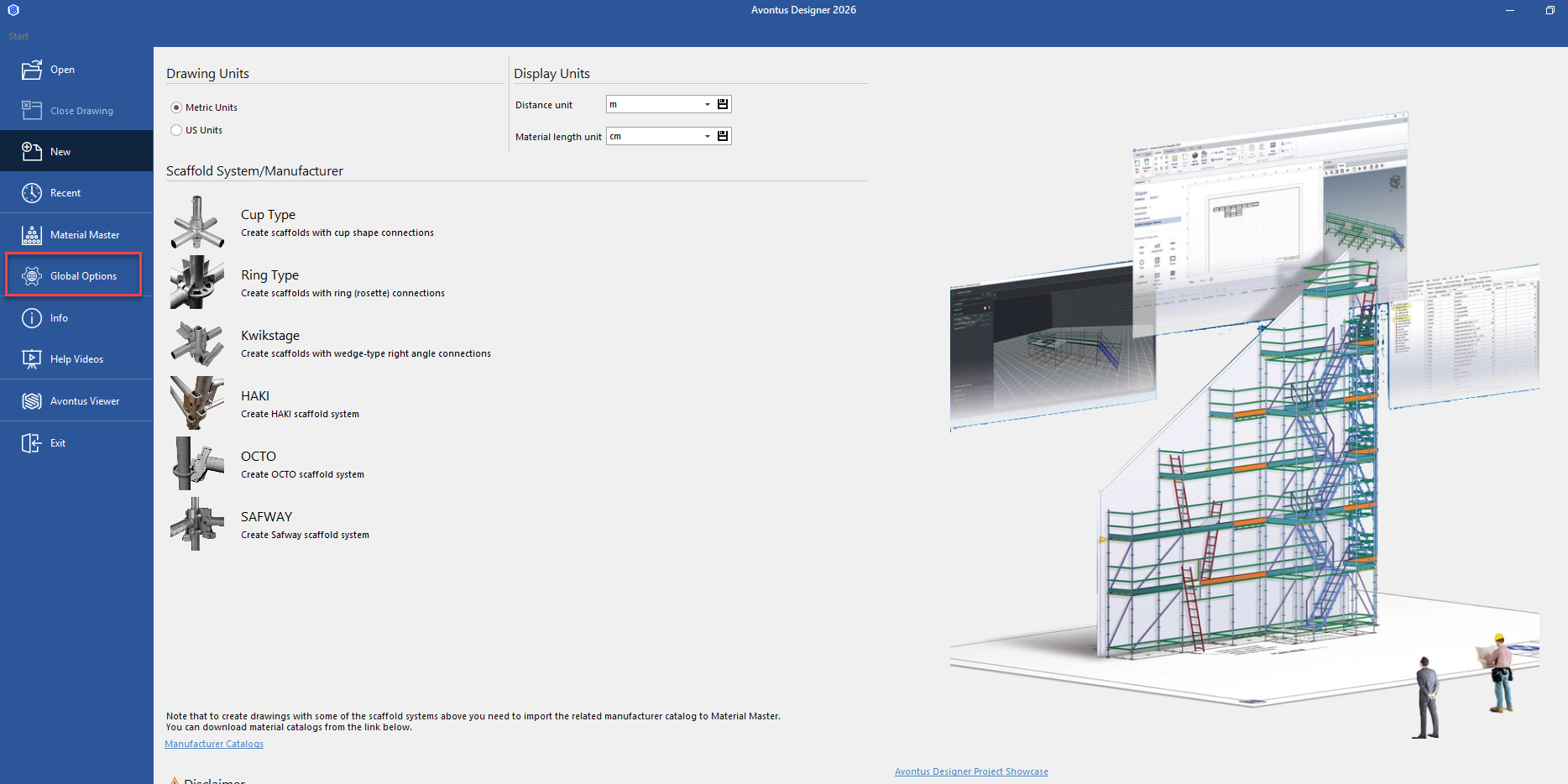
In the backstage, select Global Options
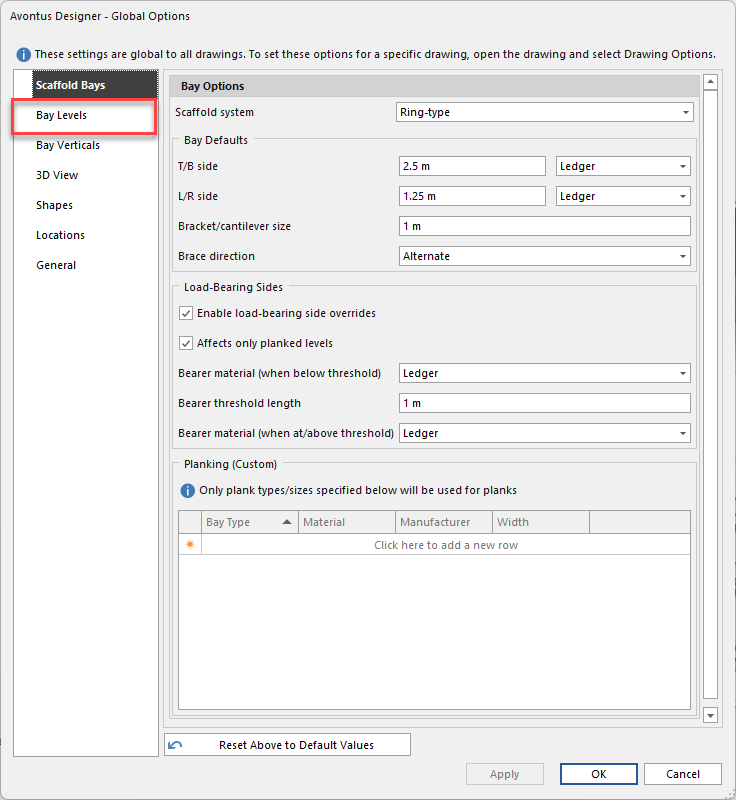
In Global Options, select Bay Levels
Set the Max Plank Width
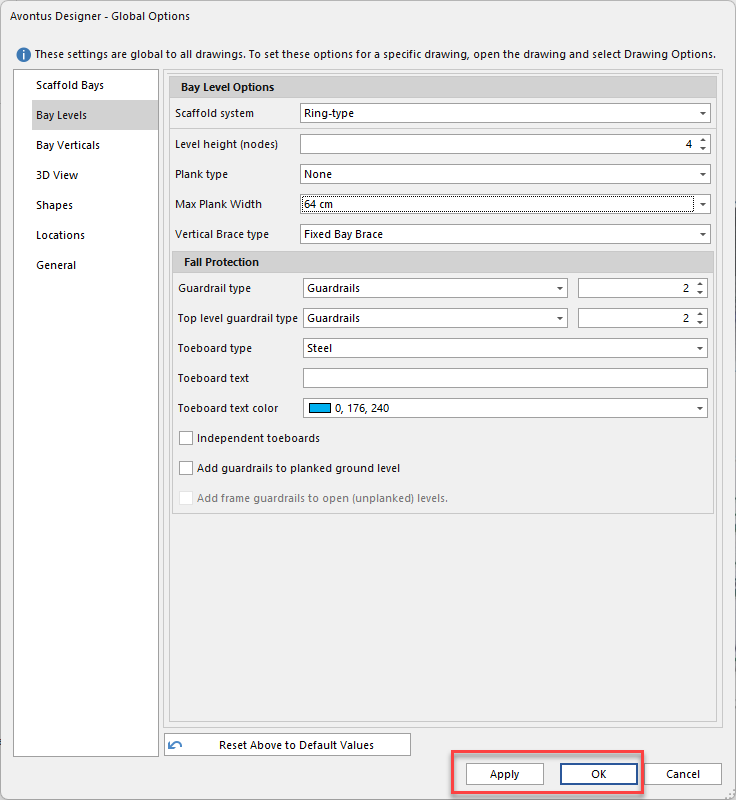
Click Apply or OK
You can set the max plank width to limit the number of planks used on a bay.
To do this:
In the backstage, select Global Options
In Global Options, select Bay Levels
Set the Max Plank Width
Click Apply or OK