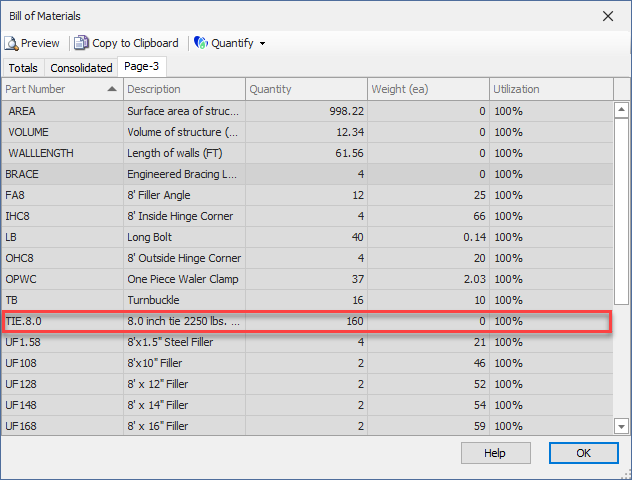
After dropping Ties onto the Formwork, you can set the quantity, which will be automatically added to the Bill of Materials.
To set the Tie quantities:
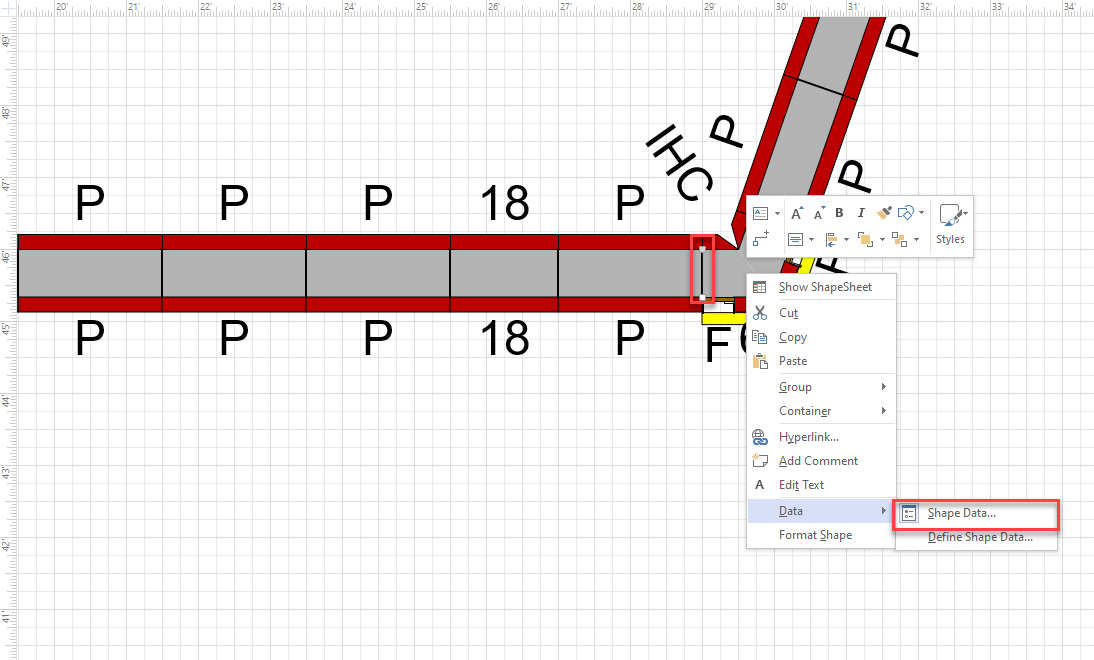
- Right-click the Tie shape and select Shape Data from the Data sub-menu
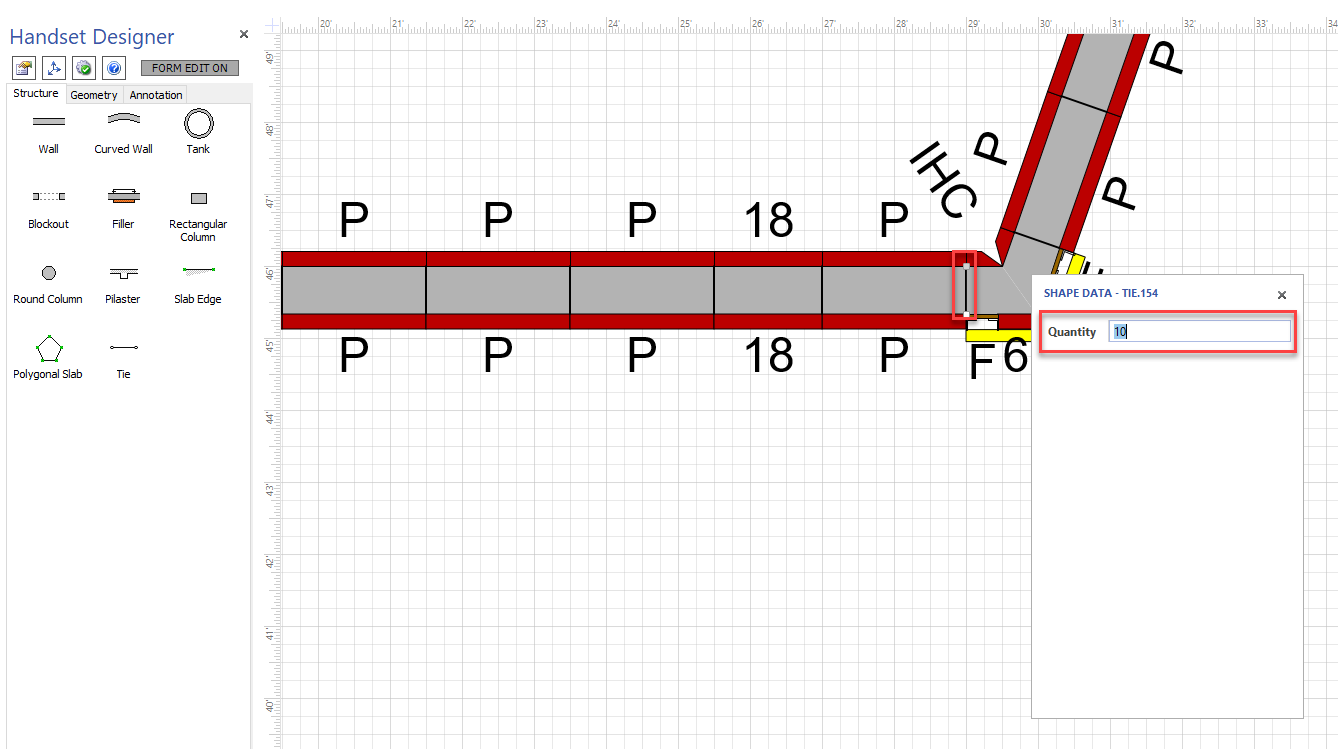
The Shape Data popup appears. - Click in the Quantity text field, enter the number of Ties and press Enter.
The new ties will be added to the bill of materials.