Setting up Counting on a Branch Office
- Updated on Jun 16, 2025
- Published on Jul 20, 2023
To set up counting on a Branch Office
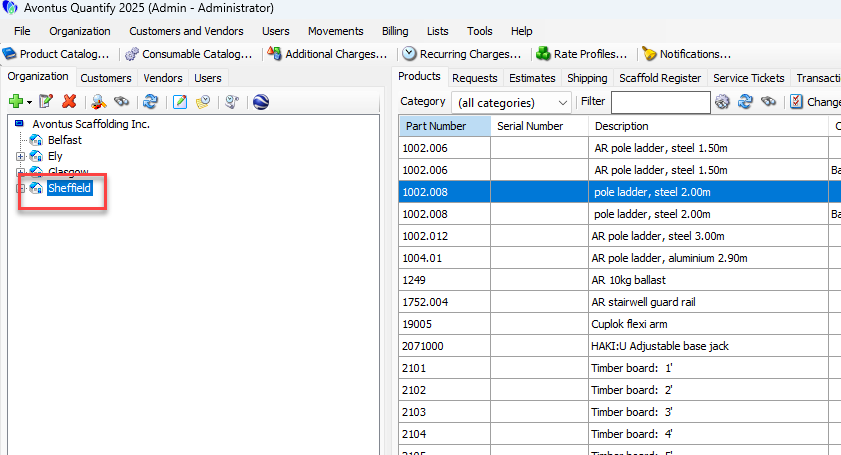
- Double-click on the Branch Office
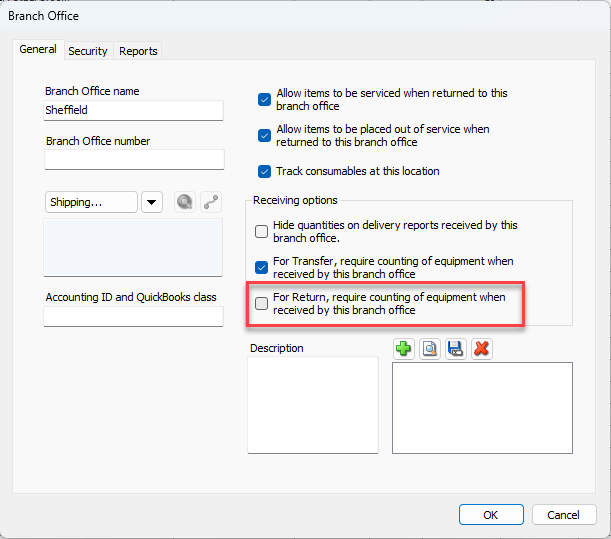
- Enable the receiving options for transfers and/or returns
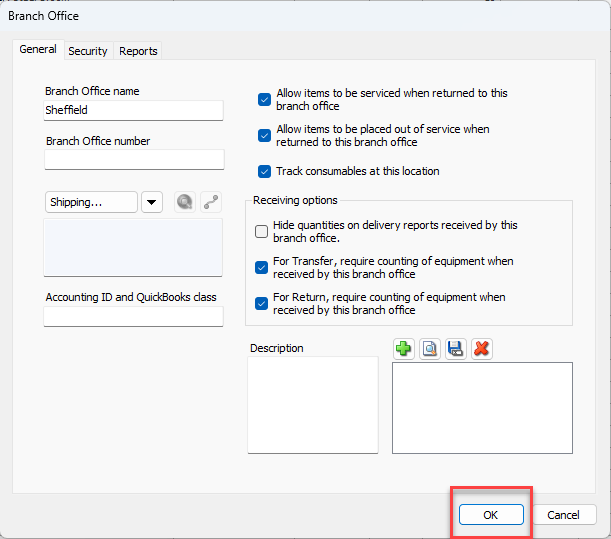
- Click OK.
Was this article helpful?