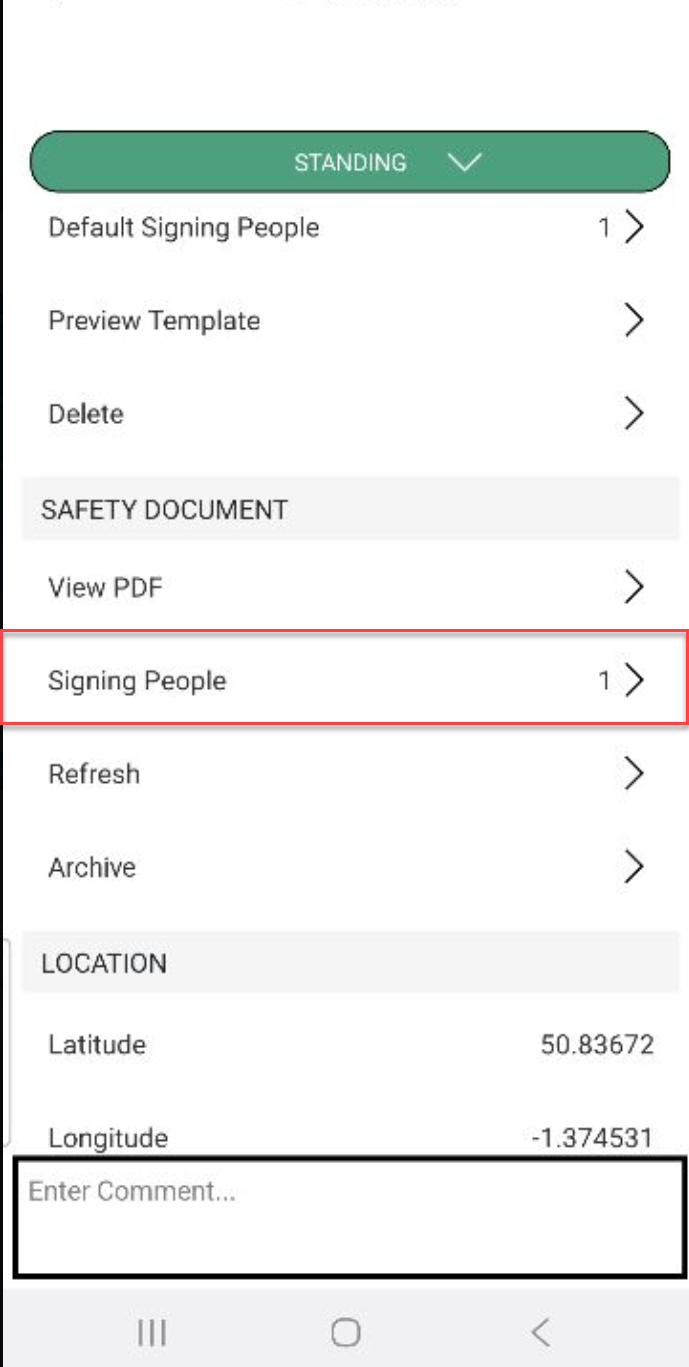
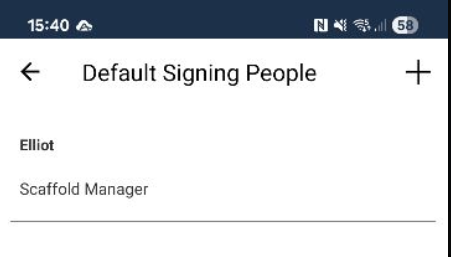
Safety documents will need to be signed by users. You can either Add Default Signees that will be included in the Signing People drop-down or you can add signees directly via the Signing People screen after you add a safety document. If you want default signees you must add them before adding the safety document to the Scaffold.
To add default signees
To do this
Go to the Scaffolds screen
Tap on a Scaffold
.png)
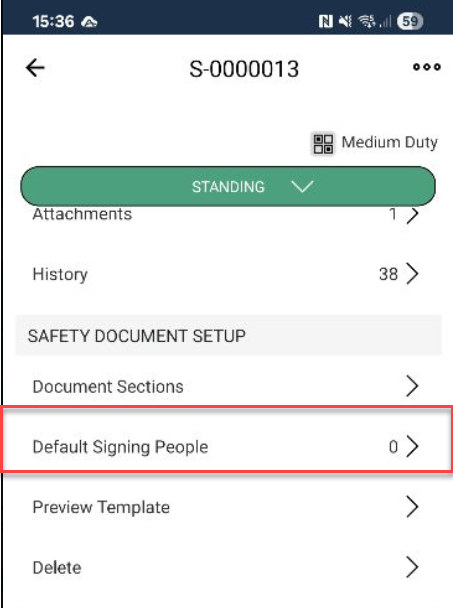
Scroll down to Safety Document Setup and tap Default Signing People
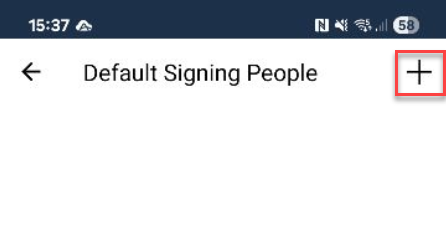
Tap the + button
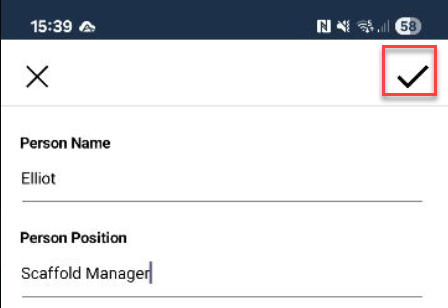
Specify the Person Name and Position
Tap the tick icon
Add more people or tap the back button
When you add the document, the added user will be automatically included in the Signing People drop-down.