When you have assigned a template to a scaffold, you must then add the document to a Scaffold.
To do this
Go to the Scaffolds screen
Tap on a Scaffold
.png)
Scroll down to the Safety Document section, and tap Add
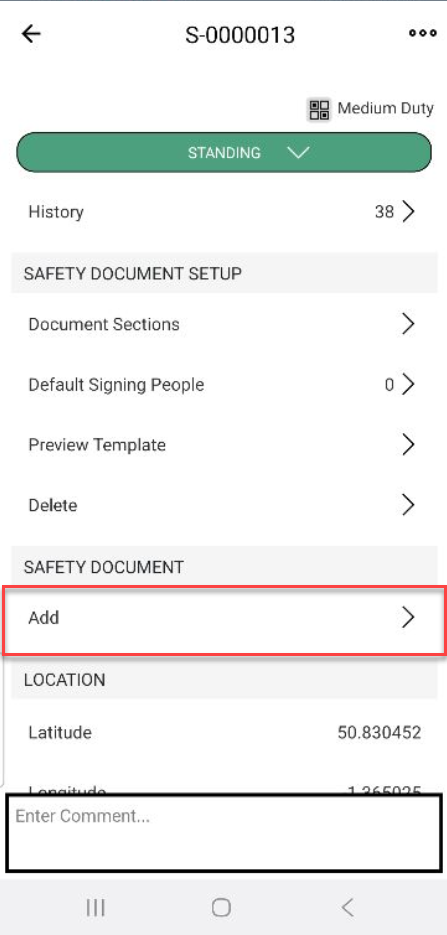
The safety document will be added. You may need to add signees, sign the document, or archive it.