Before you can upload a video, you will need to sign in into your YouTube account. To sign into YouTube from Avontus Viewer:
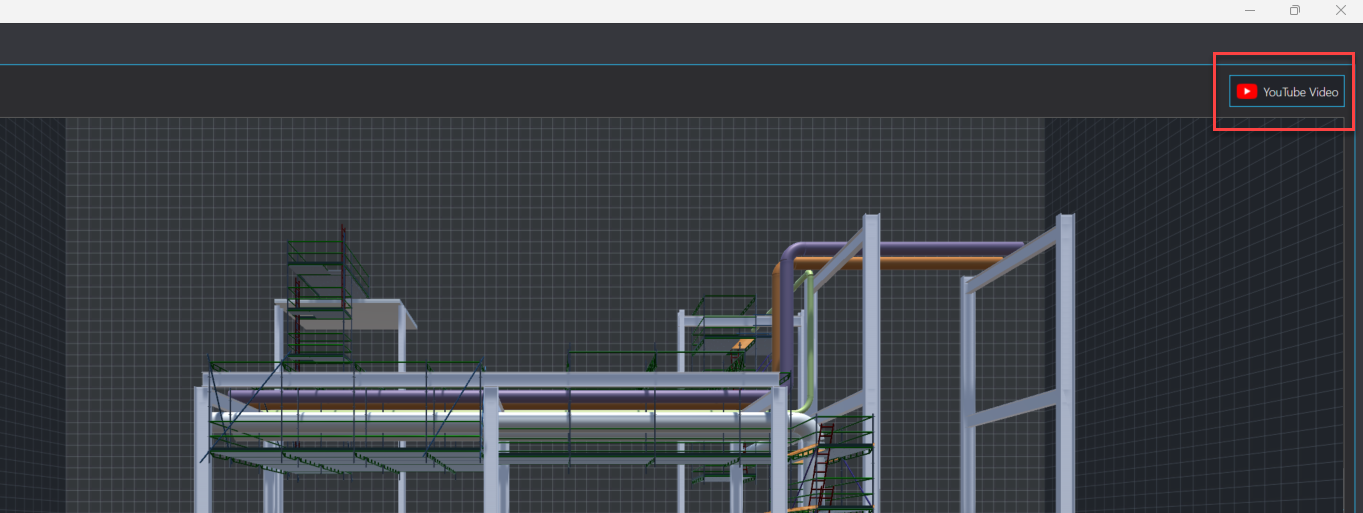
Click YouTube Video in the top-right.
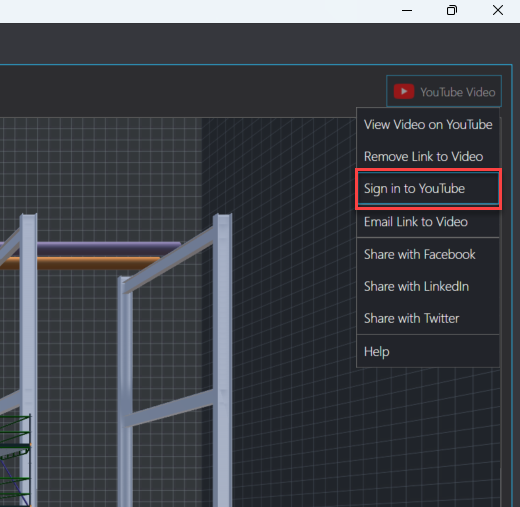
Select Sign in to YouTube.
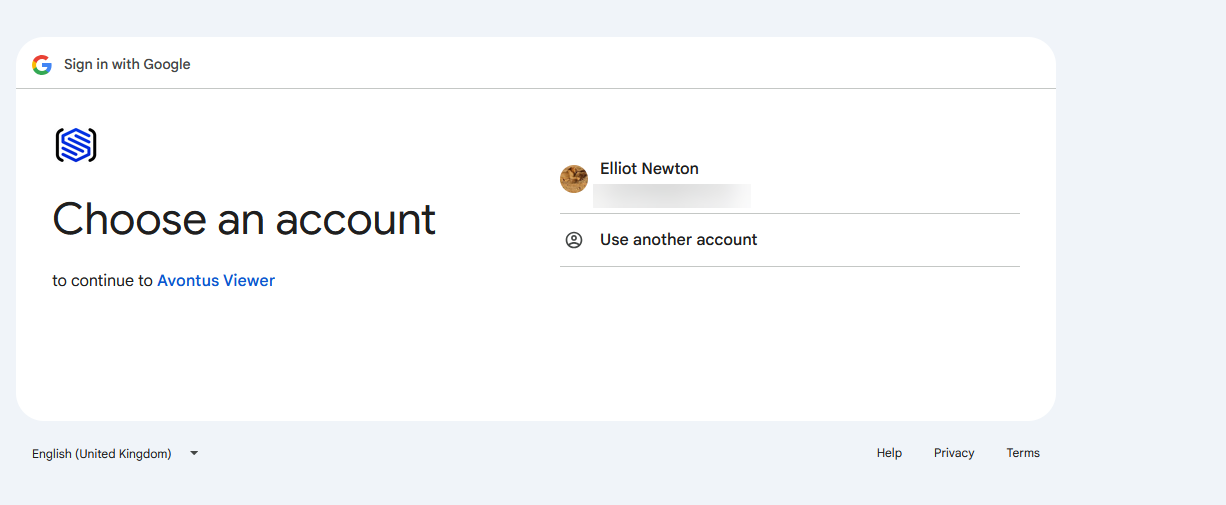
Select to sign in with an account or create a new Google account.
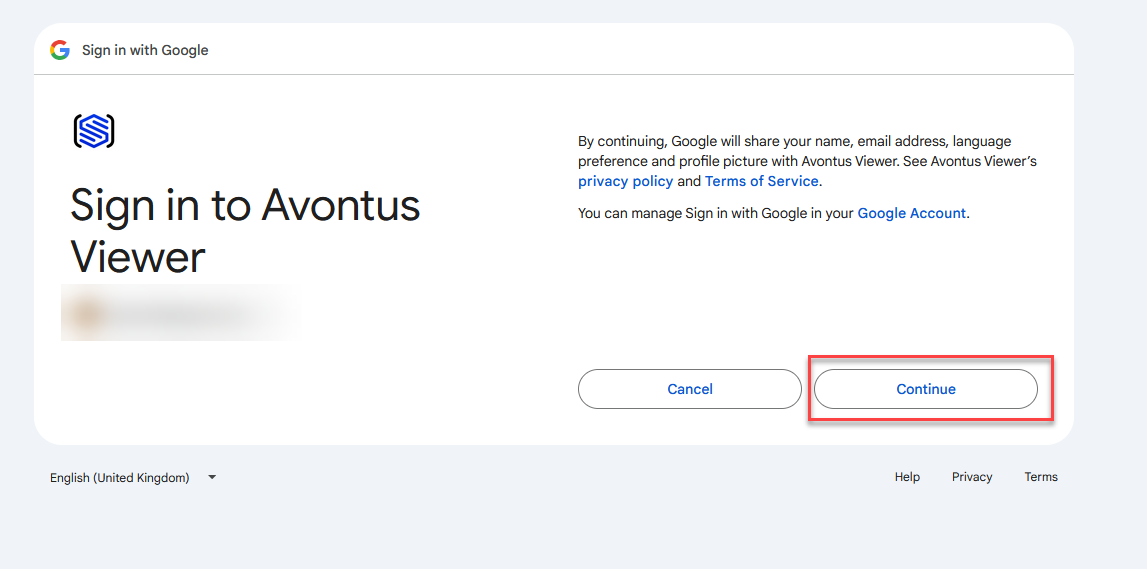
Click Continue to allow Google to share your name, email address, language preferences, and profile picture
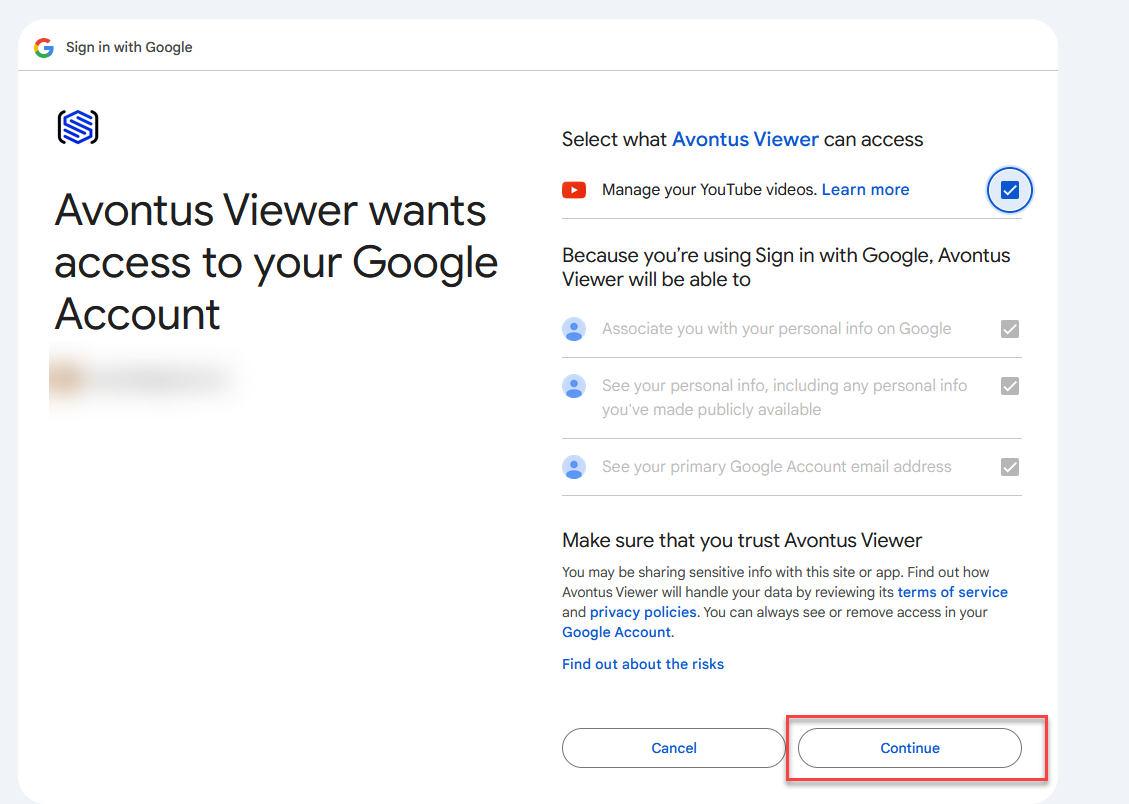
Select Contiue to allow Avontus Viewer to:
Associate you with your personal info on Google
See your personal info, including any personal info you've made publicly available
View your email address
Manage your YouTube videos.
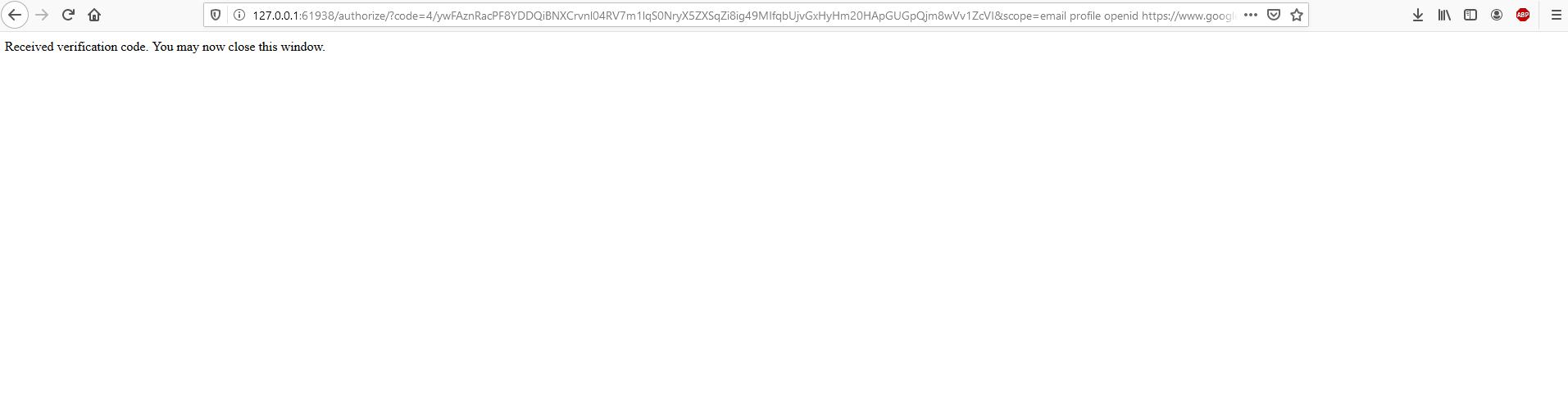
Once you click Apply, you will be automatically verified.
When you have been successfully signed in, your avatar will appear next to the YouTube Video button in the top-right.