To update the Scaffold's picture
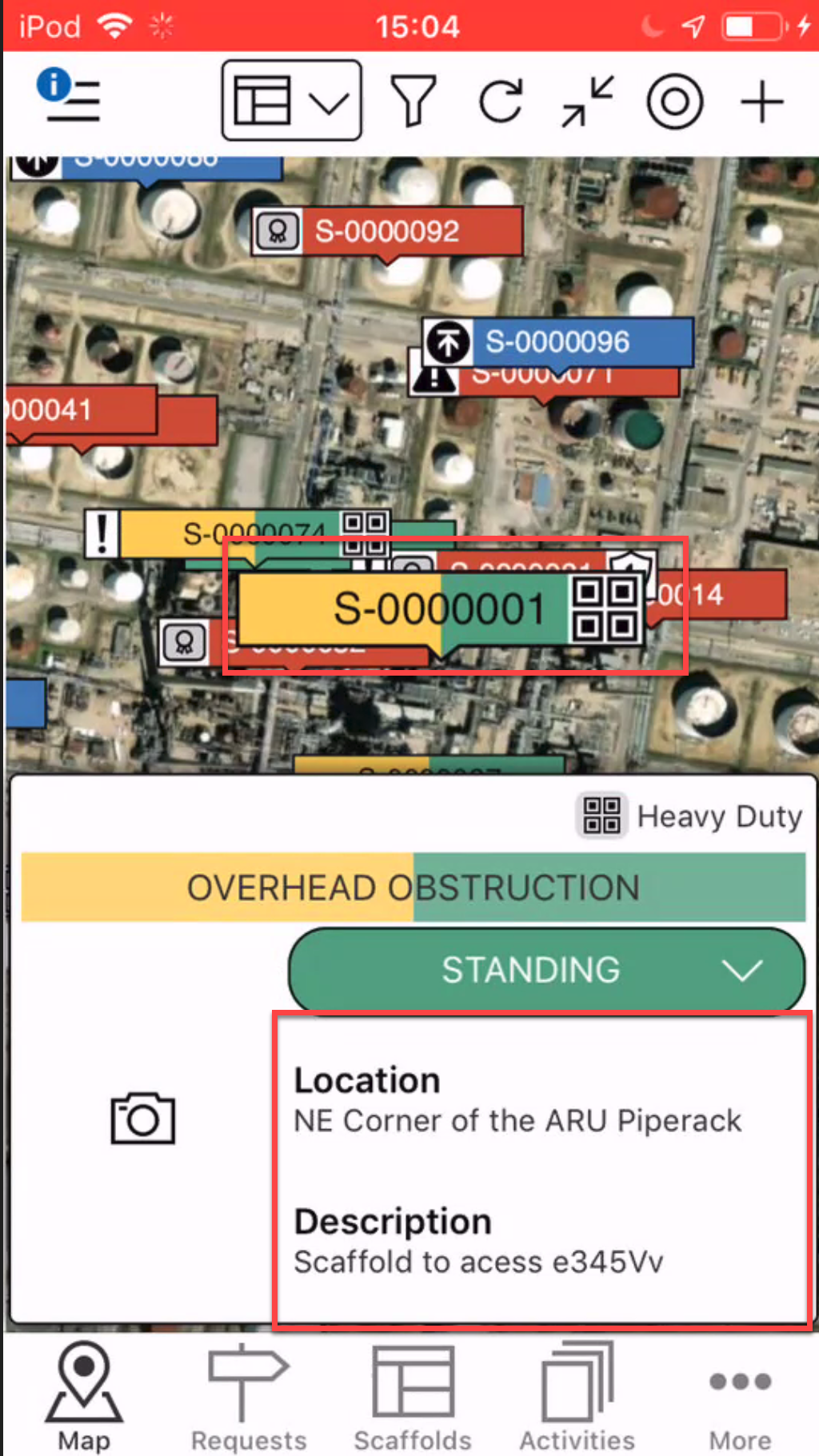
- On the Map screen, locate the scaffold to add an image to
- Tap the details section
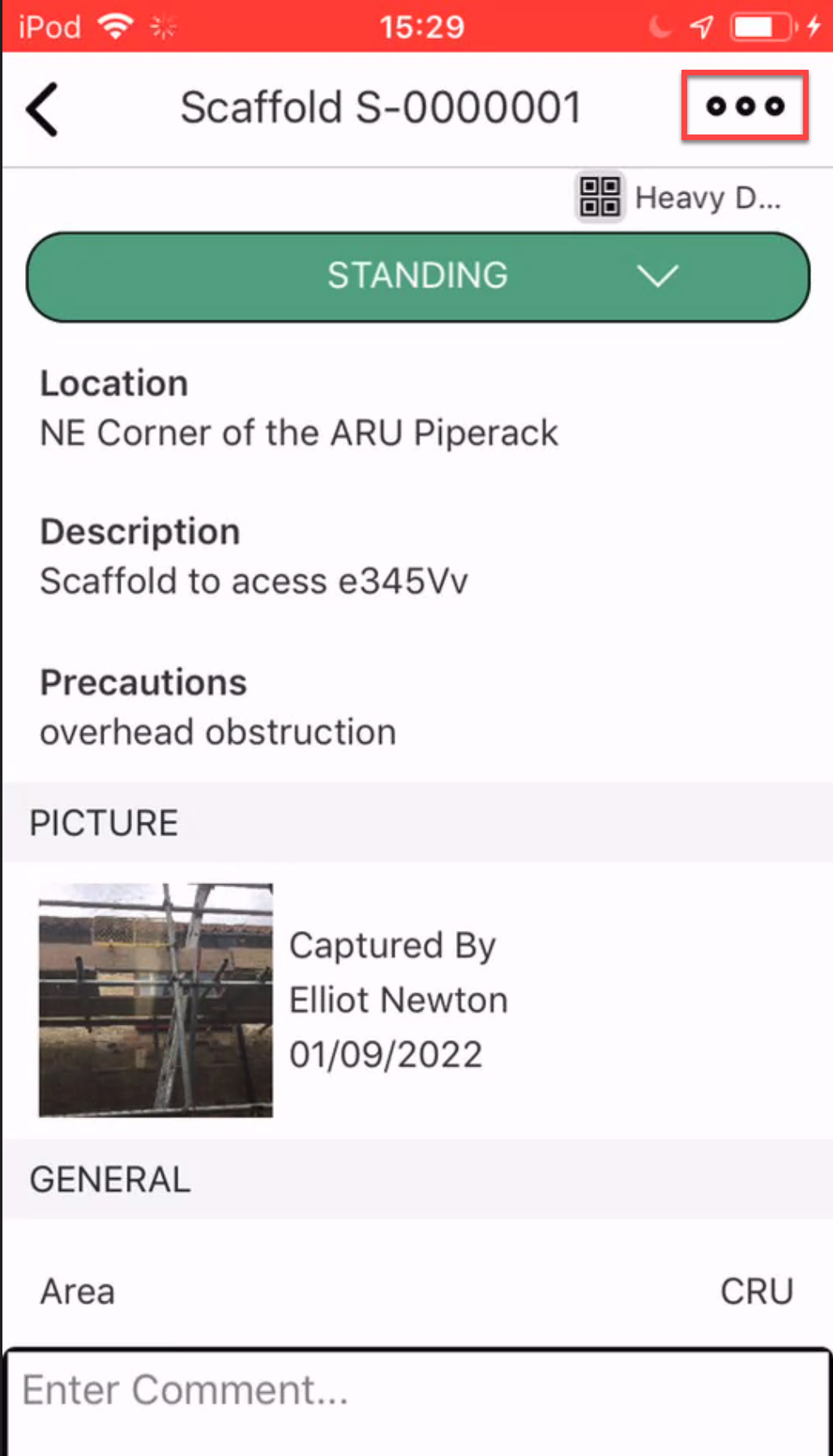
- Tap the three dots in the top right
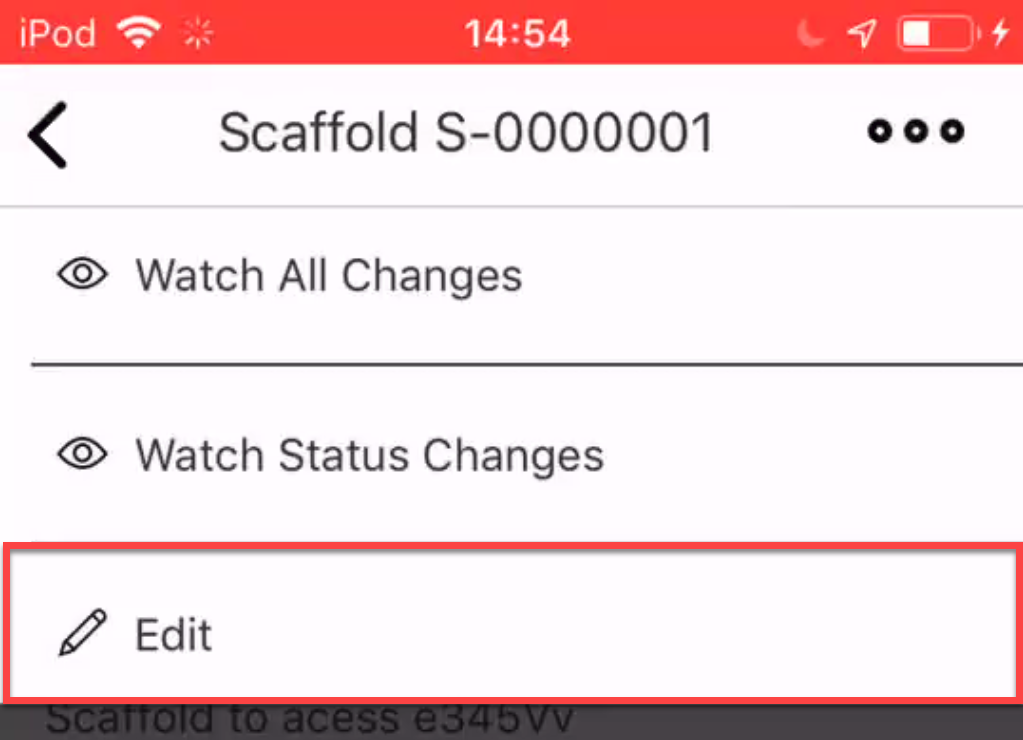
- Select Edit.
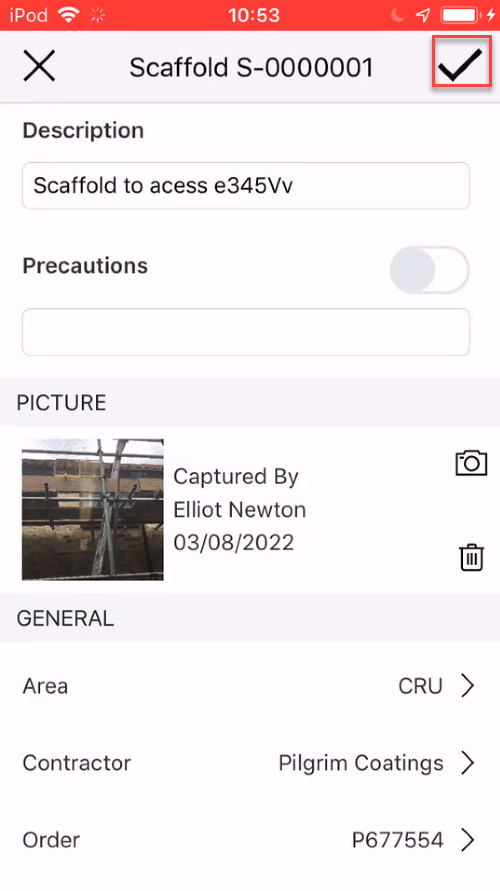
- Tap the camera icon in the Scaffold Image area.
Note: If there is no picture, tap the Picture area to add a picture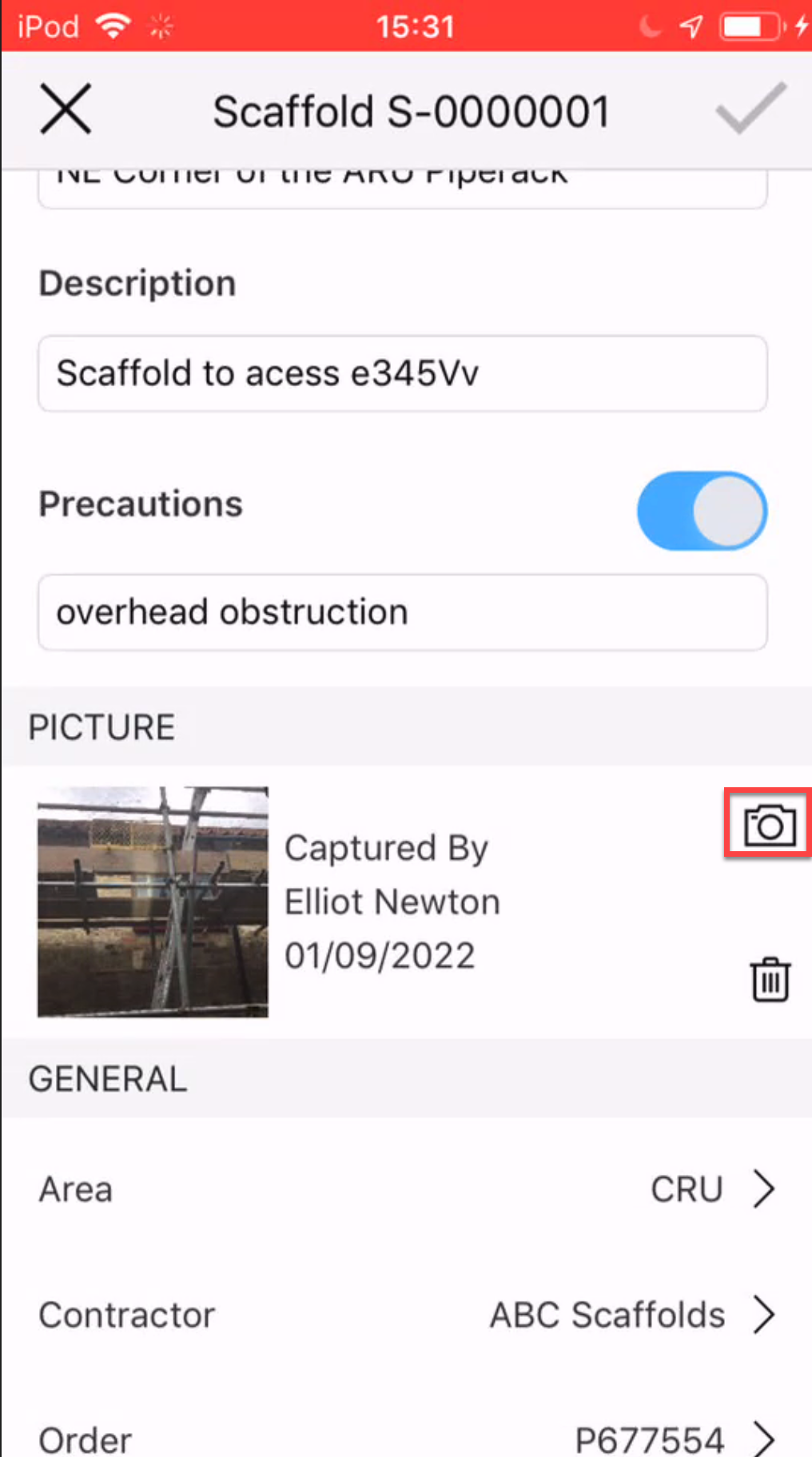
- Select to take a new photo or choose a photo from your library.
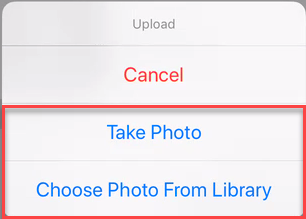
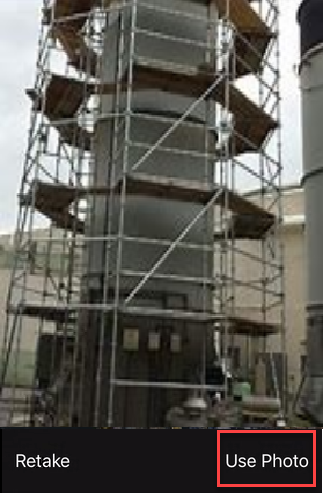
Take Photo - Take the photo and tap Use Photo.
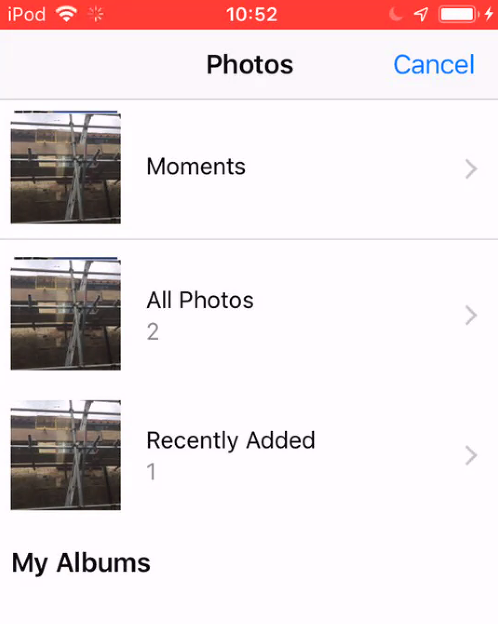
Choose Photo - Select your image from your image library.
- Tap the tick icon to save your changes.