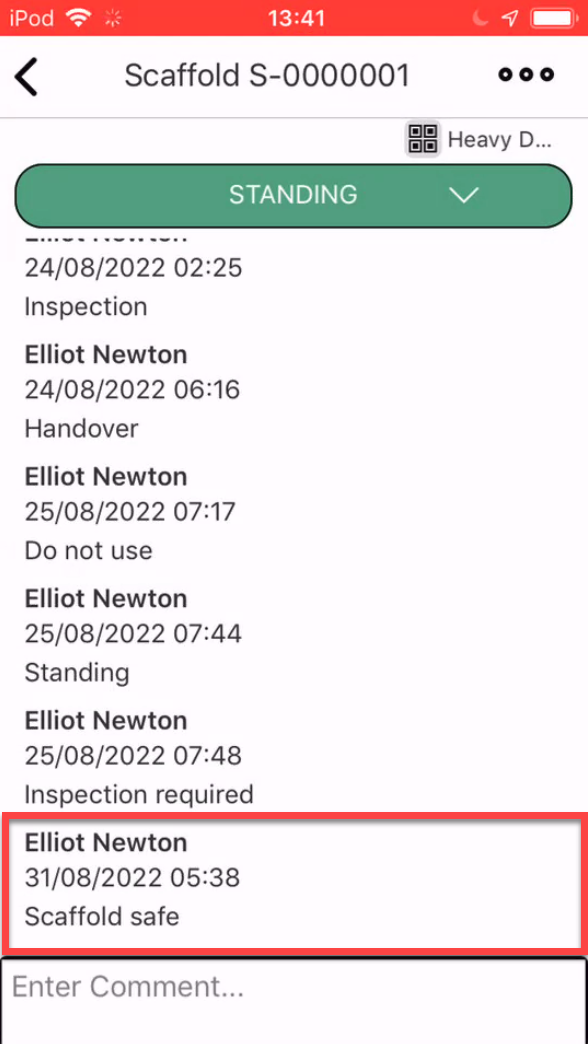
To add a comment to a Scaffold
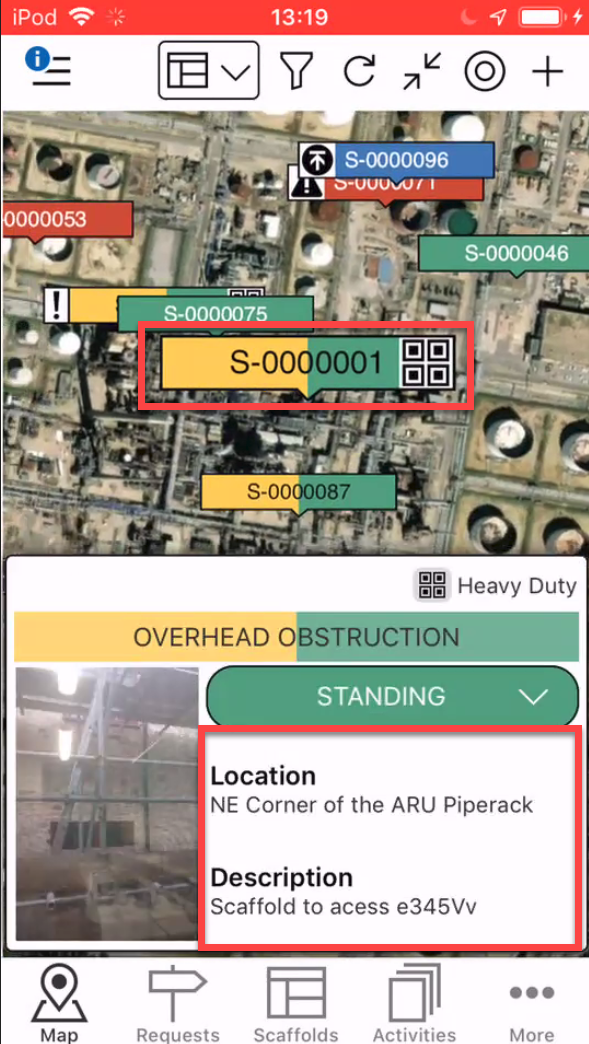
- Tap the Scaffold pin
- Tap the details section
Note: You can also access the Scaffold Details by tapping the Scaffold in the Scaffolds screen.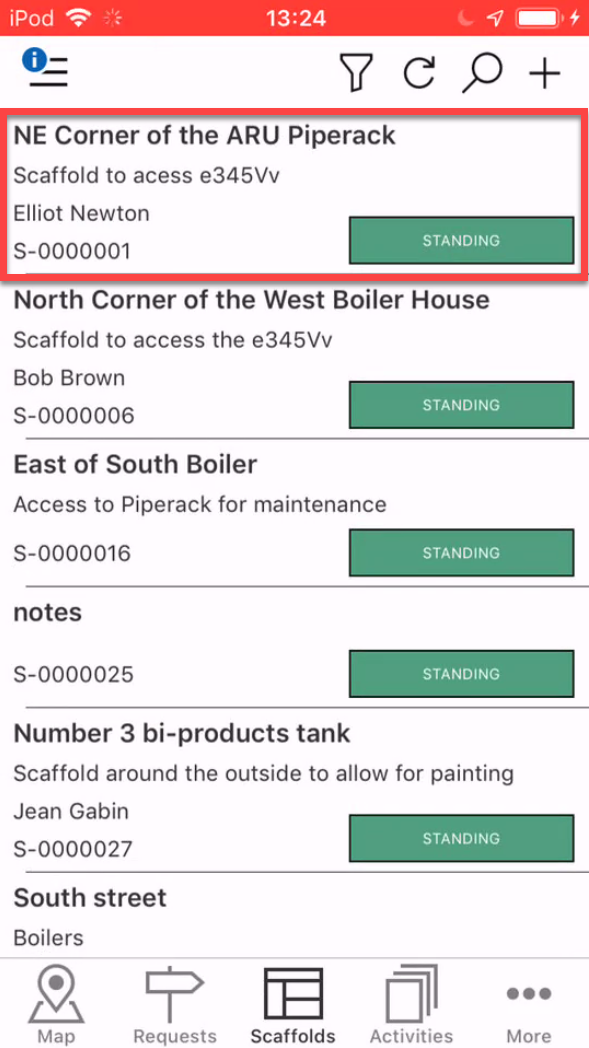
- Tap within the comment section
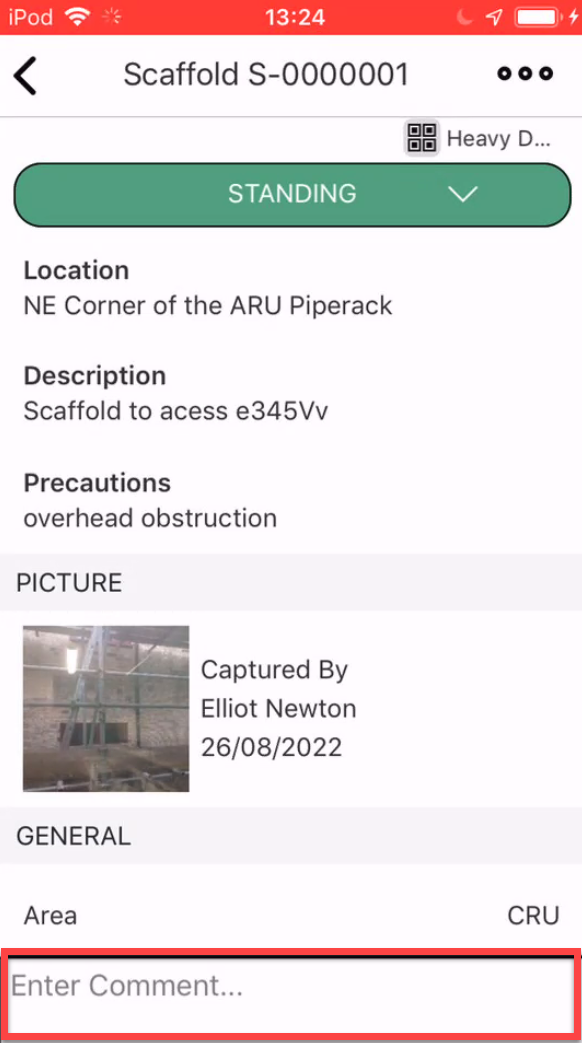
- Enter a comment and tap the tick icon
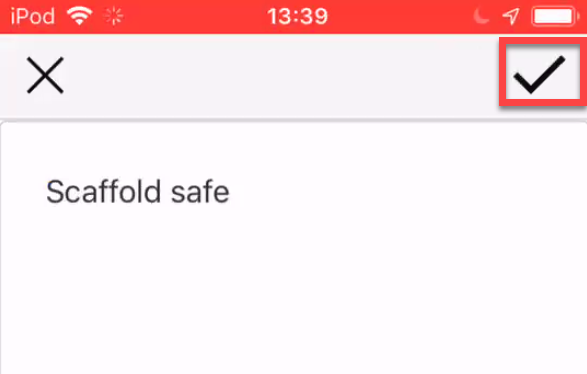
The comment will be added