For any subsequent releases of Quantfy, you will need to update the Binaries. This is similar to deploying the QuAD (Quantify Azure Deployment) for the first time, but all information except the secret key would have been completed.
Enter the Secret Key on the configuration page
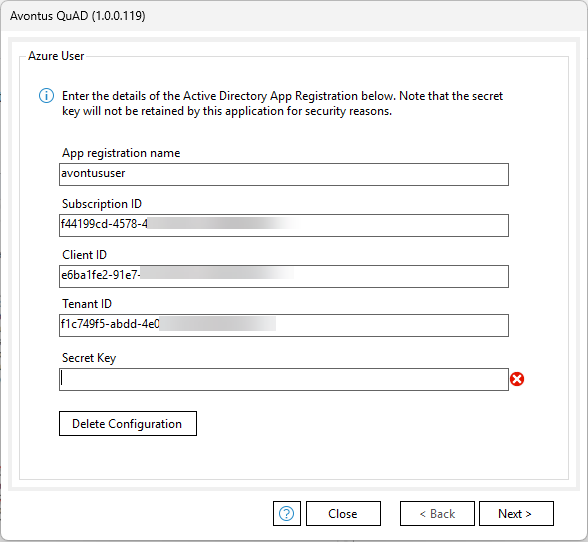
Click Next until you reach the Binaries page - all this information will already have been completed.
Click Publish.
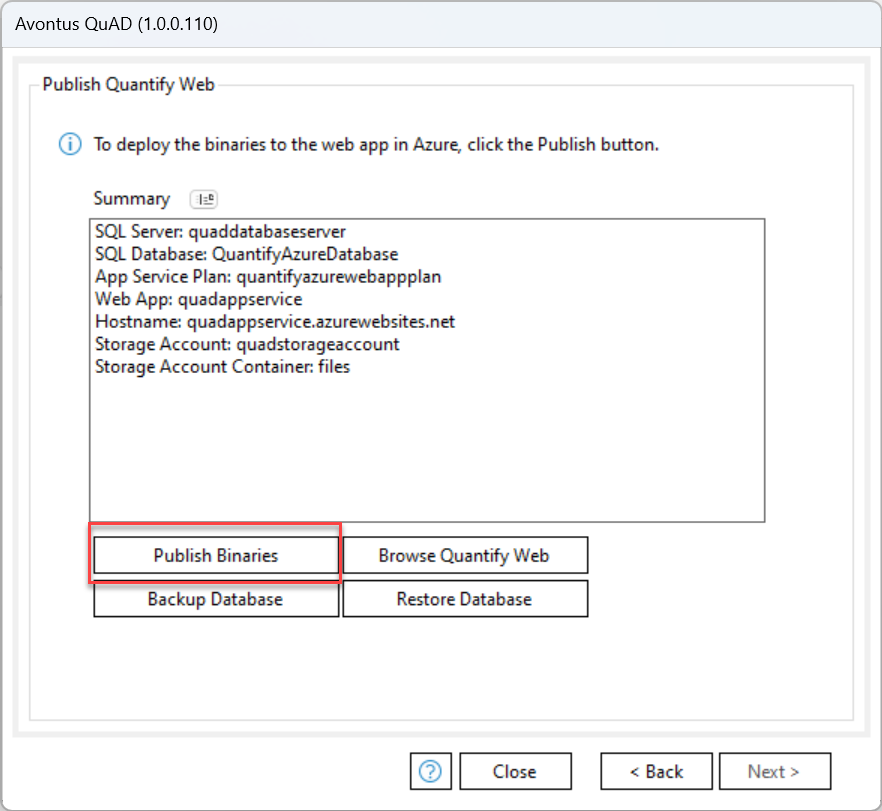
Click Pick Binaries and Deploy.
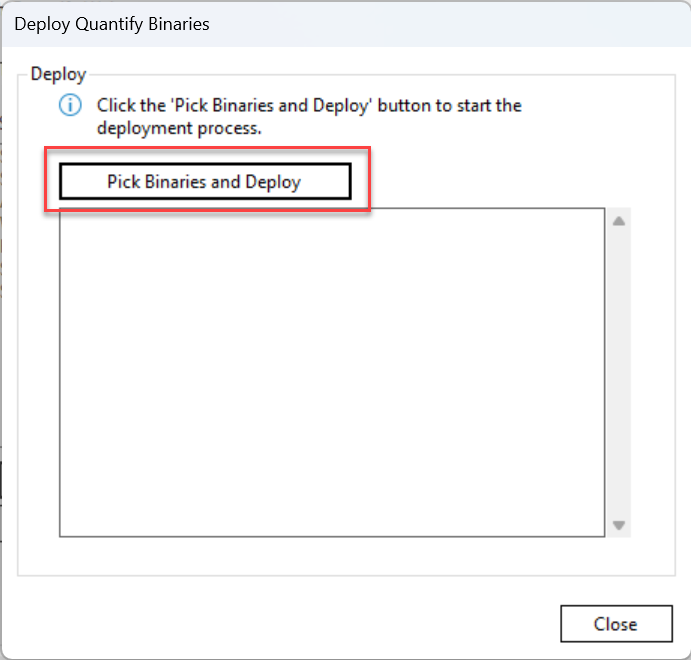
Select your zipped file.

Click Close.
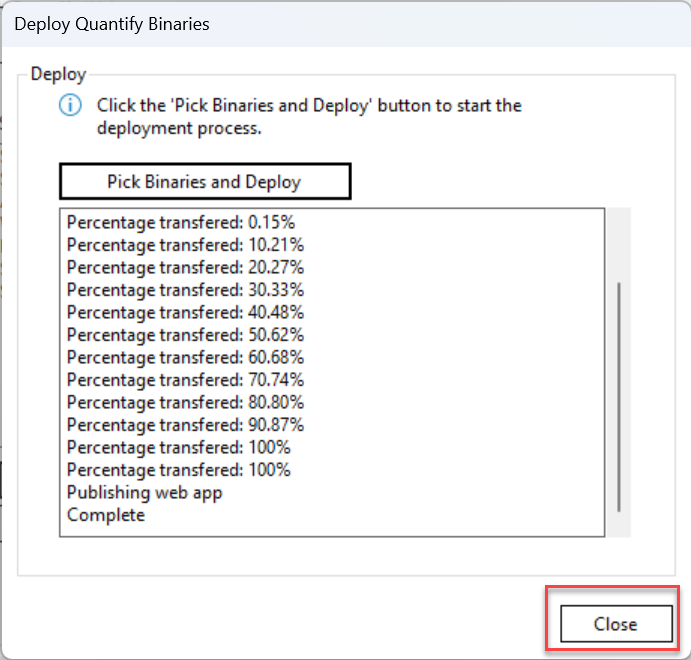
When done, click Browse Quantify Web.

Note: You also have the option to back up and Restore your database. It's recommended that you back up your database before you restore it.
On the web page that appears, provide your details and log into Quantify Web.

If you wish to create a custom URL, please visit Creating a Custom URL