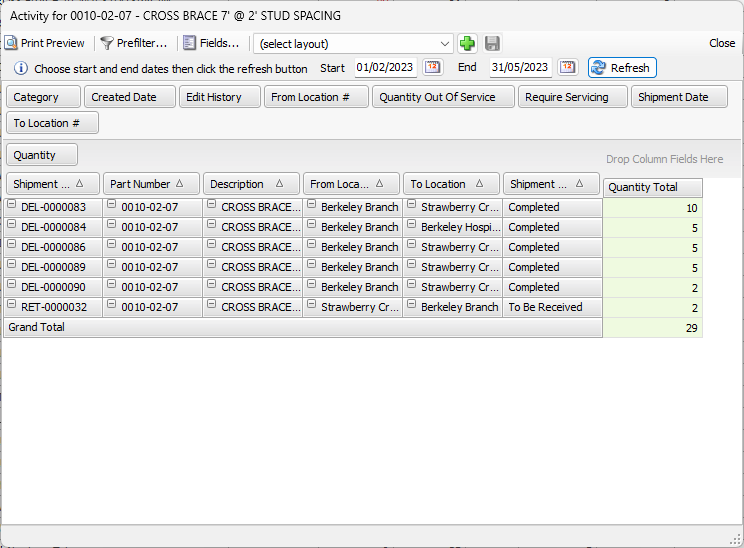
The Product Activity pivot can assist in resolving balance discrepancies.
To use the Product Activity pivot:
- Click the Product tab and click the appropriate Product.
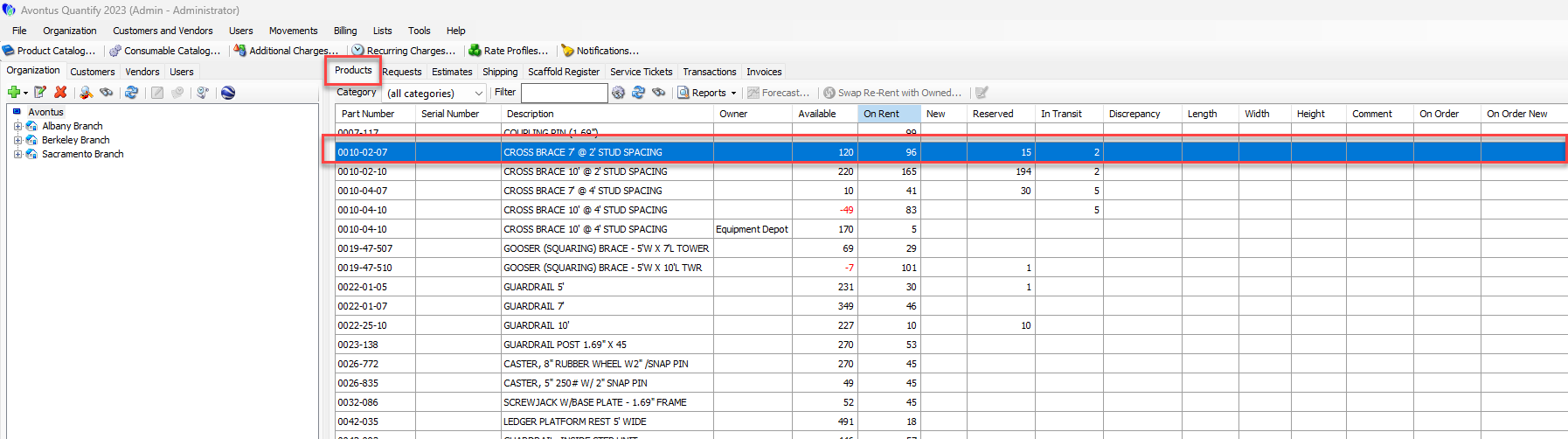
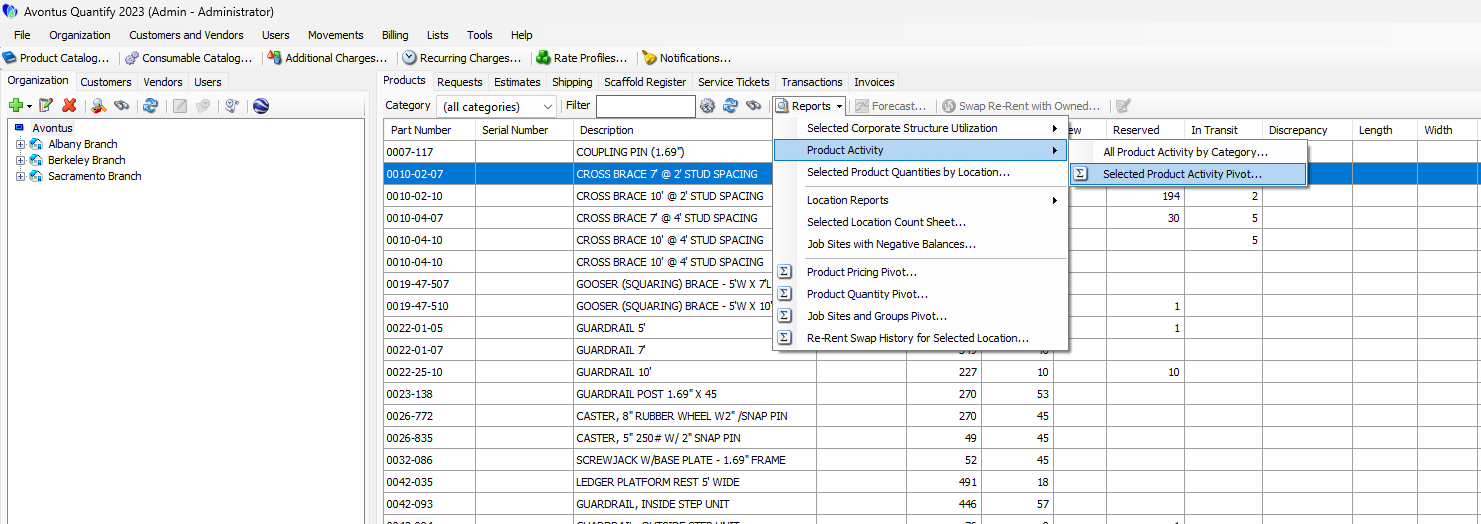
- Click the Report dropdown and select Selected Product Activity Pivot from the Product Activity sub-menu.
The Product Activity pivot appears, displaying details of Product disposition within specific time frames. - Click the calendar icon
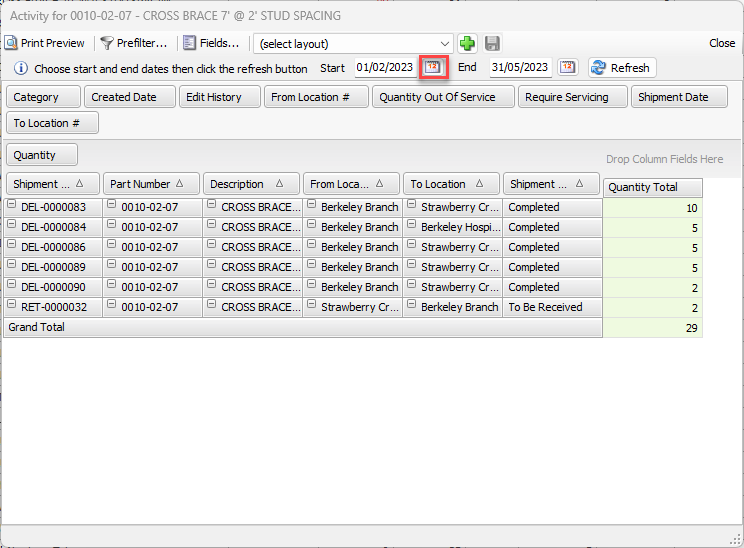
The calendar appears.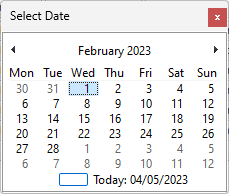
- Locate and click the start date for the report.
- Click the End calendar icon.
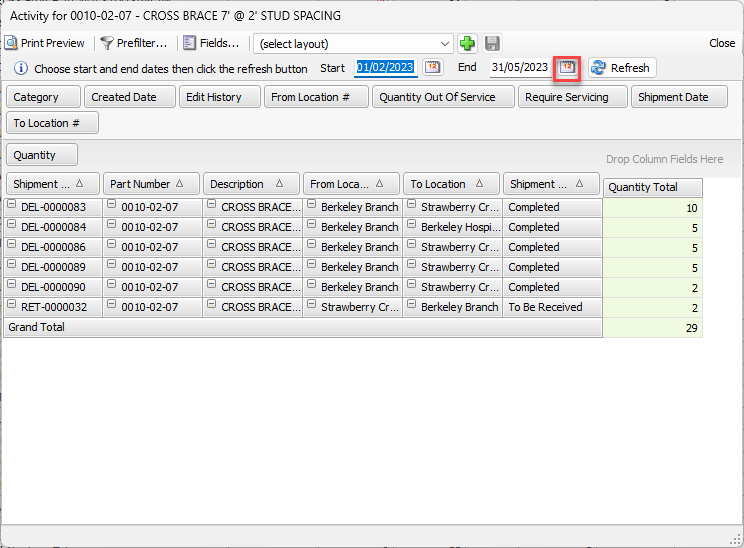
The calendar appears. - Locate and click the end date for the report.
- Click Refresh.
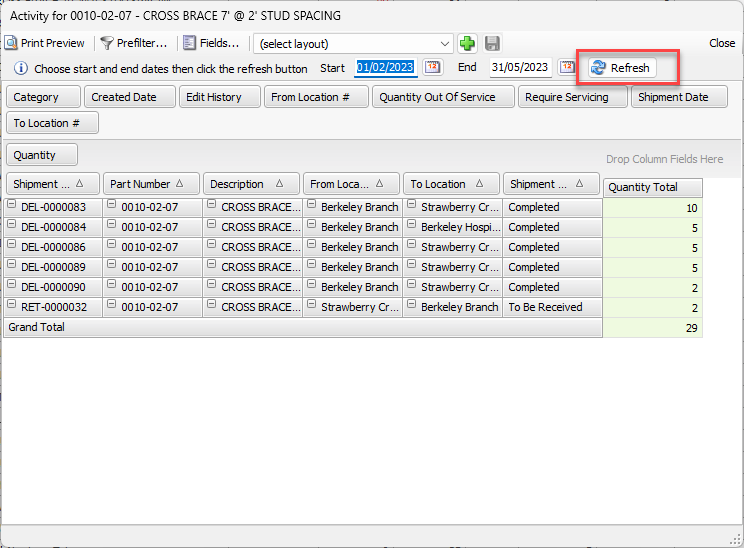
Quantify generates and displays the data for this time period.