When opening the Report Designer, you will be presented with a list of Reports.
To the left is the list of reports avaiaible in Quantify. On the right is the modified versions of these reports.
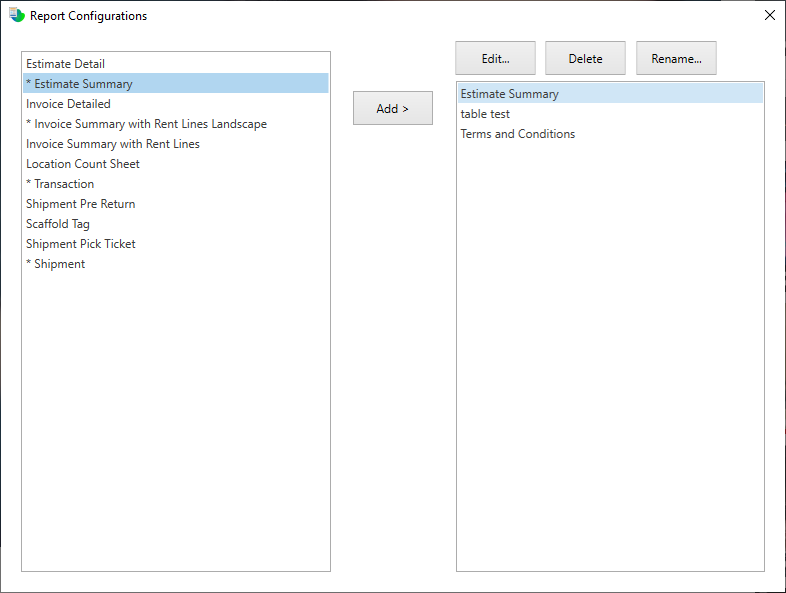
To modify a report, click the report and select the Add buton.
You can edit, delete or rename a modified report by clicking the Edit, Delete or Rename buttons respectively.