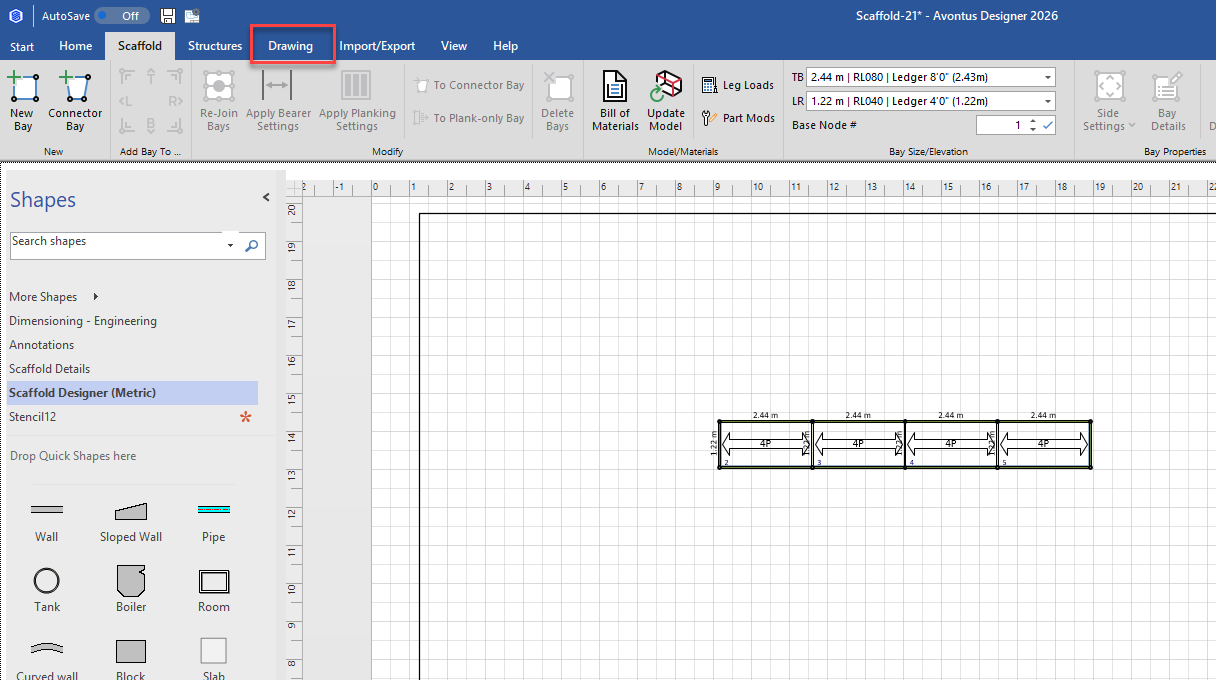
The Select Shapes tools are located in the Drawing ribbon. This tool enables you to select a specific category of objects in a drawing while leaving other objects unselected. Use this tool to select:
All Bay shapes in a drawing
All building shapes, such as walls, blocks, beams, etc.
All shapes other than Bays and buildings, such as rectangles, circles, lines, etc.
To use the Select Shapes tool:
Click the Drawing tab.
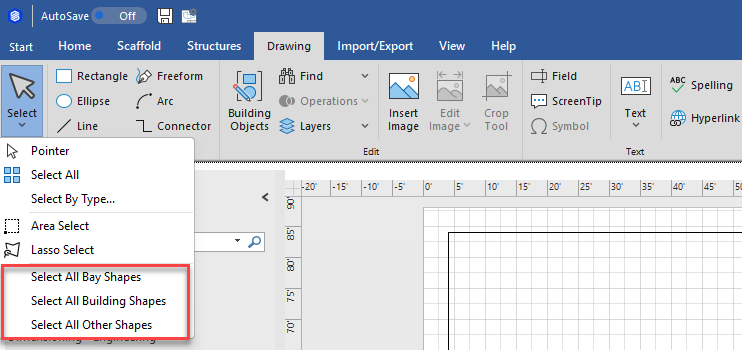
Click Select and make the appropriate selection from the menu that appears.
Select All Bay Shapes to select all Bay shapes in a drawing
Select All Building Shapes: Use this to select objects such as walls, blocks, beams, etc.
Select All Other Shapes to select all shapes other than Bays and buildings, such as rectangles, circles, lines, etc.
Avontus Designer selects the appropriate items in the Drawing Page.