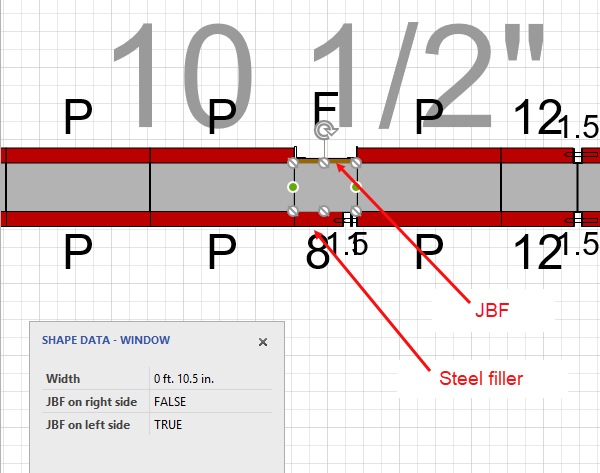
Use these procedures to change the Filler type on the right side of a Wall from Job Built Filler to Steel Filler.
To use the Shape Data popup to change the Filler type:
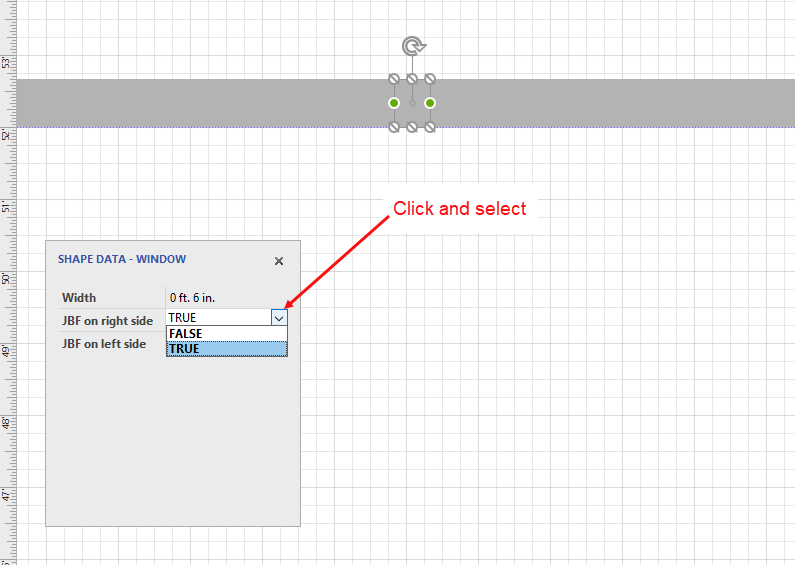
- Click the appropriate Filler and access the Shape Data popup.
- Click the JBF on right side dropdown and select False.
Note: Handset Designer uses the Wall's orientation to determine the left/right location (refer to Working with Walls in Handset Designer for more details).
Once you have drawn the Formwork, Handset Designer displays the different Filler types on the drawing.