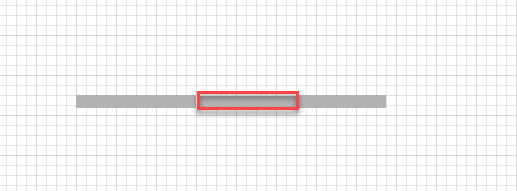
The Shape Data popup enables you to give an exact dimension for a Filler. You can also specify either a JBF or a steel form on one side or the other.
To use the Shape Data popup to edit a Filler:
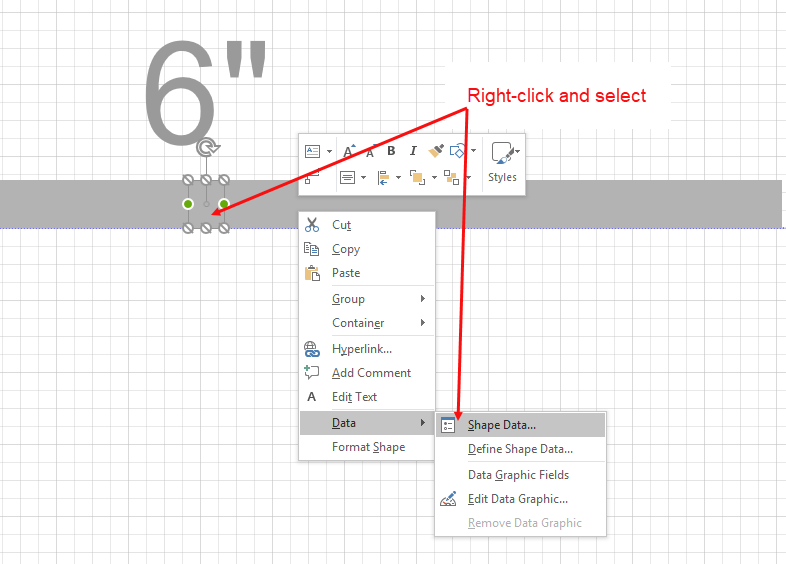
- Right-click the appropriate Filler shape and select Shape Data from the Data sub-menu.
The Shape Data popup appears. - Click the Width dropdown menu and select a new width.
Note: You can also click in the Width text field and enter the new width manually.
Note: For measurements use ft. for feet, in. for inches or m. for meters. You may also use the standard notations " for inches or ' for feet.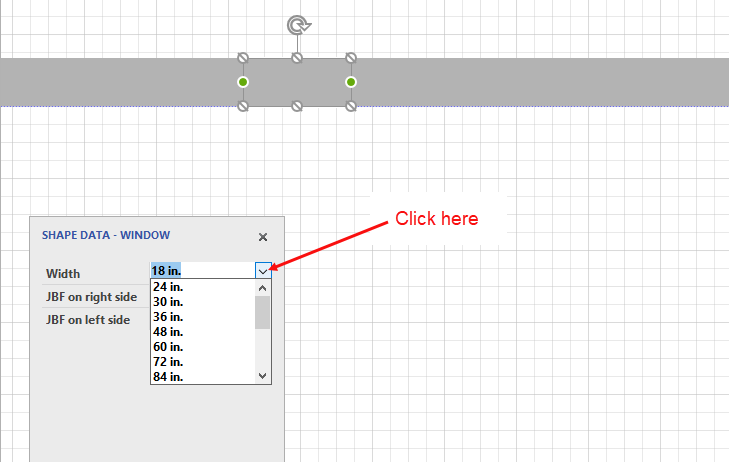
The new width is reflected in the shape.