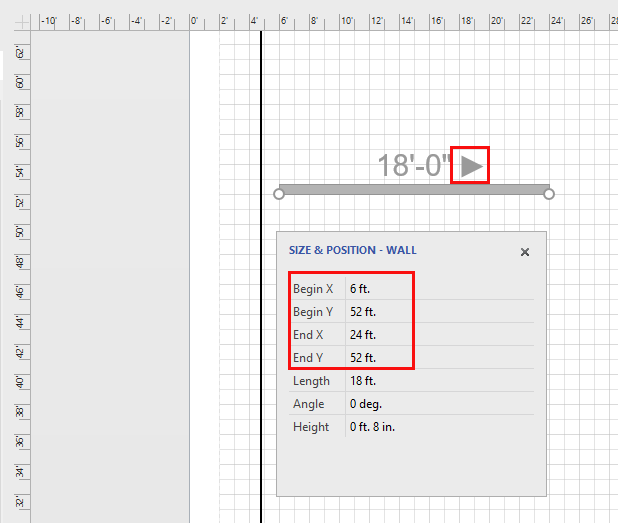
You can use the Size & Position popup to flip the direction of a Wall.
To use the Size & Postion popup to reverse the direction of a Wall:
- Click your Wall to select it.
- Click the Size & Position button in the Handset Designer toolbar.
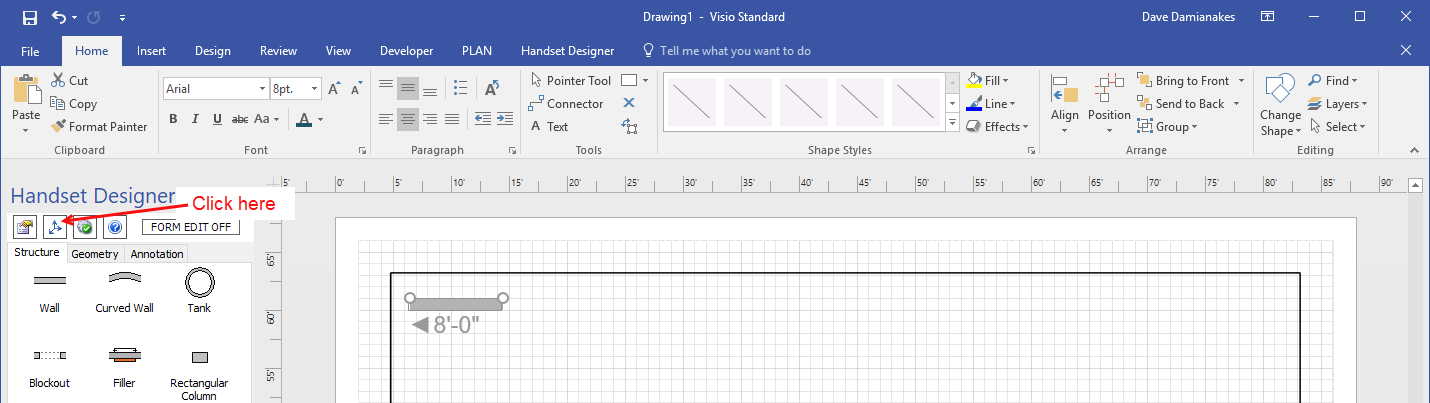
- The Size & Position popup opens:
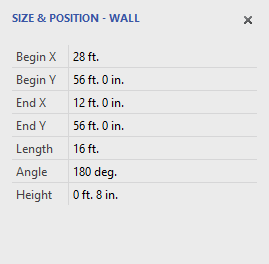
Depending on direction that your Wall runs along the X-Y coordinates of your drawing: - Click the Begin X or Begin Y text field.
- Enter the new value.
- Click the field marked End X or End Y.
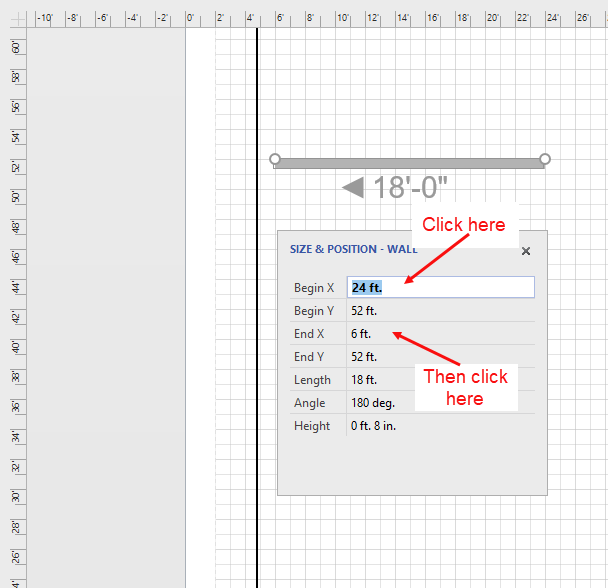
- Press the Enter key on your keyboard.
The direction of the Wall changes.