Using the Structure Tab to Place Drawing Elements
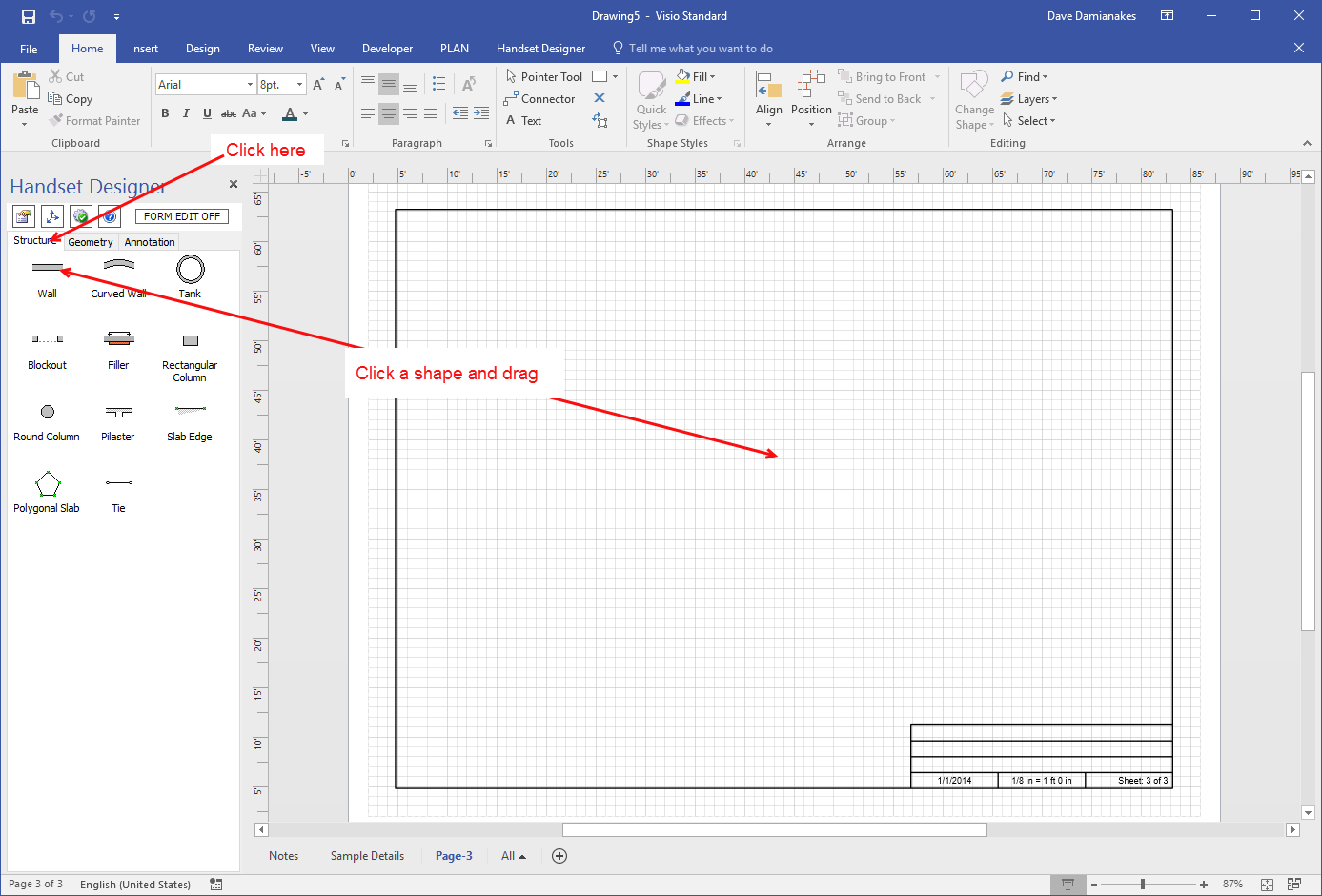
The procedures below explain how to add the shapes you find in the Handset Designer Structure tab onto the Drawing page.
To add shapes onto a Drawing Page:
- As necessary, click the Handset Designer Structure tab.
- Click a shape and drag it onto the Drawing Page.
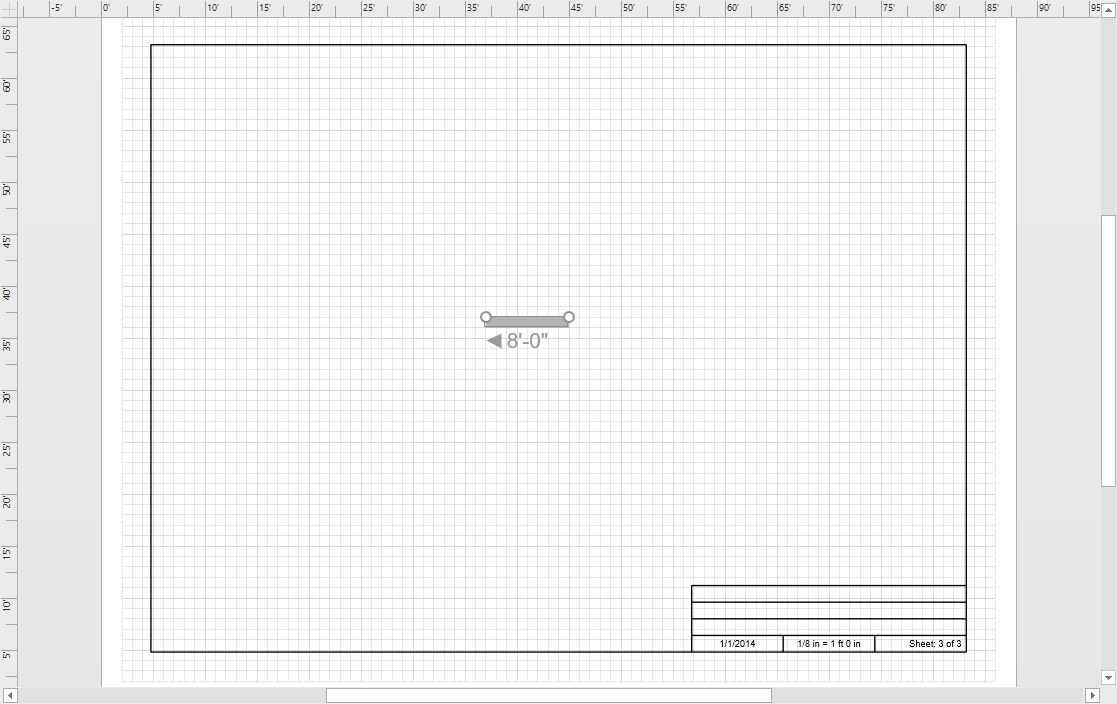
Handset Designer adds the shape to the drawing.
Was this article helpful?