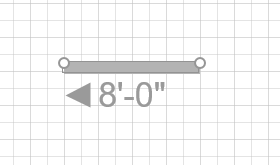
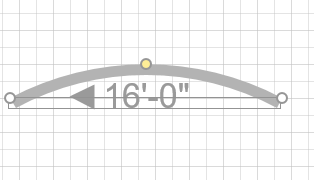
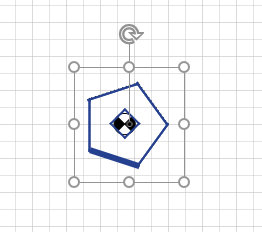
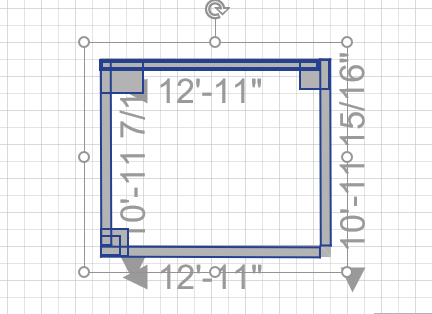
Each shape has handles that enable you to adjust its length and angle. For example:
To resize a shape:
To resize a shape, click its handle and drag it in the direction you want.
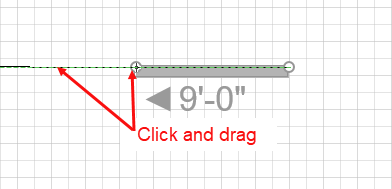
Handset Designer adjusts the shape accordingly.
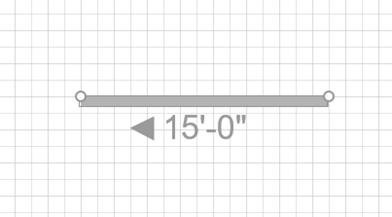
Each shape has handles that enable you to adjust its length and angle. For example:
To resize a shape:
To resize a shape, click its handle and drag it in the direction you want.
Handset Designer adjusts the shape accordingly.