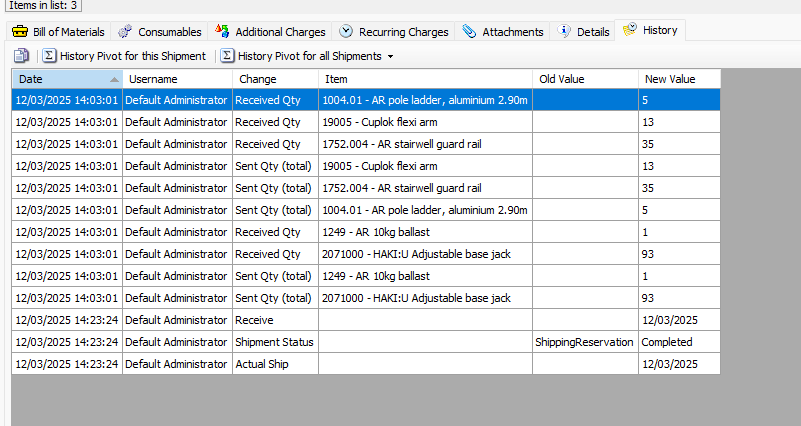
The History tab displays the edit, receive and void history of Shipments.
To view a Shipment history:
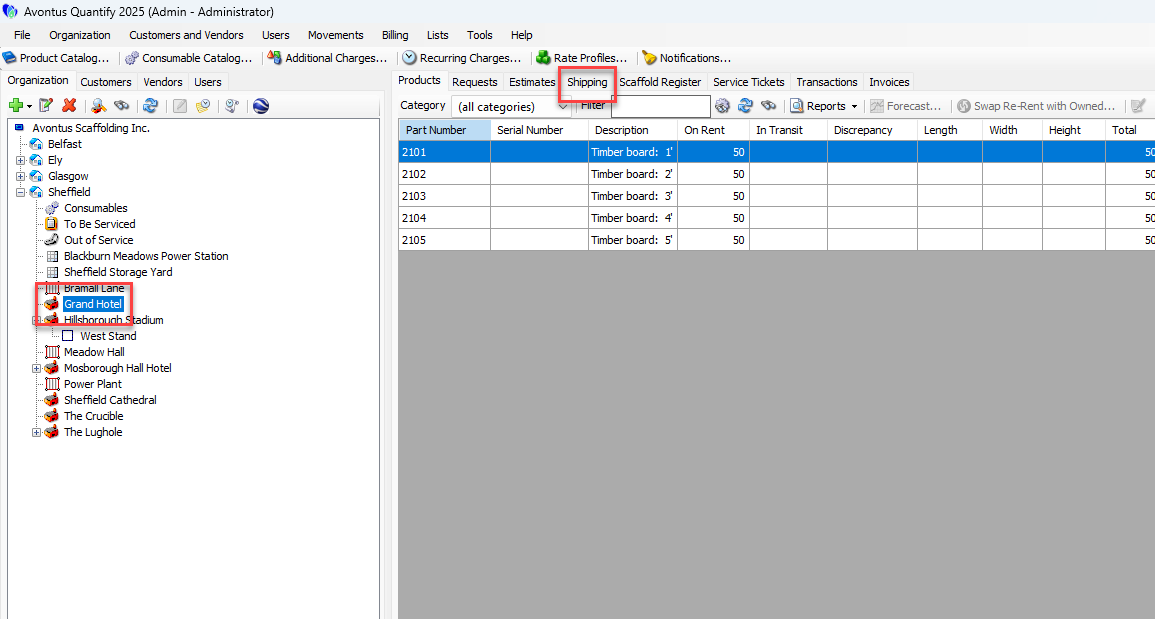
Locate and click the appropriate location and click the Shipping tab.
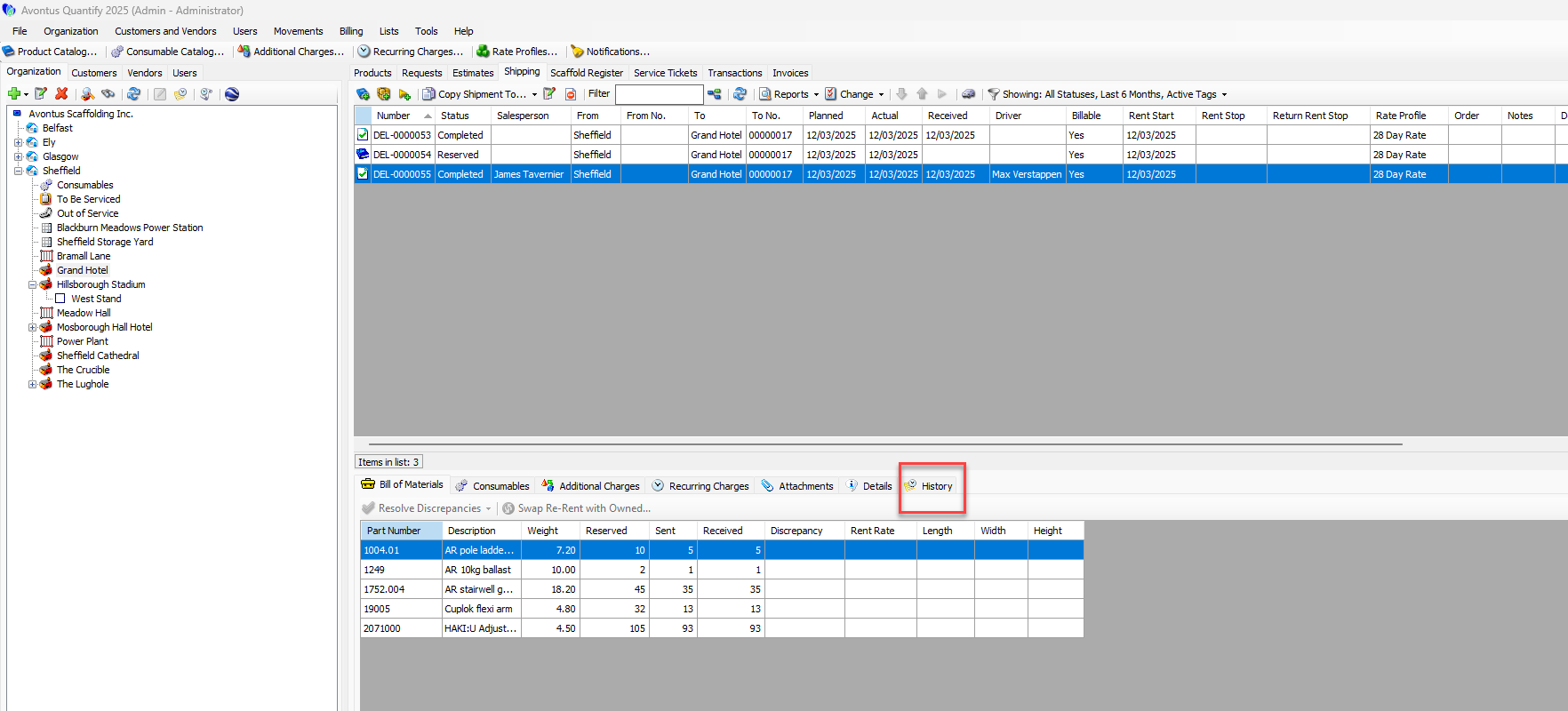
Click the appropriate Shipment(s), then click the History tab.
The columns in the History tab display:
Date | Date and Time shipment was edited |
User Name | Quantify User who edited the shipment |
Change | Type of change that was made to the shipment |
Item | Item that was edited |
Old Value | The original value for this item before the edit |
New Value | The current or new value for the item after the edit |