When working on a new drawing or editing an existing drawing, you can view the following tools or remove them from view. There are two sections from which to select view options, the Show group and the Task Panes menu.
From the Show Group on the View Ribbon
To change a Drawing Page view in the Show group:
- Click the View tab
- Locate and click the appropriate checkboxes to add or remove the tool from the Drawing Page

From the Task Panes Dropdown in the View Ribbon
To view a Drawing Page tool from the Task Panes menu:
- Click the View tab, then click the Task Panes button to open the dropdown menu.
- Locate and select the appropriate tool.

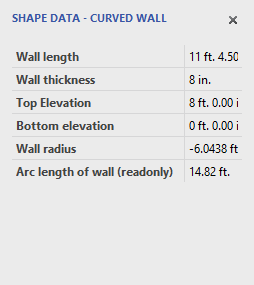
Shape Data
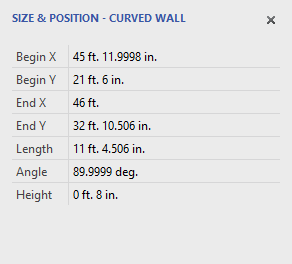
Size & Position
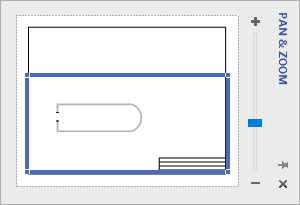
| Pan & Zoom
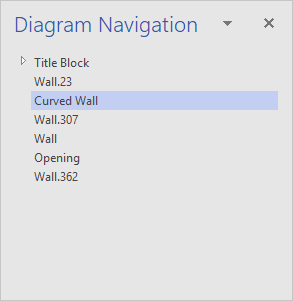
Diagram Navigation
|
Note: Because Handset Designer supplies the building shapes for you from the Structure tab of the Stencil pane, the Visio Shapes popup is not used inside Handset Designer.