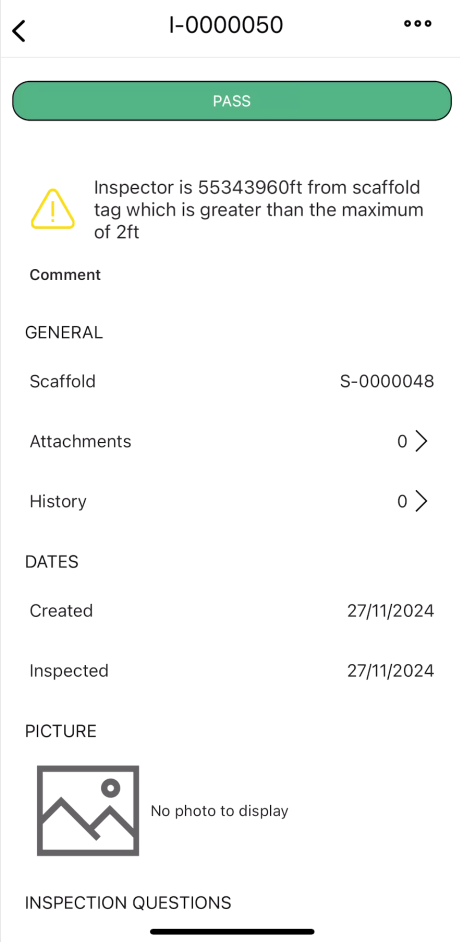
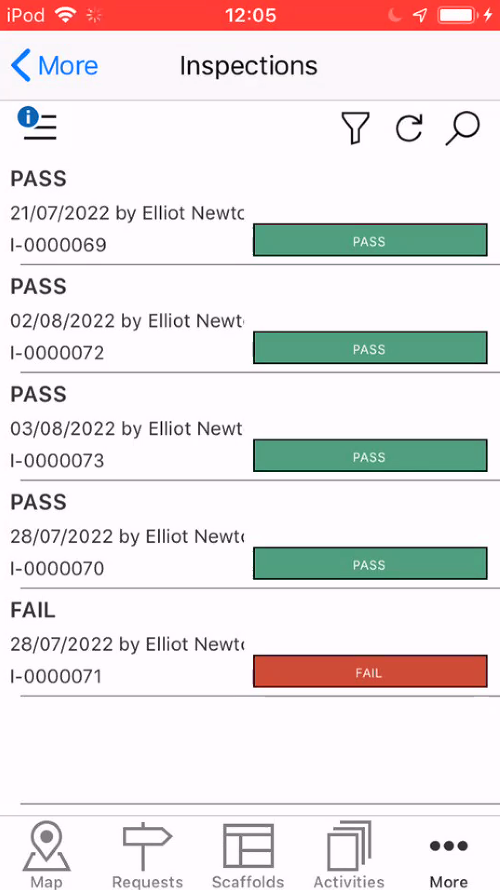
The Inspections screen displays all passed or failed Inspections. You can use this section of ScaffoldIQ to view why an inspection has failed.
Accessed by selecting More along the bottom toolbar, the inspections section provides an overview of all passed or failed inspections. Whenever a scaffold's inspection is passed or failed you can find details of the scaffold inspection here.
To access the Inspections screen
- To access the Inspections screen
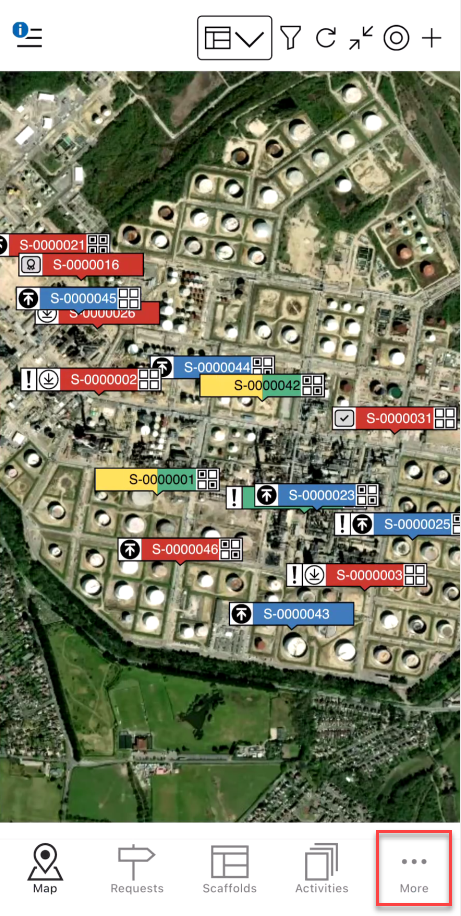
Tap More
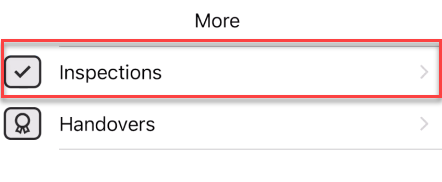
Tap Inspections
You will see a list of inspections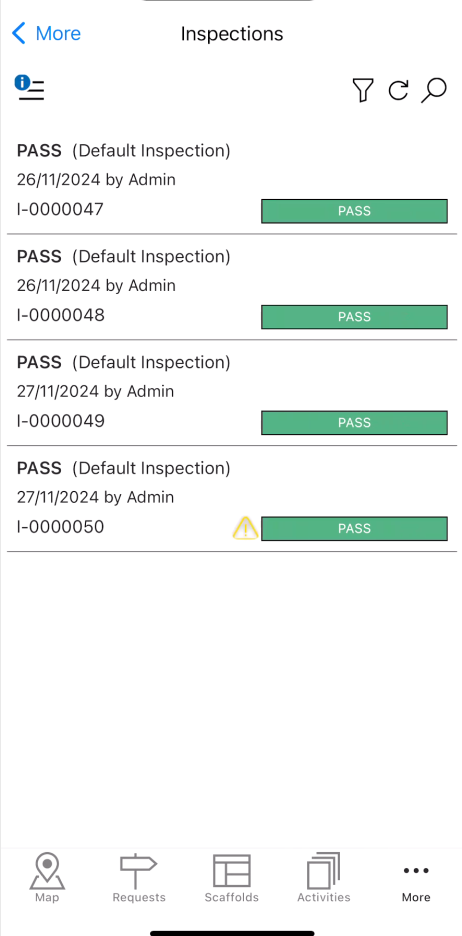
Tap on an inspection to open its details.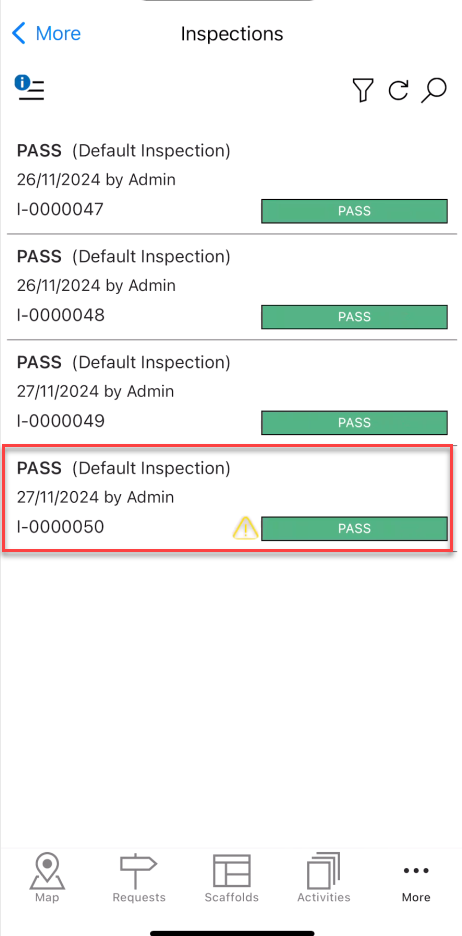
The details of the selected Inspection will be displayed