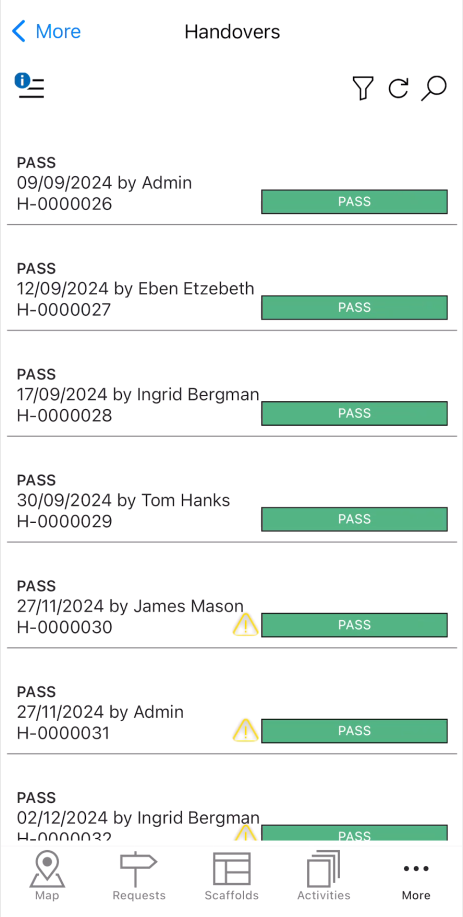
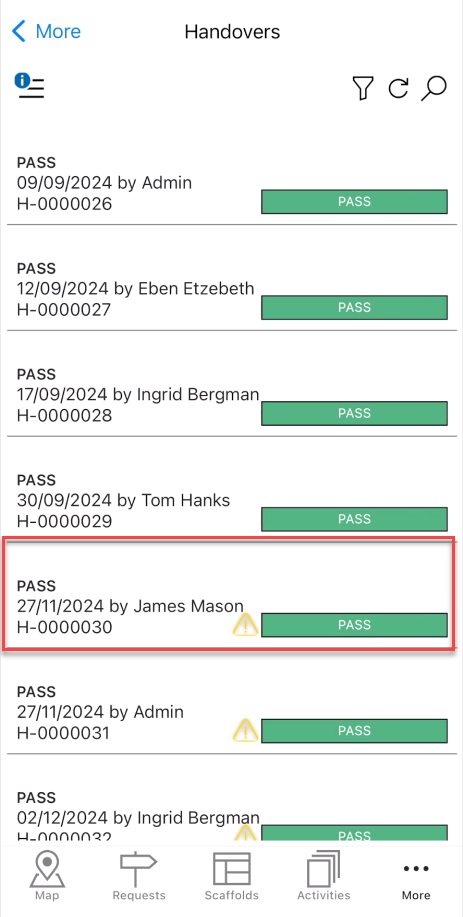
The Handover section provides an overview of all passed or failed Handovers. Whenever a scaffold's Handover is passed or failed you can find details of the scaffold handover here.
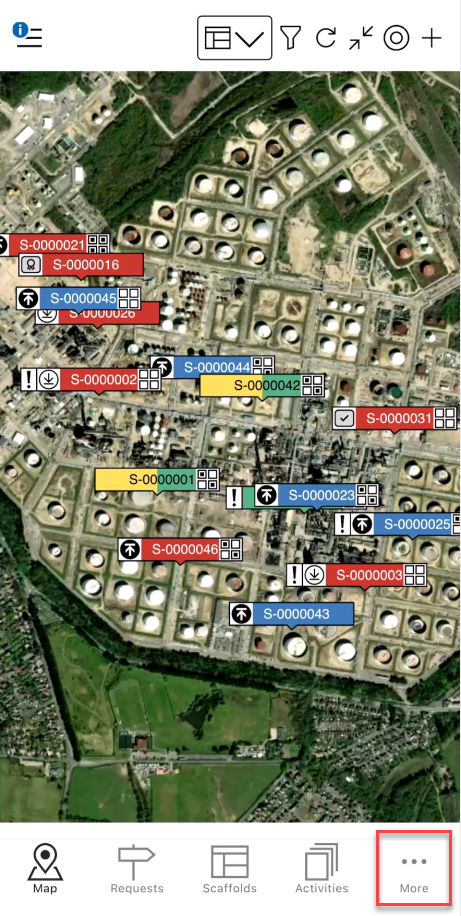
To open the Handover screen, tap the More button
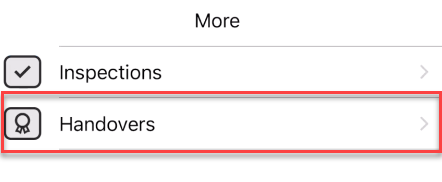
Tap Handovers.
Tap the handover to open its details.
The details of the selected Handover will be displayed
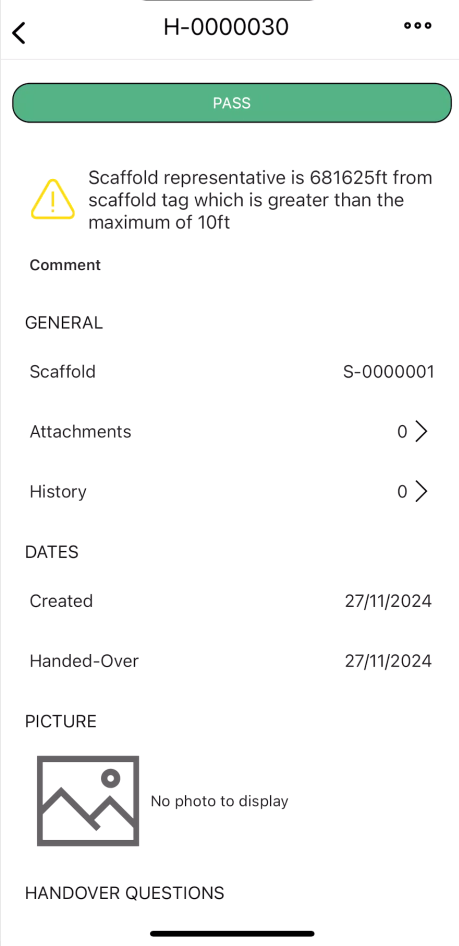
Pass/Fail
This is the result of the Handover.
You can select Pass

Or you can select Fail

Comment
Add a relevant comment that highlights the purpose of the Handover.

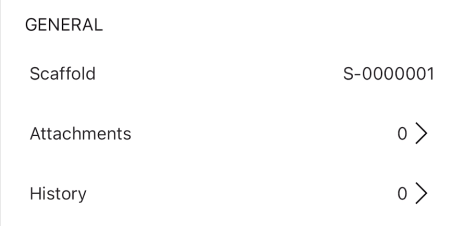
General
This section details the attachments and the history of the Handover.
Scaffold - The scaffold undergoing Handover.
Attachment - Any attachments linked to this Handover. The preceding number displays how many attachments are attached to this Handover.
History - The changes made to this Handover. The preceding number displays how many changes have been made to this Handover.
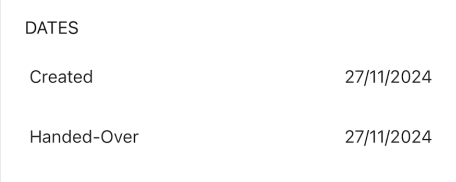
Dates
This section is for dates related to the Handover.
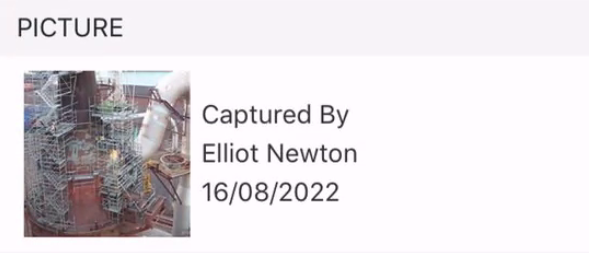
Picture
An image related to the Handover.
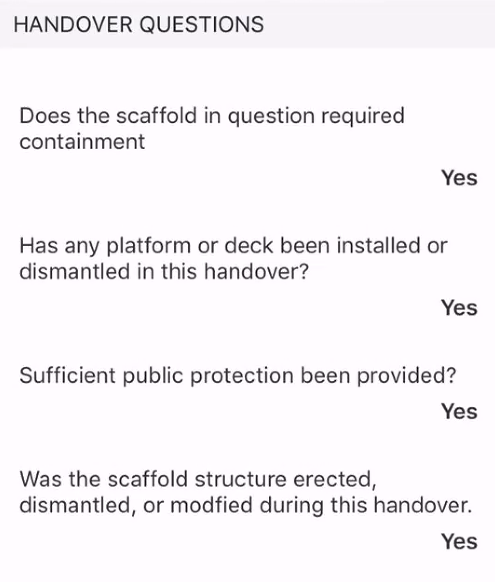
Handover Questions
This section displays the questions that were completed when handing over the Scaffold. You can create Handover questions on the Desktop, please visit Adding a Handover Question
Scaffold Representative and Recipient
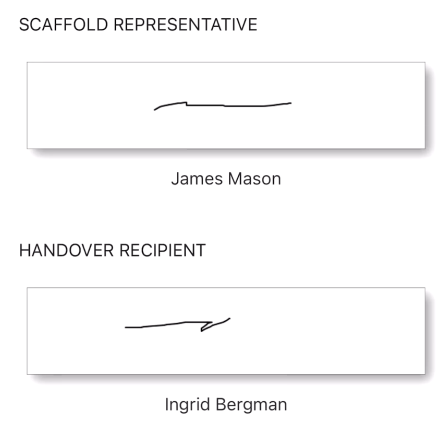
This is the Scaffold Representative and recipient and their signatures.