"Watching" a Request allows the user to be updated whenever a change is made to the Request or the Request's status changes. You can see any notifications on the Notifications screen.
To watch a request:
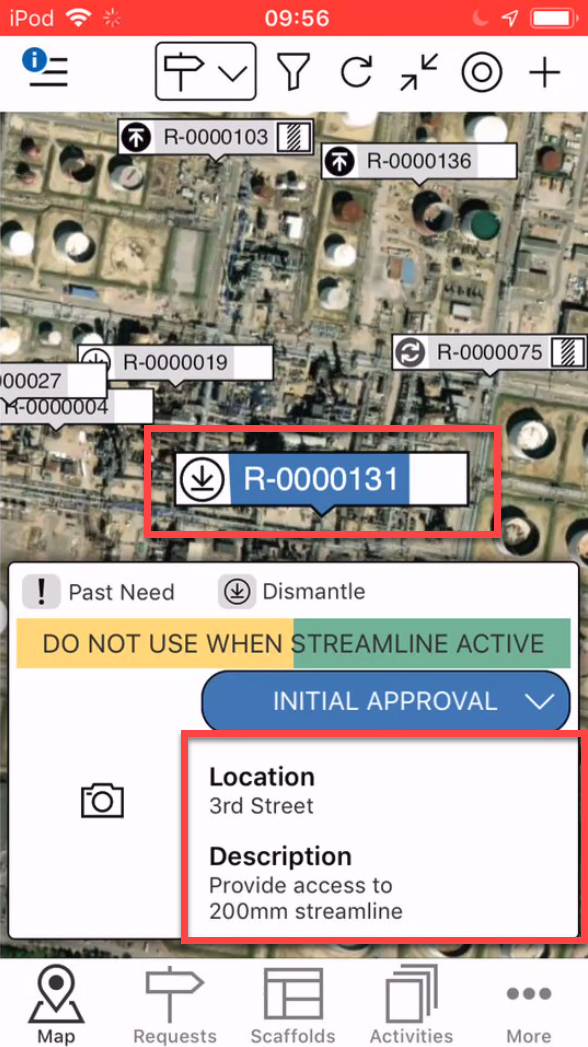
On the Map screen, tap the Request you wish to watch
Tap the Request Details area
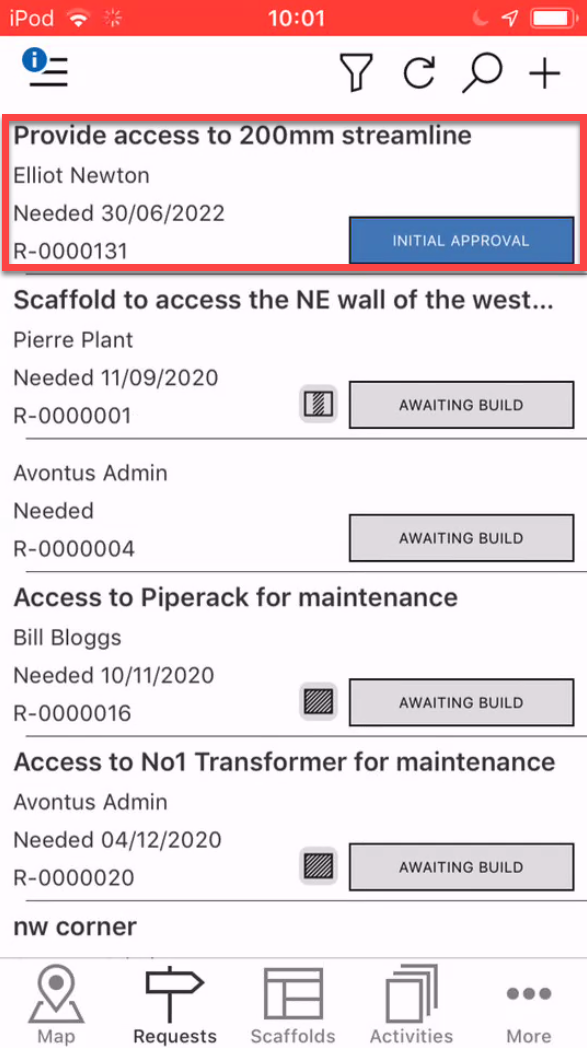
Note: You can also access the Request details by tapping on the Request in the Requests screen
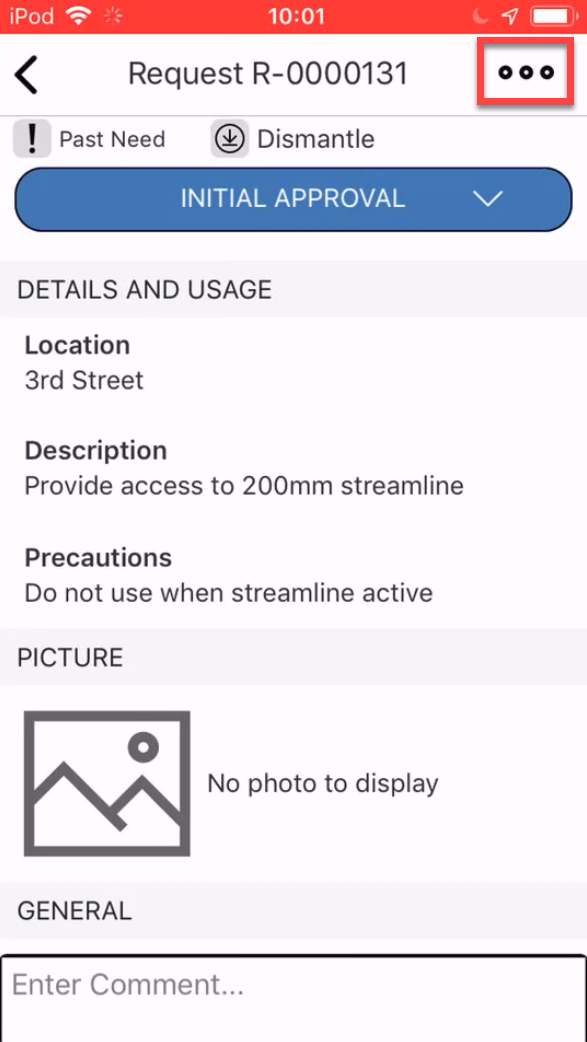
In the Request screen, tap the three dots in the top-right
Tap either Watch All Changes to watch all changes including status changes or Watch Status Changes to watch only status changes.
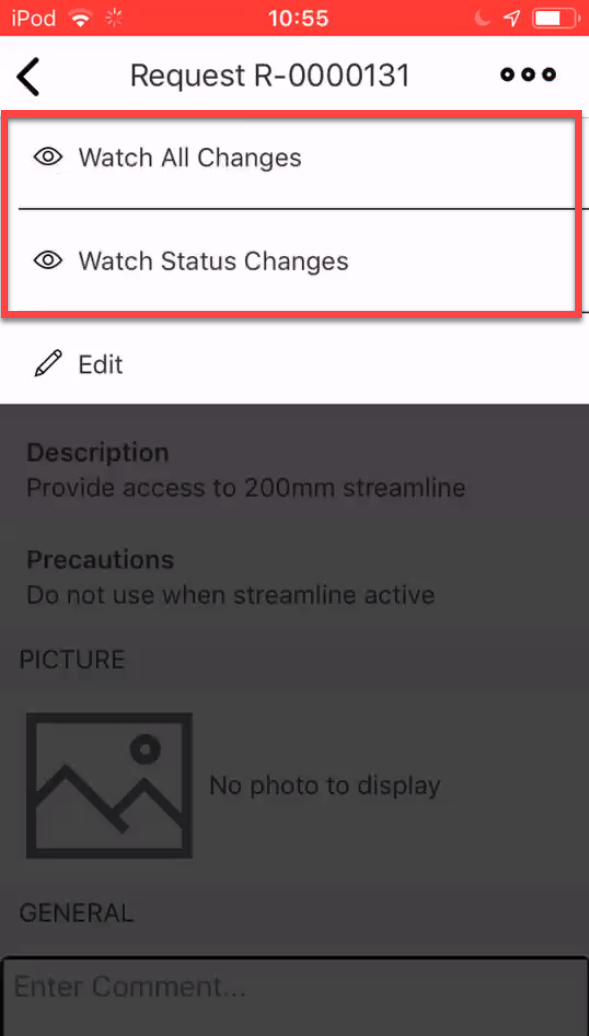
Note: Tap the selected option to no longer watch the selected request.