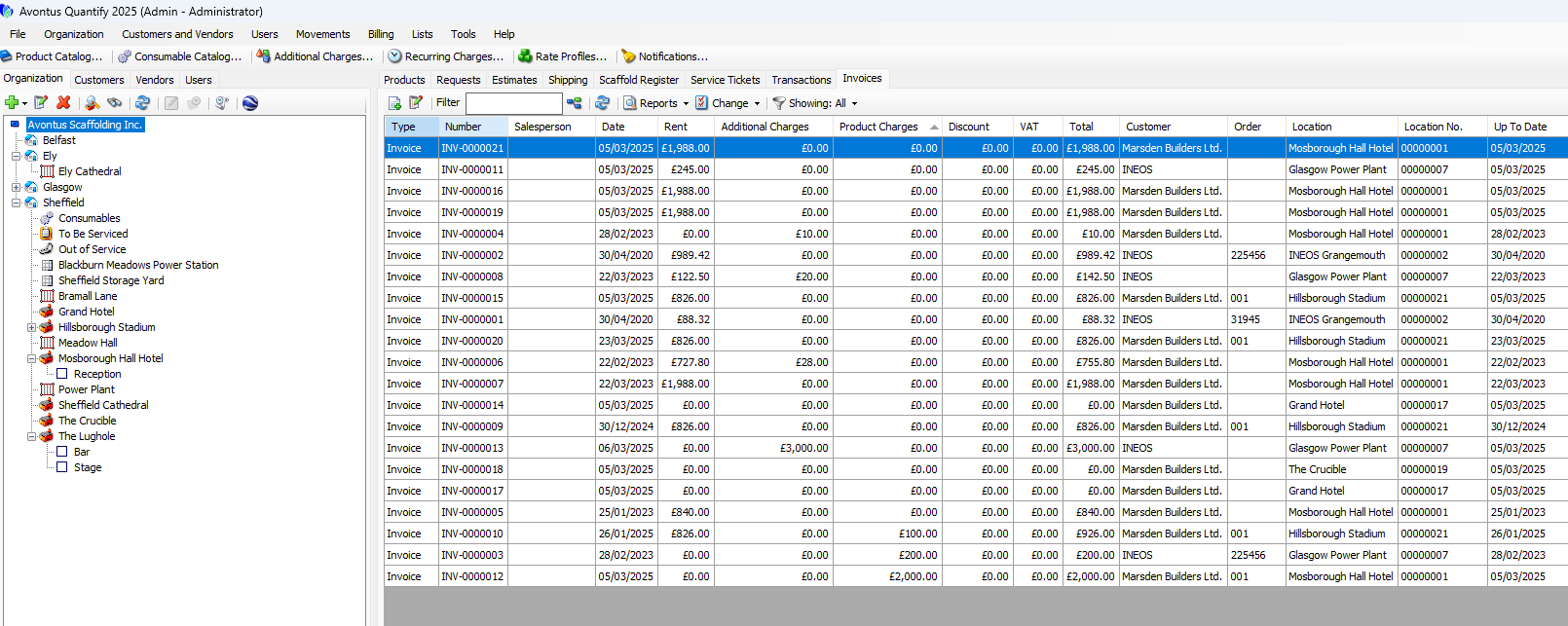
Quantify enables you to generate invoices that include billable amounts for rent, consumable items and a variety of other charges.
When using Rate Profile Mode (refer to About the Global Options Dialog Billing Tab), per-piece rental rates are pre-defined in Rate Profiles. Rate Profiles are assigned to Job Sites, enabling you to assign different rates for each Job Site.
If Quantify is configured for Single Rate mode (refer to About the Global Options Dialog Billing Tab), you must enter default rent rates into the Product Catalog.
When you create a billable Job Site, you must define billing settings. In addition to assigning a Rate Profile, you must also assign a billing method, a customer and a tax rate. Quantify generates invoices for the customer based on the Job Site settings.
Quantify derives charges that occur on invoices from the following items:
Shipments: When creating a Shipment, the rent start (DEL) date defines when rent will begin accruing for the items in that Shipment. The rent stop date on return (RET) Shipments defines when rent will stop accruing for the items in the Shipment. Shipments can include charges for per piece rent, recurring rent, delivery charges, return credits, Consumable charges and Additional Charges.
Out of Service fees: When returning equipment, you can set rental parts to Out of Service. Also, you can set Out of Service items to be billable to the job they were returned from.
Servicing fees: When using Quantify to service items, you can create Service Tickets to be invoiced to a Job Site.
Sales: Transactions (MOV) can be used to sell products and consumables to customers, to be invoiced to a Job Site.
Rate Profiles, Additional Charges, Job Sites, Customers and Shipments all work together to create an Invoice for rental billing.