Customers are companies/organizations to whom Products will be rented or sold. You create and edit Customers in the Customer dialog.
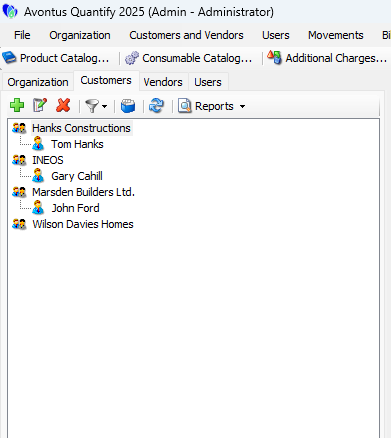
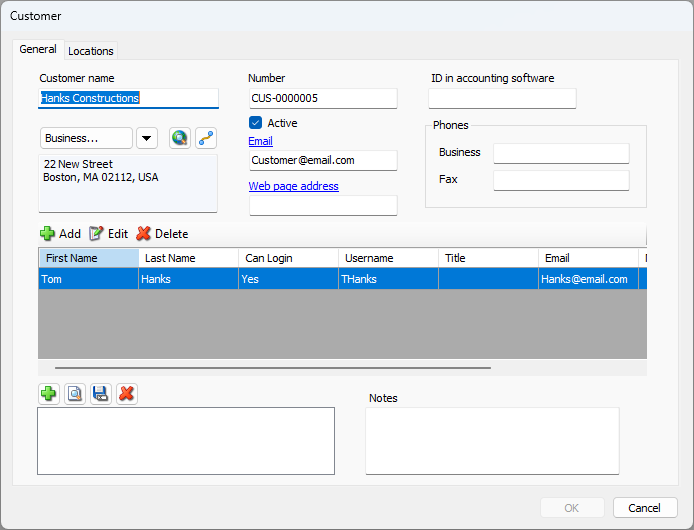
Each Customer account includes general contact information, addresses (including billing addresses that will be used when invoicing), accounting integration details, as well as company contact. Refer to Setting Up a Customer Company below for more information about creating a Customer.
A Customer is assigned to a Job Site at the time the Job Site is created. For information on adding Job Sites, refer to Creating or Editing a Job Sites (Regular or Scaffold Tracking) or Group.
Purchase Orders and Work Orders can be associated to a Customer. For information on Purchase Orders and Work Orders, refer to the Adding PO Numbers and Work Order Numbers to a Customer section of Working with Purchase Orders.
Customer Contacts
Customers can be added to Customer entries, to record basic contact information. Additionally, the Customer User can be set up to enable them to log in and access Quantify.
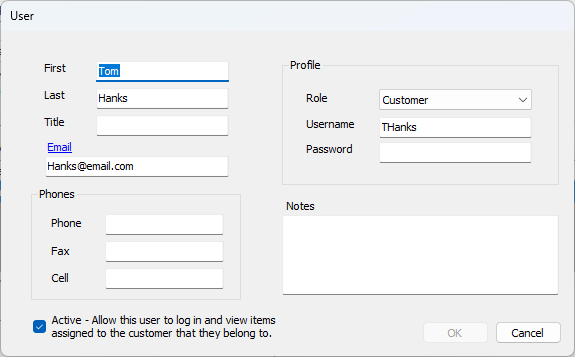
When allowing a Customer User access to Quantify, the User will be able to view only the Job Sites and Groups they are assigned to, including associated Estimates, Product balances, Shipments and Invoices. For more information, refer to Creating a Customer User.
To login, the Customer User must be on the same network as the Quantify database. If Quantify Web is installed, the Customer User can also connect to Quantify via Remote Connection, or via Quantify Web in a browser.
If Location-Based Security is turned on, refer to Assigning a Customer Contact/User to Multiple Job Sites for adding Customer Users to Job Site security lists.
Customer Locations
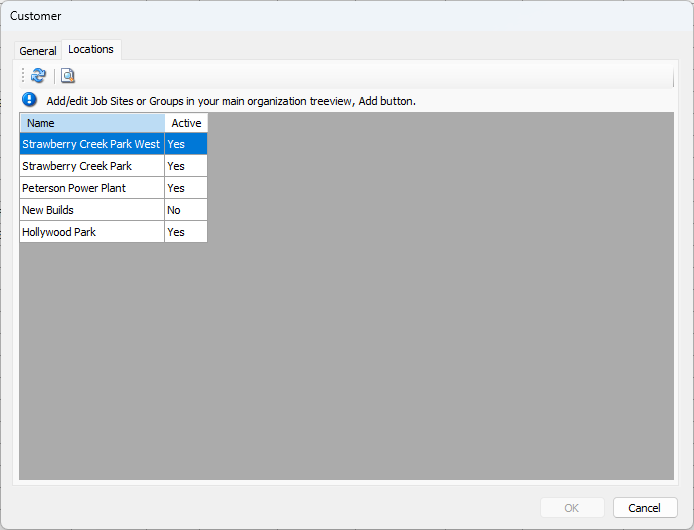
The Location tab in the Customer dialog displays all the Job Sites and Groups assigned to the Customer. As Job Sites are added to a Customer in the database, Quantify automatically adds the Job Site to the list of locations.