The Lists menu enables you to add Delivery Drivers that users can assign to Shipments, Reservations, etc.
Adding a Delivery Driver
Before you can add a Diver to a Shipment or Reservation, you must first add it to the Quantify database. The Drivers dialog provides the means for managing the list of Delivery Drivers.
To add a Delivery Driver:
Click the Lists menu and select Delivery Drivers.
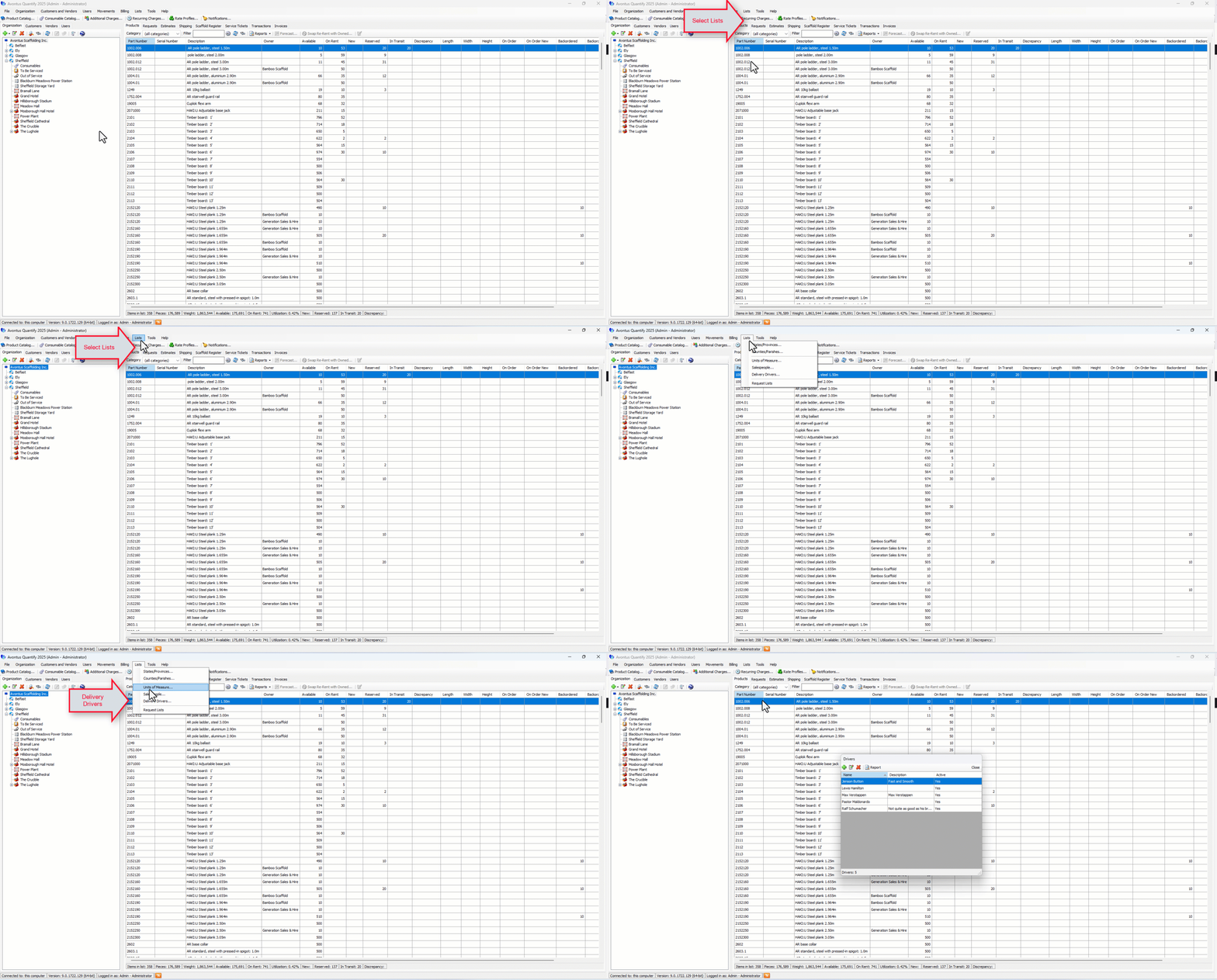
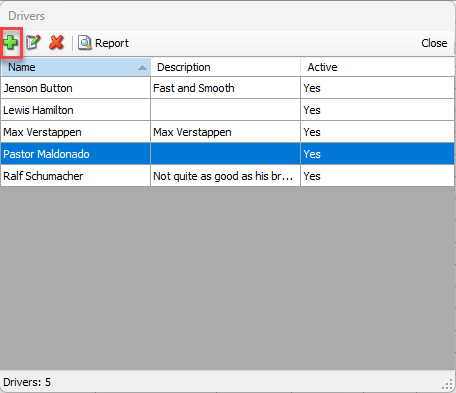
The Delivery Drivers dialog appears.Click the Add button (
 ).
).
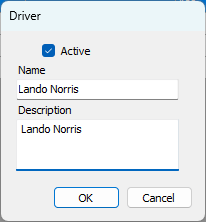
The Driver dialog appears.Click in the Name text field and enter a name for the new Delivery Driver.
Click in the Description text field and enter a short description of the new Delivery Driver.
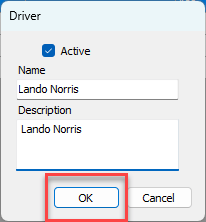
Click OK.
The Drivers dialog returns, with the new driver in the list of drivers.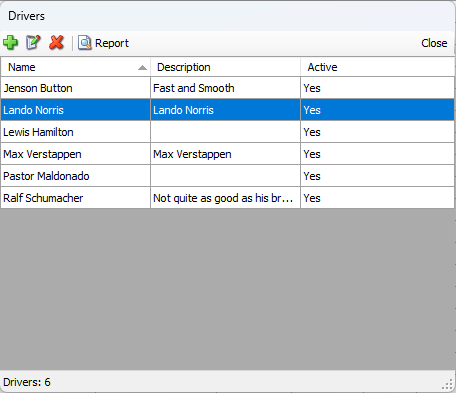
Deleting a Delivery Driver
Once entered, Quantify enables you to delete a Delivery Drivers's name at any time.
To delete a Delivery Driver:
Click the Lists menu and select Delivery Driver
The Drivers dialog appears.Click the Driver you want to delete, then click the Delete button (
 ).
).
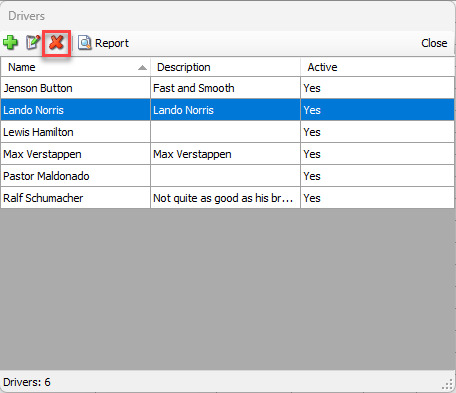
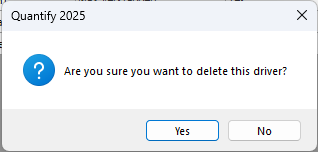
A confirmation dialog appears.Click Yes.
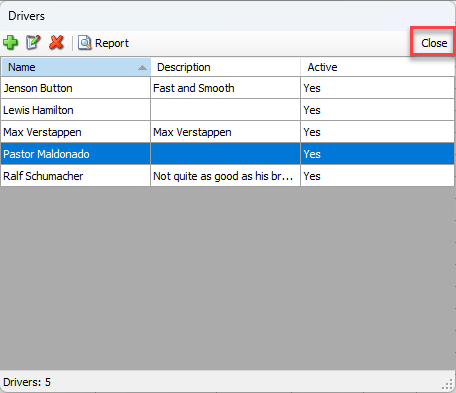
The Drivers dialog returns, minus the name of the deleted driver.Click Close.
Note: Drivers cannot be deleted, if they have been used